





What is pixel mapping and how is it applied in shows?
- 1) How do I calculate the number of LED wash fixtures and required lumen output to achieve consistent lux levels across a 500-seat theater stage?
- 2) What pixel pitch and total pixel density do I need so a video camera (1080p or 4K) captures LED matrices or walls without aliasing or moiré?
- 3) How many DMX/Art-Net/sACN universes do I need for 2,500 individually addressable RGB pixels, and how do I avoid data dropouts on long runs?
- 4) How should I design power distribution for high-density pixel strips to prevent voltage drop, overheating, and mid-show color shift?
- 5) How can I synchronize pixel-mapped effects with moving lights and video playback reliably so cues don’t drift during long shows?
- 6) When buying for touring productions, what are the trade-offs between LED moving heads with built-in pixel matrices and dedicated pixel bars/panels?
- Concluding summary: advantages of LED stage lights and pixel mapping solutions
Stage Lighting Design: Practical Pixel Mapping Solutions for LED Shows
This article answers six specific, frequently-asked beginner questions about stage lighting design and pixel mapping applied to LED stage lights. It provides actionable calculations, protocol guidance (DMX, Art-Net, sACN), power and thermal design, and real-world purchasing checklists for touring and installed shows.
1) How do I calculate the number of LED wash fixtures and required lumen output to achieve consistent lux levels across a 500-seat theater stage?
Begin by defining target illuminance (lux) and measuring the usable stage area (width x depth). Typical target ranges: general theatrical performance 300–750 lux on performing areas; broadcast or filmed events 1000–2000 lux. For a 10 m wide x 8 m deep stage (80 m2) aiming for an average of 600 lux:
- Required luminous flux (lumens) = area (m2) × lux = 80 × 600 = 48,000 lumens arriving on the stage plane.
- To account for fixture optical losses (beam cut-off, diffusion) and aiming inefficiencies, apply a system efficiency factor 0.6–0.8 (use 0.65 for conservative touring): Required output = 48,000 / 0.65 ≈ 73,850 lumens total from fixtures.
Next, select fixture lumen specs. If an LED wash outputs 9,000 lumens usable (after manufacturer spec), you need ≈ 8–9 fixtures (73,850 / 9,000 ≈ 8.2). Distribute them by focusing zones: front keys, side fills, backlight, and specials. Consider throw distance and beam angle: lux on a surface depends on lumen output divided by the illuminated area from a given beam angle at the throw distance. Use photometric charts for exact aiming: spot lux = lumen × beam distribution factor / area. For even coverage, prefer wider-beam washes for general coverage and tighter optics for specials.
Practical tips: choose fixtures with CRI ≥ 90 for filmed productions; confirm manufacturer photometrics at your planned throw distance; use a lux meter to validate patches during tech. Build 20–30% headroom for peak looks and system degradation over time.
2) What pixel pitch and total pixel density do I need so a video camera (1080p or 4K) captures LED matrices or walls without aliasing or moiré?
Camera capture requires the LED screen to contain at least the same number of pixels across the camera framing area that you intend to reproduce. Use a required-pixel approach rather than vague viewing-distance rules.
- Decide camera capture resolution and framing: e.g., full HD (1920 px) or 4K (3840 px) across the on-camera horizontal area of the LED wall.
- Measure the physical width (meters) of the LED content area that the camera will fill. Required horizontal pixel count = target capture pixels (1920 or 3840).
- Pixel pitch (mm) = (physical width in mm) / required horizontal pixels.
Example: camera frames a 4 m-wide LED wall and you want it to read as full HD (1920 px): pixel pitch = 4000 mm / 1920 ≈ 2.08 mm (P2.1). For 4K capture across that same 4 m width, pixel pitch ≈ 1.04 mm (P1.0), which is expensive and usually unnecessary unless very close camera angles are used.
Other considerations: camera sensor, optics and exposure (overbright LEDs can bloom), scanning frequency and refresh rate (use high PWM refresh rates >2 kHz to avoid flicker), and anti-aliasing in camera settings. For live concerts with multiple camera distances, choose a compromise pixel pitch (P2.6–P4.8 for indoor concert LED walls) and place tighter-pitch elements where cameras will be closest (floor scrims or wing panels). Always request manufacturer pixel pitch, refresh rate, and measured contrast ratio for video-use cases.
3) How many DMX/Art-Net/sACN universes do I need for 2,500 individually addressable RGB pixels, and how do I avoid data dropouts on long runs?
Calculate channels first. Each RGB pixel uses 3 channels; with white (RGBW) use 4 channels. For 2,500 RGB pixels: channels = 2,500 × 3 = 7,500 channels.
- DMX universes required = ceil(channels / 512) = ceil(7,500 / 512) = 15 universes (since 14 × 512 = 7,168 < 7,500).
For networked pixel systems, prefer Art-Net or sACN (E1.31) over raw DMX when handling multiple universes. Best practices to avoid dropouts:
- Use a reliable Ethernet network: gigabit switches with multicast capability and IGMP snooping for Art-Net/sACN traffic.
- Segment traffic—use separate VLANs for media servers and lighting control when possible to avoid congestion.
- Keep fixture controllers and pixel decoders within recommended cable runs; for long distances, use optical fiber or network-to-DMX nodes at each stage sector.
- Use hardware that supports sACN (more robust unicast/multicast options) and devices that can lock to a stable clock if sync is required.
- Test bandwidth: a single universe of 512 channels at 40 fps is ~512 × 40 = 20,480 channel updates/sec; ensure your server and network can sustain aggregate throughput for all universes and target frame rate (30–60 fps for smooth pixel effects).
Finally, use proper termination and shielding for DMX cabling where legacy devices are present, and add redundancy (backup media server or Art-Net/sACN failover) for critical touring events.
4) How should I design power distribution for high-density pixel strips to prevent voltage drop, overheating, and mid-show color shift?
Power and thermal design are the most common causes of unreliable pixel installations. Start with accurate per-pixel wattage. For addressable 5V pixel LEDs (e.g., WS2812/WS2811 family) at full white each pixel can draw up to ~60 mA → 0.06 A × 5 V = 0.3 W per pixel. For 12 V and 24 V modules, per-pixel power is lower per channel but cumulative power is still significant.
Example calculation: 1,000 pixels @ 0.3 W each = 300 W. Account for 20–30% headroom → spec a 360–400 W PSU.
Voltage drop strategies:
- Use multiple power injection points: for 5 V strips inject power every 1–3 m depending on strip spec; for 12 V/24 V runs spacing can be wider but still inject every 5–10 m for long arrays.
- Use thicker gauge cable for positive and ground returns (calculate voltage drop with cable AWG tables). For currents above 10 A, use 12 AWG or thicker depending on run length and allowable voltage drop (target <5%).
- Balance loads across multiple PSUs and fuse each supply separately. Do not parallel different-brand PSUs without proper balancing hardware.
- Design for heat dissipation: use aluminum profiles or convection channels for high-density modules. Elevated junction temperatures reduce LED lifespan and shift chromaticity.
Monitoring and protection: include current sensing, temperature sensors, VP detect for each rails, and use RCD/GFCI and earth grounding for safety. For touring rigs, provide labeled distro maps and spare PSUs for fast swap-outs. If you use higher-voltage pixel drivers (24 V), you benefit from lower current and fewer injection points—trade-offs include availability of pixel modules and cost.
5) How can I synchronize pixel-mapped effects with moving lights and video playback reliably so cues don’t drift during long shows?
Synchronized cueing across pixel servers, moving fixtures, and video playback is solved by using a single timebase or tightly integrated control system. Methods used in professional rigs:
- SMPTE LTC/MTC timecode: use a master timecode (SMPTE over LTC or MTC over RTP) sourced from a central show control (DAW, playback server). Devices that accept timecode can trigger lighting cues frame-accurately.
- Network sync using sACN/Art-Net with explicit synchronization flags or PTP/NTP: some advanced media servers and consoles support PTP (IEEE 1588) for precise timestamping; use sACN synchronization for frame alignment where available.
- Use an integrated control ecosystem (grandMA, ETC Eos, Hippotizer, Brompton, or dedicated media servers like Resolume/Madrix) so that moving lights and pixels are driven from the same cue list or timeline. This eliminates merge latency and ensures deterministic behavior.
- Minimize network hops and avoid multicast storms; where multicast is necessary, enable IGMP snooping and dedicate switches for lighting/data transport.
Operational tips: preflight the show at run-time speeds, log latency between console cues and server frames, and use a single master for playback (or hardware redundancy) to prevent split-brain timing. For broadcast or tight film syncs, genlock cameras and video servers where applicable.
6) When buying for touring productions, what are the trade-offs between LED moving heads with built-in pixel matrices and dedicated pixel bars/panels?
Compare by category:
- Brightness and optics: Moving heads with built-in pixel matrices typically prioritize beam/gobo optics and brightness per fixture; dedicated pixel bars/panels prioritize flat imaging and tighter pixel pitch. For long-throw aerial effects, moving heads win; for stage-front graphics or camera-facing backdrops, pixel panels/bars with higher pixel density are better.
- Pixel control granularity: Dedicated pixel devices usually offer more pixels per meter and finer control for mapped content. Moving head matrices can be great for mid-field effects but have larger pixel pitch and limited matrix sizing.
- Weight, rigging and serviceability: Dedicated LED bars/panels are lighter per pixel and easier to replace in a road case. Moving heads are heavier, more complex (motors, encoders), and require more maintenance but reduce the number of hung elements.
- Power and data topology: Pixel bars/panels often run 5V/12V/24V strips and require power injection points and distributed drivers. Moving head matrices are self-contained with internal power and DMX/Art-Net nodes—simpler for system integration but heavier on per-fixture power budgets.
- Cost-efficiency: Cost per pixel is usually lower for dedicated panels/bars when needing dense imagery. Moving head matrices add functionality (pan/tilt/gobo) but at higher cost per pixel.
Buying checklist for touring purchasers: list expected camera use, max throw distances, rigging weight limits, service access, IP ratings if outdoor, power distro constraints, data topology (number of universes), and spare parts strategy. For hybrid rigs, combine moving-head matrices for aerial dynamics with panels/bars for camera-facing content to get the best of both worlds.
Concluding summary: advantages of LED stage lights and pixel mapping solutions
LED stage lights and pixel mapping deliver major advantages: energy-efficient high-output fixtures, long service life, precise color control (wide gamut and selectable color temperature), and creative freedom via individually addressable pixels. Pixel mapping enables dynamic, synchronized content across walls, bars, and fixtures while reducing load-in complexity compared to traditional rigging. When specified with correct pixel pitch, proper power distribution, networked Art-Net/sACN design, and unified timecode or show-control sync, LED pixel systems provide reliable and repeatable results for touring and installed venues. For purchasing, weigh brightness, pixel density, power topology, and serviceability against budget and content needs to choose the optimal mix of moving heads and dedicated pixel elements.
For a tailored equipment quote or system design for your venue or tour, contact us for a quote at www.vellolight.com or email info@vellolight.com.
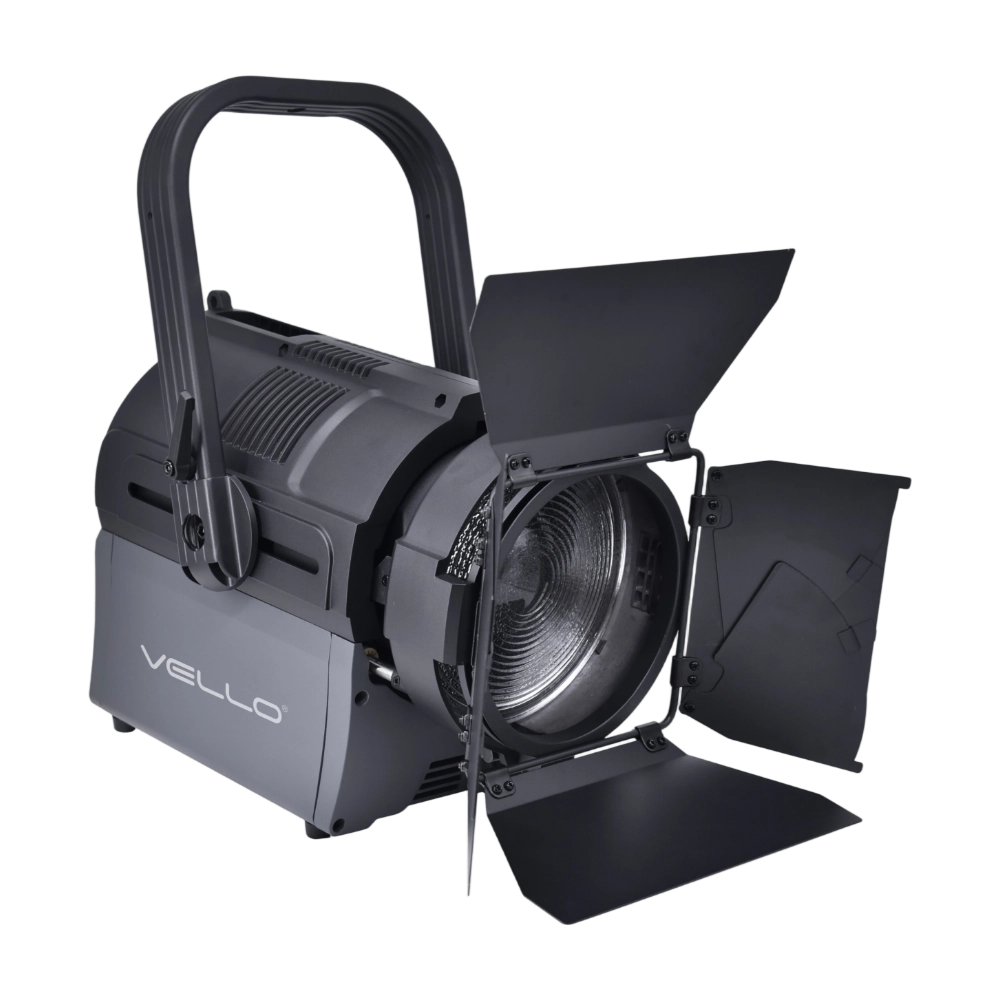
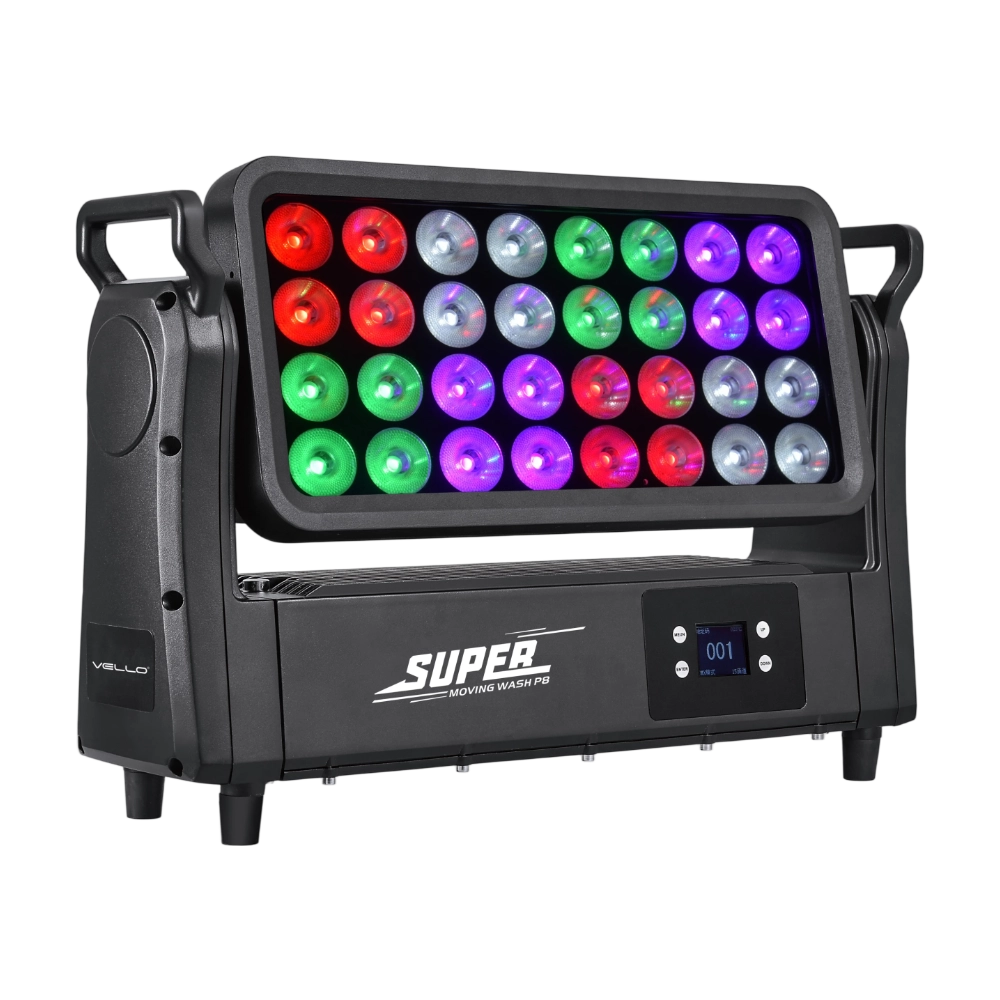
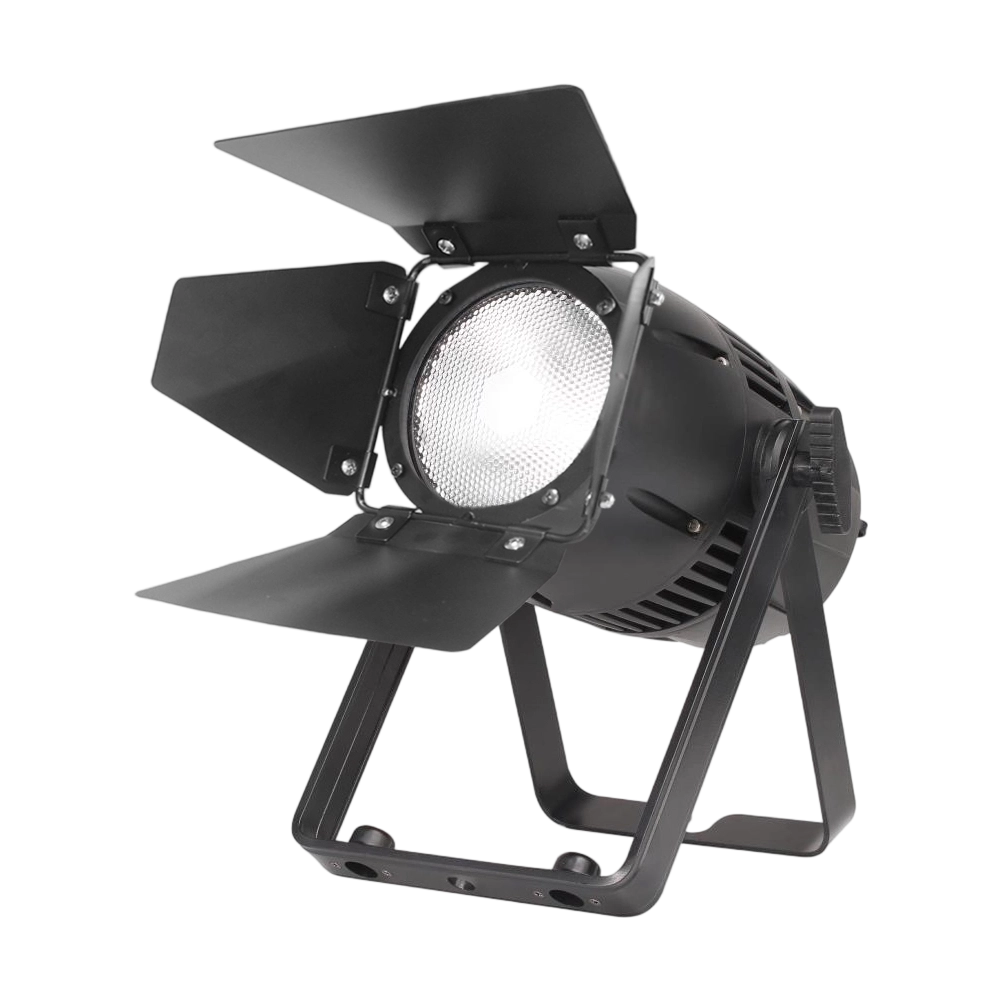
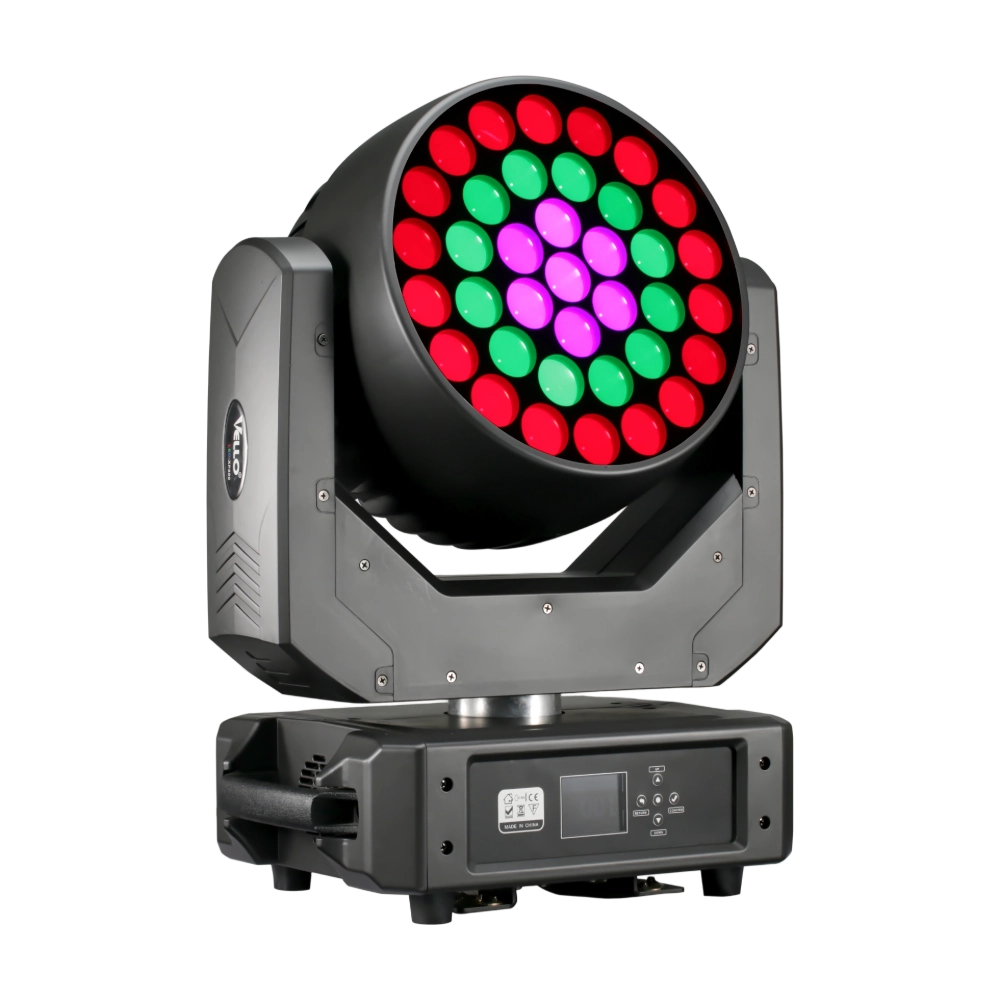
Major categories
What is the usual lead time?
Standard models are typically shipped within 7–15 working days after payment. Customized items may vary.
What is the warranty period for your products?
Most products come with a standard 1–2 year warranty. Please refer to product details or contract terms for specifics.
Do you ship internationally?
Yes. We offer sea, air, and express delivery to many countries and regions worldwide.
Do your products support customization?
Yes. We offer OEM and ODM services tailored to project needs, including design, optics, and control compatibility.
Do you offer samples?
Samples are available for certain models. Please confirm with our sales team for details.
You may also like
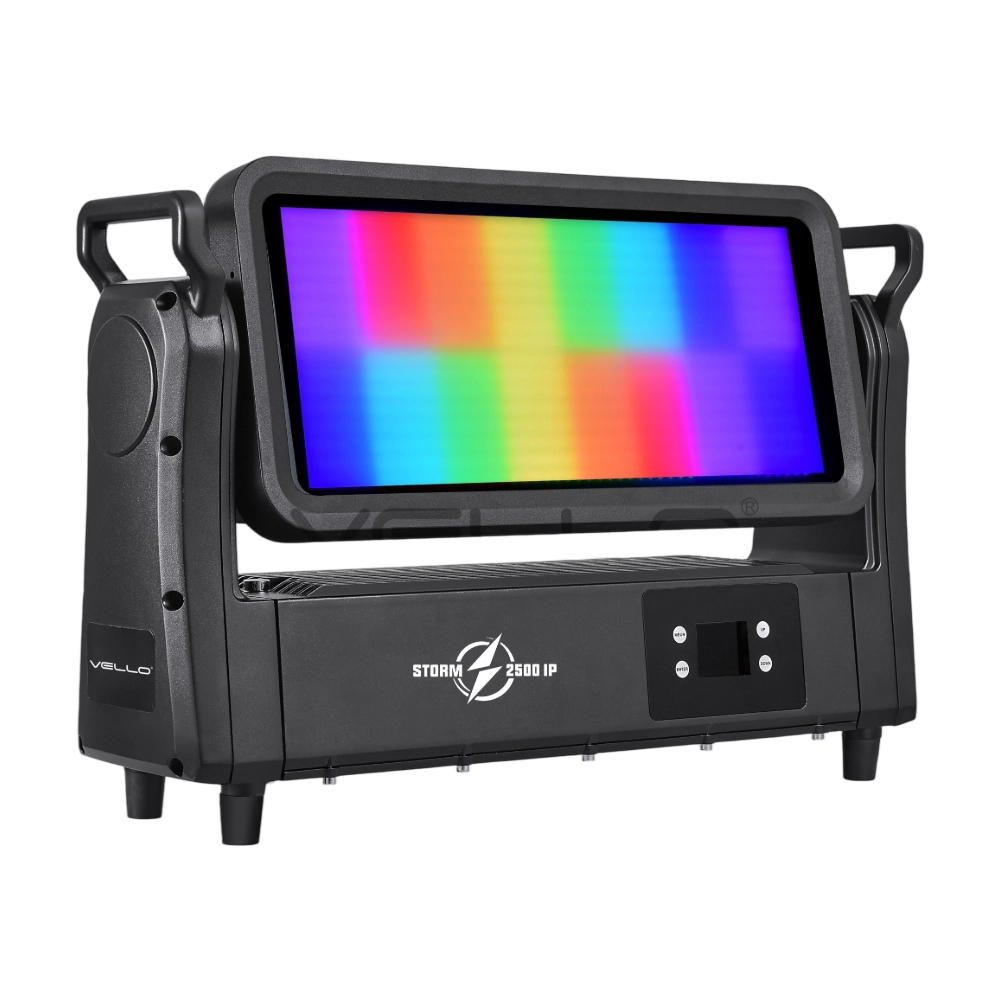
Storm 2500IP is a powerful 800W outdoor-rated LED strobe and wash fixture, equipped with 768 pieces of 5050 RGB LEDs and 144 pieces of 2W cool white LEDs for vibrant effects and precise pixel control. With IP65 protection, a wide 220° tilt, a strong RGBW strobe, DMX-controlled frost, an electronic frost function, and smart glass technology, it delivers both intense and soft lighting for any environment. Designed with silent, flicker-free performance and flexible DMX control, Storm 2500IP is built for large-scale shows, tours, and outdoor events.
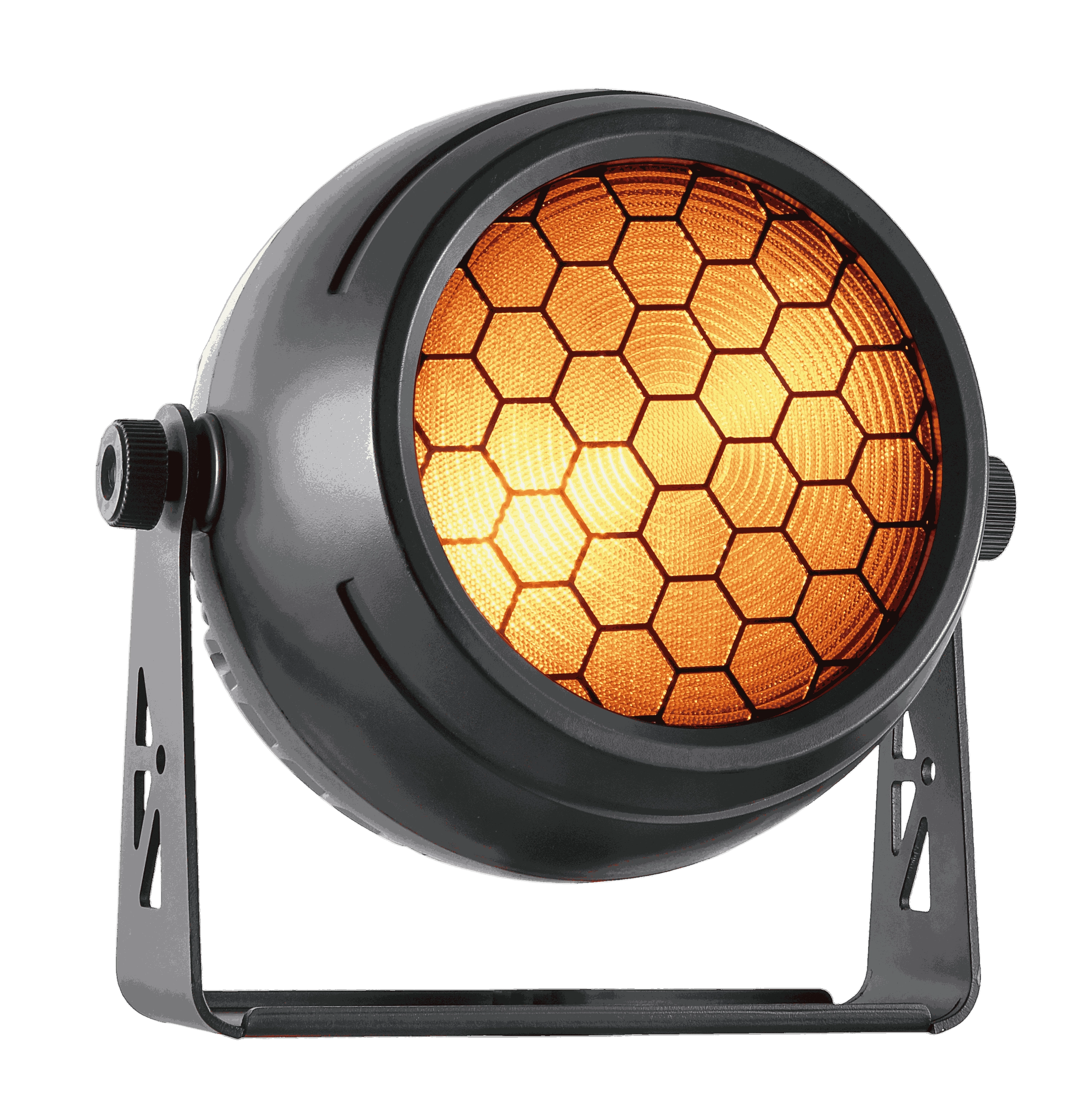
Golden Eyes 250IP is a 300W outdoor-rated blinder and effect fixture, featuring a 250W COB LED as the main light source and 16 pieces of 3W RGB LEDs as secondary effects. With IP65 protection, selectable CCT (1800K / 3200K / 5600K), a strong strobe, and a retro-style background glow, it delivers both a powerful punch and creative atmospheres. Silent, flicker-free operation, multiple DMX modes, and robust housing make the Golden Eyes 250IP ideal for concerts, festivals, and outdoor productions.
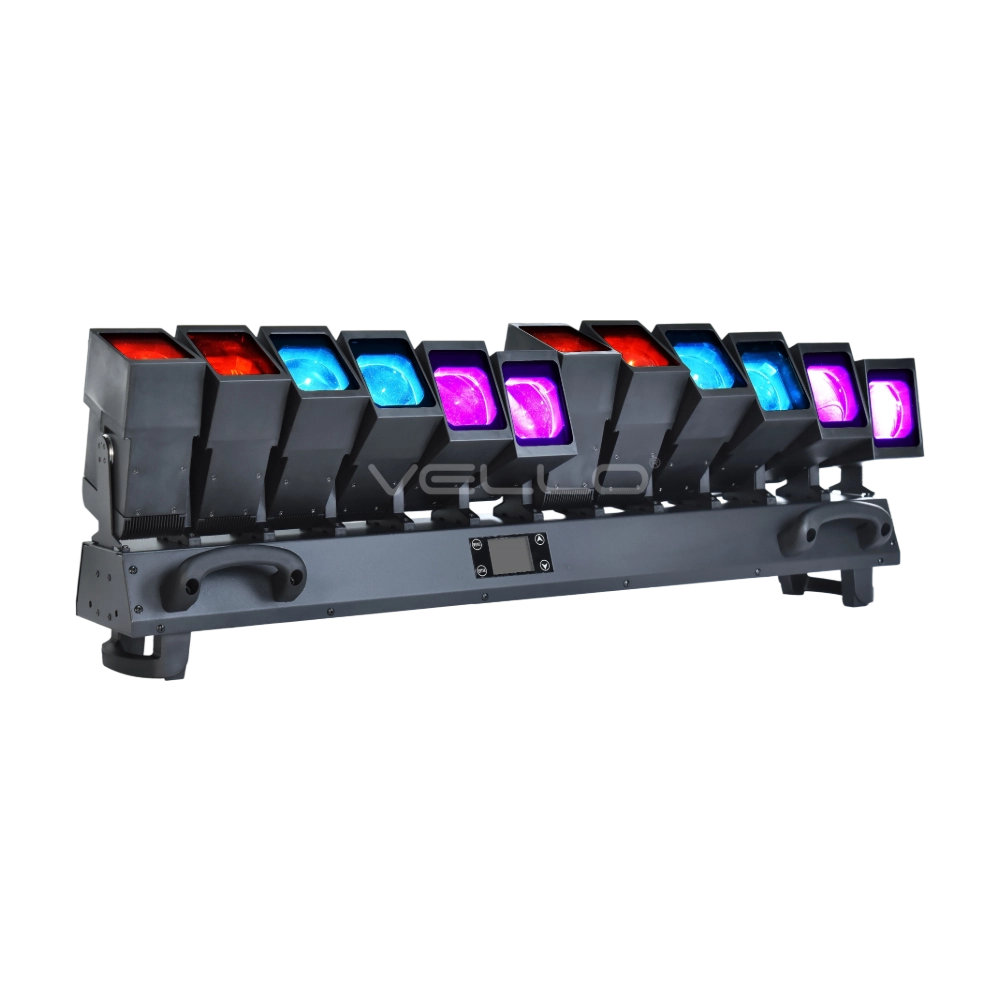
The LED Octopus S-12 is an advanced 800W moving bar fixture with 12 × 60W Osram RGBW LEDs, each controllable by pixel. Offering a 3.5°–36° zoom, 220° tilt movement, and precise dimming, it creates stunning dynamic effects. With multiple DMX modes (up to 179 channels) and auto-correction with a magnetic encoder, it ensures smooth operation. Designed for professional touring and installations, the S-12 delivers unmatched brightness, flexibility, and creative control.
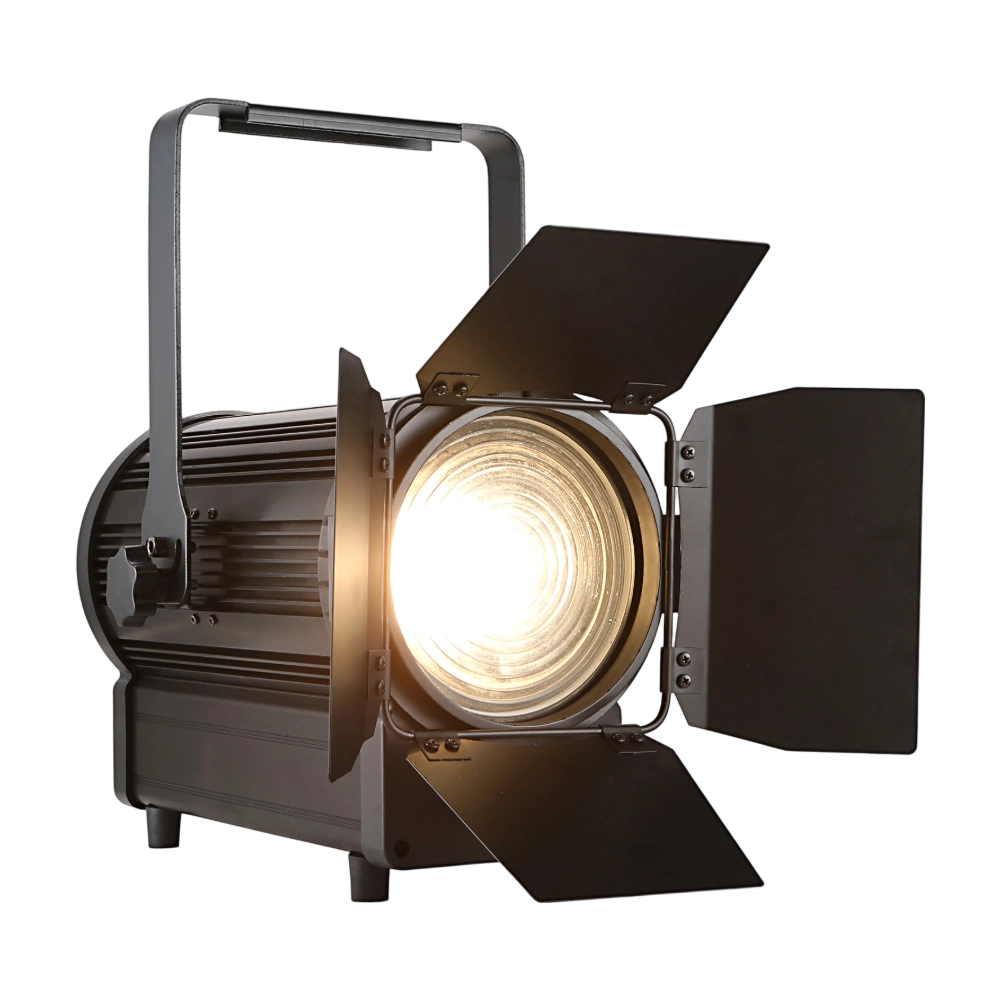
The TH250 Fresnel CTO is a compact yet powerful 250W LED Fresnel fixture. Equipped with dual 125W WW/CW lamps, it offers CTO adjustment (3000K–6000K) and CRI ≥97 for true-to-life color rendering. The 15°–50° zoom and electronic dimming make it versatile for stage and studio use. With flicker-free output, silent operation, and DMX/manual zoom, the TH250 is an ideal energy-efficient alternative to conventional Fresnels.
◌ Let Us Support Your Project
Request a Custom Quote and Technical Support
Fill out the form below, and our sales team will contact you shortly with product details, pricing, and customer service options.
Rest assured that your privacy is important to us, and all information provided will be handled with the utmost confidentiality.
By clicking "Send your message," I agree to your processing my personal data.
To see how to withdraw your consent, how to control your personal data, and how we process it, please see our Privacy Policy and Terms of Use.
Over 20 Years of Innovation in Stage & Studio Lighting
© 2026 VELLO. All Rights Reserved. 粤ICP备20023734号
Join our socials
VELLO
Whatsapp: +8613902276704
Vello Lighting
VelloLights