





Why is DMX control essential for LED stage light programming?
- 1) How do I calculate DMX channel assignments and split universes when mixing simple LED pars and multi-parameter moving heads for a 24-fixture rig?
- 2) What DMX wiring practices prevent signal dropouts and grounding issues on long outdoor stage runs?
- 3) How can I prevent LED flicker on camera when programming fixtures with different PWM frequencies and dimming curves?
- 4) For a touring LED video wall, how do I calculate power distribution, breaker sizing, and cable gauge to avoid nuisance tripping?
- 5) What’s the most reliable way to implement pixel mapping across mixed-brand LED fixtures using Art-Net and sACN without losing frame sync?
- 6) How do I choose between tuned white (CCT) LEDs and RGB/RGBW mixing to get accurate skin tones on stage?
- Concluding summary
Stage Lighting Design: DMX Essentials for LED Stage Light Programming
As you evaluate LED stage lights and control systems, these six practical, technician-level questions address the pain points beginners face in modern stage lighting design. Answers include DMX512 fundamentals, wiring and grounding, flicker mitigation for broadcast, power-distribution math, reliable pixel mapping over Ethernet, and choosing the right color system for accurate skin tones. Semantic concepts such as lighting consoles, fixture patching, universes, RDM, Art-Net/sACN, PWM dimming, CRI/TLCI, and pixel mapping are included naturally to help you make informed purchase decisions.
1) How do I calculate DMX channel assignments and split universes when mixing simple LED pars and multi-parameter moving heads for a 24-fixture rig?
Pain point: Beginners try to patch all fixtures into one universe and end up with channel conflicts or wasted channels. The process below prevents overlaps and ensures tidy console patching.
Step-by-step approach:
- Inventory each fixture: list the exact number of DMX channels per fixture mode (e.g., PAR RGBW = 4 channels; moving head in full mode = 16–24 channels). Use the manufacturer spec sheet—don’t assume modes are identical among brands.
- Calculate total channels: add channels for one instance and multiply by quantity. Example: 12 PARs at 4 channels = 48 channels; 12 moving heads at 16 channels = 192 channels; combined = 240 channels.
- Apply DMX512 constraints: one universe = 512 channels. With 240 channels you fit in a single universe, but be mindful of device count: a single DMX512 line supports up to 32 devices (fixtures/nodes) without splitters, per the DMX512 standard. If you exceed 32 endpoints, add an optical splitter or additional universes.
- Plan universe splits proactively: if you anticipate growing rig size, group fixtures by function/position (front wash in Universe 1, back fixtures Universe 2) to simplify cueing and maintenance. When a single fixture has multiple modes, choose the lowest-channel mode for dense patches or a higher-mode only when required.
- Patch in the console using base addresses (e.g., PARs 1–12 starting at address 1, moving heads starting at address 49) and lock unused channels/modes to avoid accidental changes. Use naming conventions (e.g., FRONT_WASH_01) to speed troubleshooting.
- Cable type: Use a balanced, shielded twisted-pair cable designed for DMX (nominal impedance ~110–120 ohms). Microphone cable or unbalanced cable will cause reflections and signal degradation.
- Daisy-chain topology: DMX is a serial bus—wire fixtures in a daisy-chain (out-to-in). Avoid star topologies without proper splitters because they cause reflections and termination issues.
- Termination: Always fit a 120-ohm terminator at the far end of the run to prevent reflections that corrupt data, especially on long runs.
- Device count and splitters: A single DMX512 line is designed for up to 32 unit loads. If you need more devices or longer runs, use an optical splitter or distribution amplifier to create isolated segments.
- Grounding and bond: Tie the control console and power distribution ground to the stage ground per venue practice to avoid ground loops, but avoid floating grounds. Use galvanic isolation (opto-isolators) at the console-to-splitter interface in high-noise environments.
- Cable runs and EMI: Keep DMX cables away from dimmer racks, power-dist lines, large motors, or RF transmitters. If crossing power lines is unavoidable, cross at 90 degrees and maintain physical separation.
- Outdoor connectors and IP: Use ruggedized XLR5 or EtherCON connectors rated for the fixtures; inspect and replace corroded contacts. If conditions are wet, prefer IP-rated fixtures and properly sealed connectors.
- Understand the root: Many LED fixtures use PWM (pulse-width modulation) to control intensity. PWM at low frequencies can produce visible flicker or interact with camera shutter speeds, producing rolling bands or strobing on video.
- Check fixture specs: For broadcast and high-speed cameras, look for fixtures labeled flicker-free with explicit PWM or driver frequency specs and documentation for camera-friendly operation (often called TV mode). Some fixtures provide high-frequency PWM or constant-current, high-refresh drivers engineered to avoid flicker.
- Use 16-bit dimming and linear curves: Where available, use 16-bit (fine) dimming channels and select linear or camera-friendly dimming curves in the lighting console to reduce quantization artifacts and abrupt PWM steps on low intensities.
- Standardize drivers/modes: When mixing brands, program fixtures to comparable dimming modes (e.g., all in flicker-free/TV mode if available). Mismatched PWM frequencies are the typical cause of cross-fixture banding during camera pans.
- Test with the target camera: Always run a camera test at the intended shutter speeds and frame rates. If you see banding, increase PWM frequency (if adjustable via RDM or fixture menus) or change shutter speeds/lighting setup until the interaction is resolved.
- Consider optical/mechanical solutions: Use diffusion, adjust light angles/beam spread, or raise output levels and rely on neutral density if low-intensity regions cause quantization. For critical broadcast, select fixtures with documented TLCI ratings and camera-mode performance.
- Know the panel spec: Obtain the steady-state power (watts) per panel and the inrush behavior if provided. Example metrics: steady-state watts (W) and voltage (V).
- Compute current per panel: I = W / V. For example, a 300 W panel at 230 V draws ≈1.30 A steady-state.
- Group panels per circuit using the 80% continuous load rule: For continuous loads (typical for shows), do not exceed 80% of breaker rating. For a 16 A breaker on 230 V, allowable continuous current is 12.8 A (16 A × 0.8). If your grouped load is 13 A steady, move to a larger breaker/circuit or stagger power-on.
- Account for inrush: Power supplies and capacitors create a transient inrush current at switch-on. If multiple panels are powered simultaneously on the same circuit, cumulative inrush can trip breakers. Mitigation options: stagger power-up sequences, use soft-start/inrush limiters, or distribute panels across multiple breakers.
- Choose proper cable gauge: Match cable ampacity to the circuit and distance; use voltage-drop calculators for long runs. For temporary touring setups, follow venue local code and use cables rated for the expected current with appropriate safety margin.
- Design redundancy and labeling: Distribute panels so no single circuit is critical for essential picture areas; label power feeds and maintain a single-line power diagram with panel-breaker associations for quick troubleshooting.
- Use a dedicated lighting network: Isolate lighting control traffic from general-purpose or audio/video networks. Use a dedicated gigabit Ethernet switch with full-duplex ports for Art-Net/sACN traffic.
- Manage multicast and IGMP: sACN and Art-Net often use multicast. Enable IGMP snooping on switches to prevent flooding and to ensure packets are delivered only to ports that need them.
- Choose consistent refresh rates and buffers: Select LED controllers/nodes with compatible refresh rates (e.g., 30–60 Hz for video-style pixel mapping or higher for smooth motion). Mismatched frame buffers or packet rates between nodes cause perceived jitter. Prefer hardware that supports consistent pixel-frame timing and explicit frame sync features.
- Map pixels methodically: Index logical pixel coordinates in your mapping software to physical fixture addresses. Use DMX node firmware that supports pixel ordering (RGB vs GRB) and allows offset corrections to align color channels between brands.
- Minimize router hops and latency: Keep network topology flat for low latency. Avoid daisy-chaining many switches and prefer managed switches that let you prioritize lighting control packets (QoS) when necessary.
- Sync protocol selection: sACN supports a more modern, network-friendly implementation and is often preferable for large pixel installations. Art-Net is widely supported, too—choose based on your console and node compatibility, but maintain consistent protocol use across the system.
- Test under load: Emulate full-pixel load and run long-form sequences to identify buffer underruns, packet loss, or node CPU limitations. Replace or reconfigure nodes that cannot sustain required frame rates under load.
- Understand CRI and TLCI: CRI (Color Rendering Index) and TLCI (Television Lighting Consistency Index) measure color fidelity. For live performance and broadcast, prefer fixtures with high CRI (e.g., ≥90) or high TLCI numbers—these reliably render skin tones.
- Compare spectral power distributions: Tunable white (CCT) fixtures with high-quality white LEDs provide continuous spectra that render neutrals and skin tones more naturally. RGB/RGBW mixing creates color by combining primaries and can sometimes lack spectral richness, leading to color metamerism under different camera sensors.
- Use hybrid fixtures for flexibility: Fixtures offering both tunable white (adjustable CCT and output) and multi-channel color mixing (e.g., RGBA or RGB + white) give you the best of both worlds: accurate base skin tones from white channels and saturated color effects from RGB/A when needed.
- Calibrate on-site: Use a color meter or camera test to set CCT and white balance. For broadcast, set camera white balance to the chosen CCT rather than forcing lights to match the camera setting. If you use RGB mixing, use a colorimeter to verify skin tones at performance intensity levels.
- Account for metamerism: Two fixtures that appear the same to the eye can photograph differently under camera sensors. Prefer fixtures with manufacturer-provided TLCI/CRI data and request spectral measurements when color-critical work is expected.
Practical tips: Export or print a channel map and keep it with the console. Use RDM-capable fixtures when possible—RDM lets you remotely identify and configure addresses, which drastically reduces setup time on larger rigs.
2) What DMX wiring practices prevent signal dropouts and grounding issues on long outdoor stage runs?
Pain point: Dropouts, intermittent control, or noisy behavior during shows caused by poor cable choices, missing terminators, or improper grounding.
Key rules and practices:
Diagnostics: When troubleshooting, use a DMX tester to confirm signal integrity, verify terminator presence, and isolate the section causing the dropout. RDM-capable hardware can also return device status to your console for remote validation.
3) How can I prevent LED flicker on camera when programming fixtures with different PWM frequencies and dimming curves?
Pain point: Broadcast recording shows visible flicker, banding, or strobing even though lights look steady to the naked eye.
Explanation and steps:
Bottom line: Flicker issues are solvable by choosing flicker-specified fixtures, standardizing driver modes, using fine (16-bit) dimming, and testing with the camera. Always verify manufacturer claims with on-camera tests before a live broadcast.
4) For a touring LED video wall, how do I calculate power distribution, breaker sizing, and cable gauge to avoid nuisance tripping?
Pain point: Crews plug many LED panels into a circuit and trip breakers or see voltage drops and flicker when panels power up simultaneously.
Calculation approach and best practices:
Practical example: If 12 panels at 300 W each on 230 V = 3600 W total → 15.65 A steady. 80% rule requires a breaker ≥19.6 A, so choose a 20 A/32 A circuit per local code and account for inrush by splitting into two circuits or controlling power sequencing. Always confirm with a certified electrician and comply with local electrical code.
5) What’s the most reliable way to implement pixel mapping across mixed-brand LED fixtures using Art-Net and sACN without losing frame sync?
Pain point: Pixel-mapped effects stutter, drop frames, or appear out of sync when fixtures from different vendors or network nodes are used.
Network and configuration checklist:
Result: A stable pixel-mapped wall comes from a dedicated lighting network with managed switches, IGMP snooping, consistent node refresh rates, and careful pixel indexing and ordering. Document the mapping and keep firmware on nodes and consoles updated for bug fixes that affect timing.
6) How do I choose between tuned white (CCT) LEDs and RGB/RGBW mixing to get accurate skin tones on stage?
Pain point: Actors’ skin looks washed out, unnatural, or mismatched across fixtures because teams relied solely on RGB mixing or low-CRI whites without testing.
Decision factors and practical workflow:
Recommendation: For skin-tone-critical environments (theater, broadcast), prioritize high-CRI/TLCI tunable-white fixtures or hybrid fixtures combining high-quality white LEDs with color mixing. Always run camera tests and set consistent white-balance and dimming curves across fixtures.
Concluding summary
Using DMX512 (and modern network protocols like Art-Net/sACN) with well-specified LED stage lights gives you deterministic control, precise fixture patching, and scalable universes for large rigs. Benefits include lower power draw and heat compared with conventional sources, high color-accuracy when selecting high CRI/TLCI fixtures, and advanced effects via pixel mapping and high-resolution channel control. Proper DMX wiring, termination, RDM use, and managed Ethernet for pixel networks prevent common failures. Choosing fixtures with flicker-free modes and using 16-bit dimming and calibrated dim curves prevents camera artifacts. Good planning of power distribution mitigates breaker trips and inrush problems on tour. Together, these practices make stage lighting design predictable, repeatable, and easier to maintain across venues.
For an accurate quote or system design tailored to your venue and production needs, contact us for a quote at www.vellolight.com or email info@vellolight.com.
Major categories
What is the usual lead time?
Standard models are typically shipped within 7–15 working days after payment. Customized items may vary.
What is the warranty period for your products?
Most products come with a standard 1–2 year warranty. Please refer to product details or contract terms for specifics.
Do your products support customization?
Yes. We offer OEM and ODM services tailored to project needs, including design, optics, and control compatibility.
Do you offer samples?
Samples are available for certain models. Please confirm with our sales team for details.
Do you ship internationally?
Yes. We offer sea, air, and express delivery to many countries and regions worldwide.
You may also like
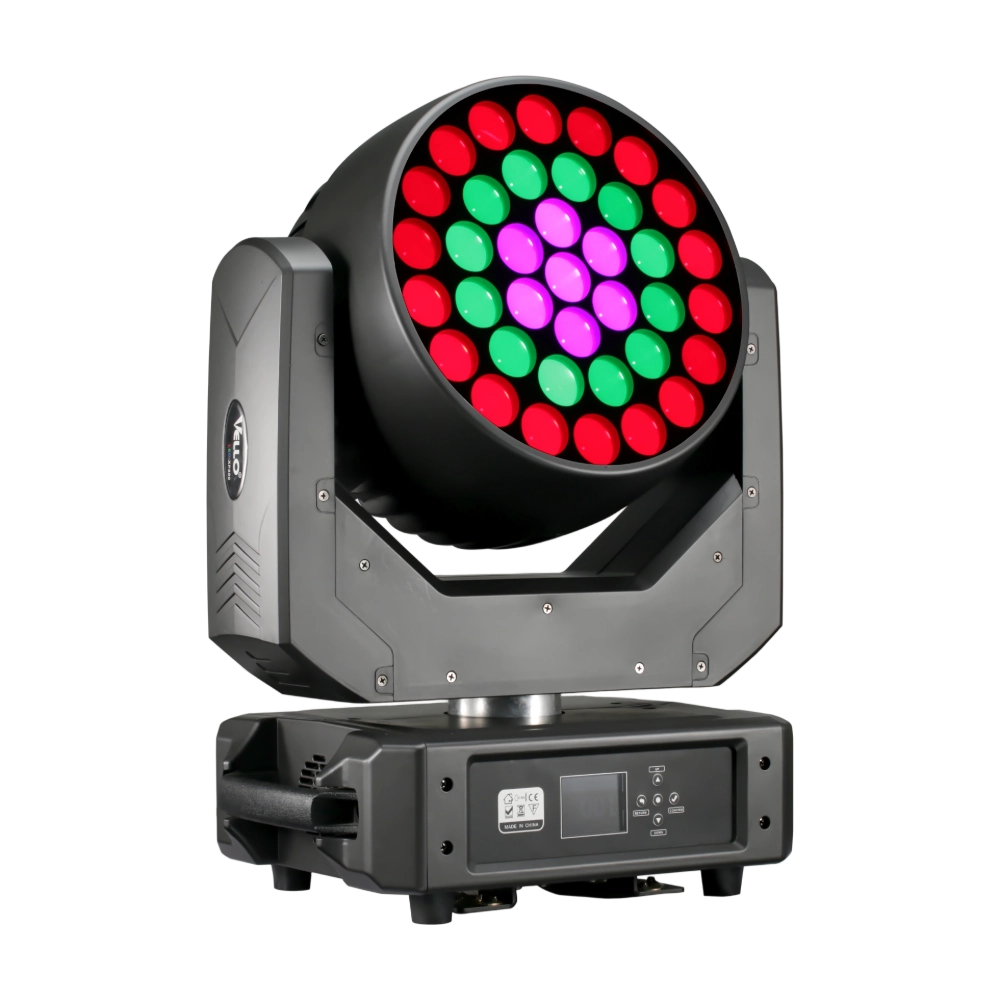
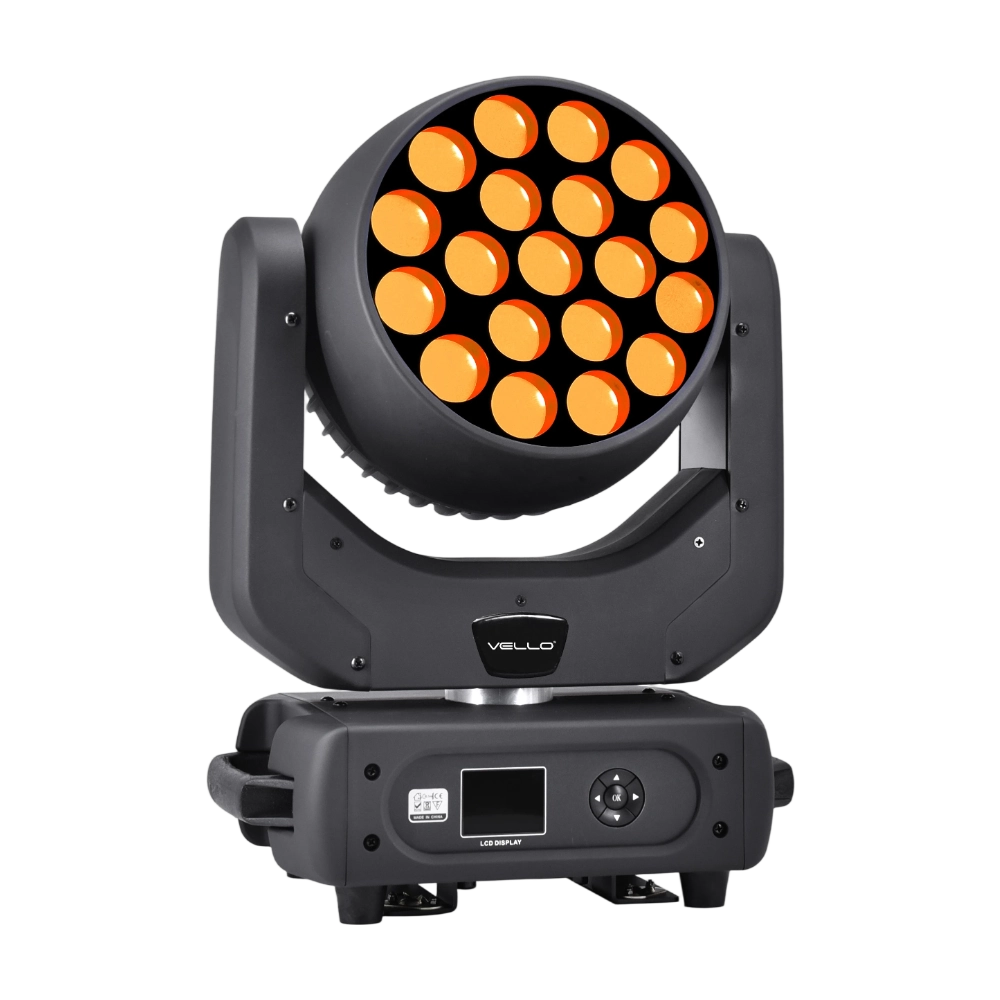
LED Bee Eyes K7 is a 500W moving head wash fixture equipped with 7 × 60W Osram RGBW LEDs plus 48 × 0.5W RGB auxiliary LEDs, delivering intense output and rich color effects. With a 4°–45° electronic zoom, wide CTO range (2700K–8000K), and individual pixel control, it enables stunning visuals from tight beams to smooth washes. Rotation lens effects add dynamic movement, while 540° pan / 270° tilt and multiple DMX channel modes ensure creative flexibility. Compact yet powerful, the K7 is ideal for concerts, clubs, and large-scale shows demanding vibrant color and versatile effects.
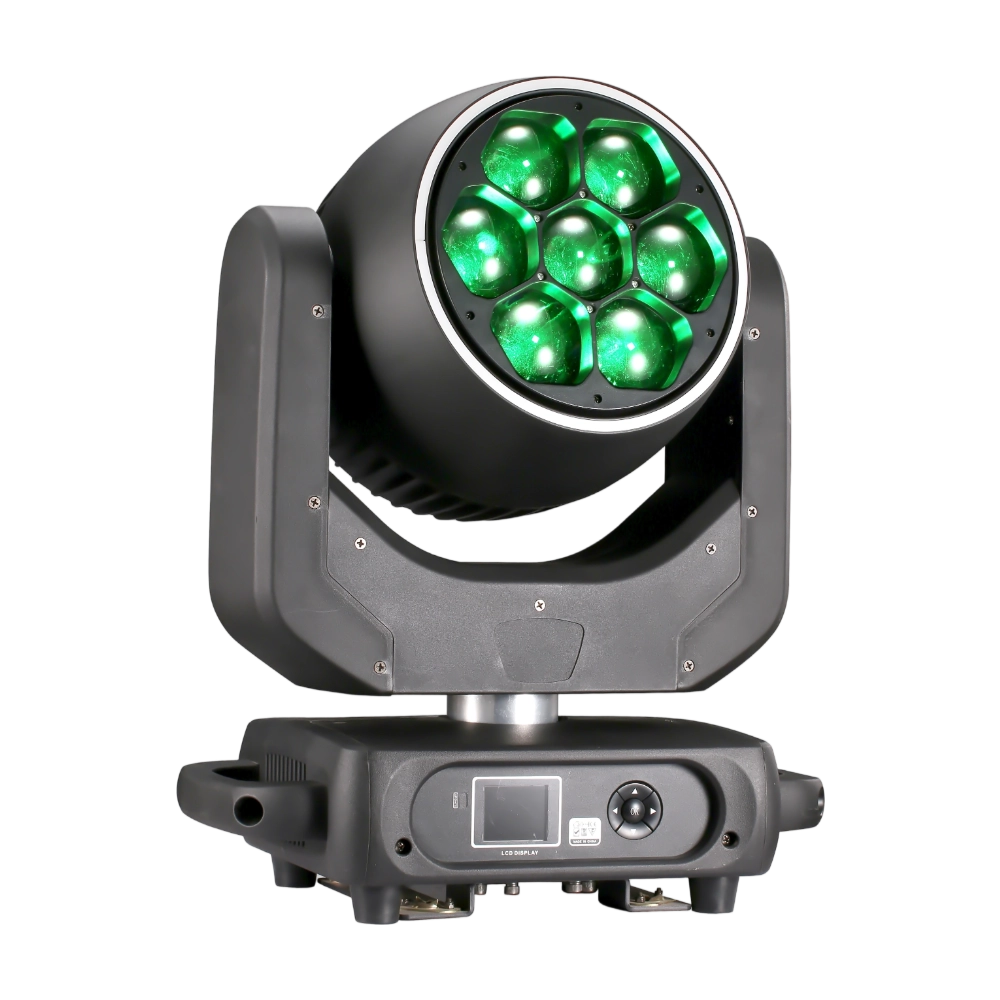
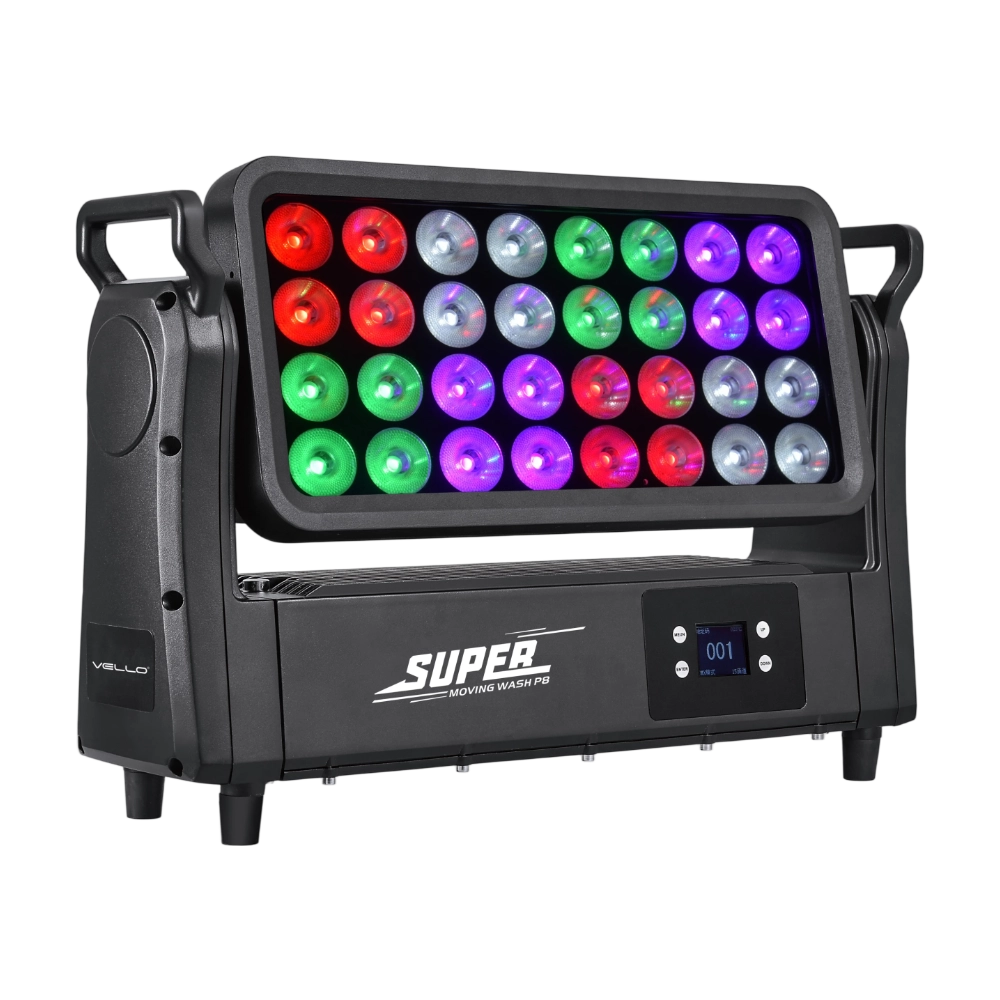
Top Wash P8 is a 1200W high-power IP65 LED wash light, equipped with 32 × 40W RGBW 4-in-1 LEDs for vibrant color mixing and powerful output. With 8 pixel sections (4 LEDs per group), selectable lens angles of 6° / 25° / 45°, and optional extra filters, it offers flexibility for both narrow beams and wide washes. The fixture supports strong RGBW strobe effects, smooth 0–100% linear dimming, and precise pixel control. Featuring a 220° tilt range, silent flicker-free performance, and multiple DMX modes, Top Wash P8 is built for large-scale concerts, outdoor events, and architectural lighting where high brightness and reliability are essential.
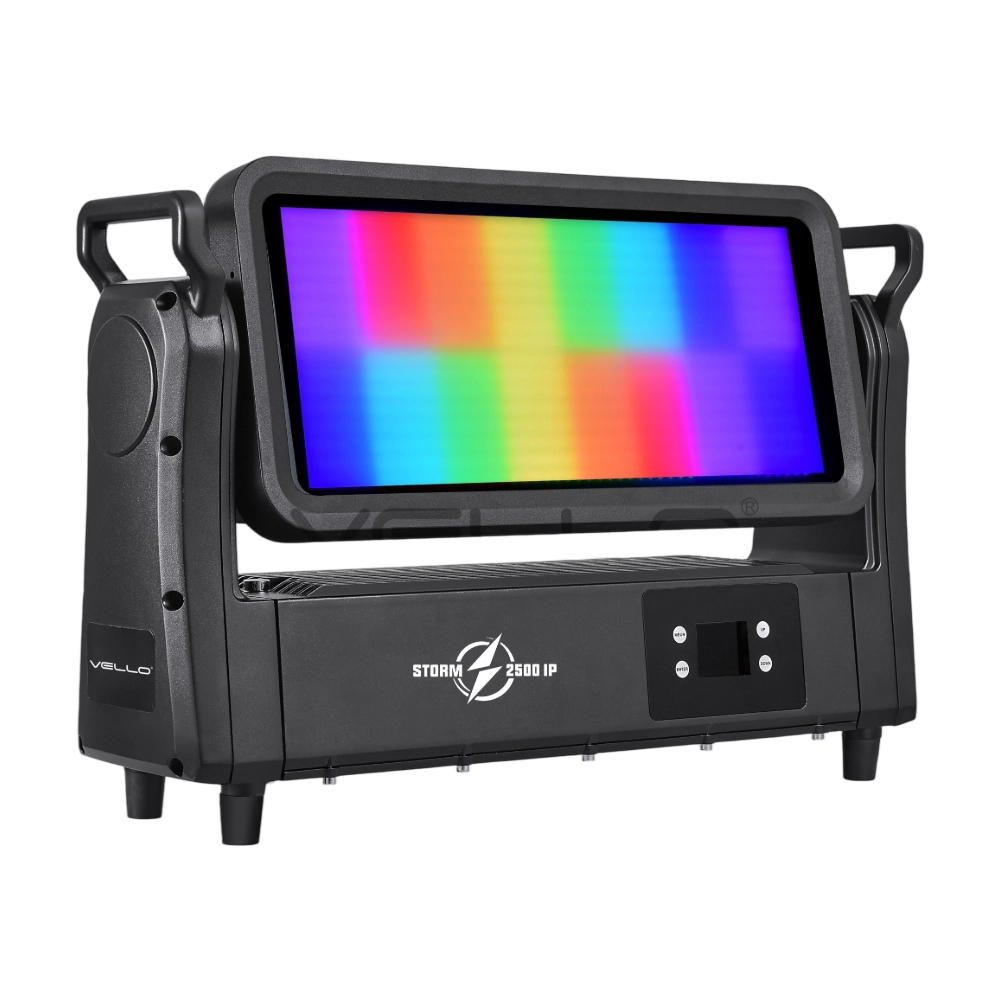
Storm 2500IP is a powerful 800W outdoor-rated LED strobe and wash fixture, equipped with 768 pieces of 5050 RGB LEDs and 144 pieces of 2W cool white LEDs for vibrant effects and precise pixel control. With IP65 protection, a wide 220° tilt, a strong RGBW strobe, DMX-controlled frost, an electronic frost function, and smart glass technology, it delivers both intense and soft lighting for any environment. Designed with silent, flicker-free performance and flexible DMX control, Storm 2500IP is built for large-scale shows, tours, and outdoor events.
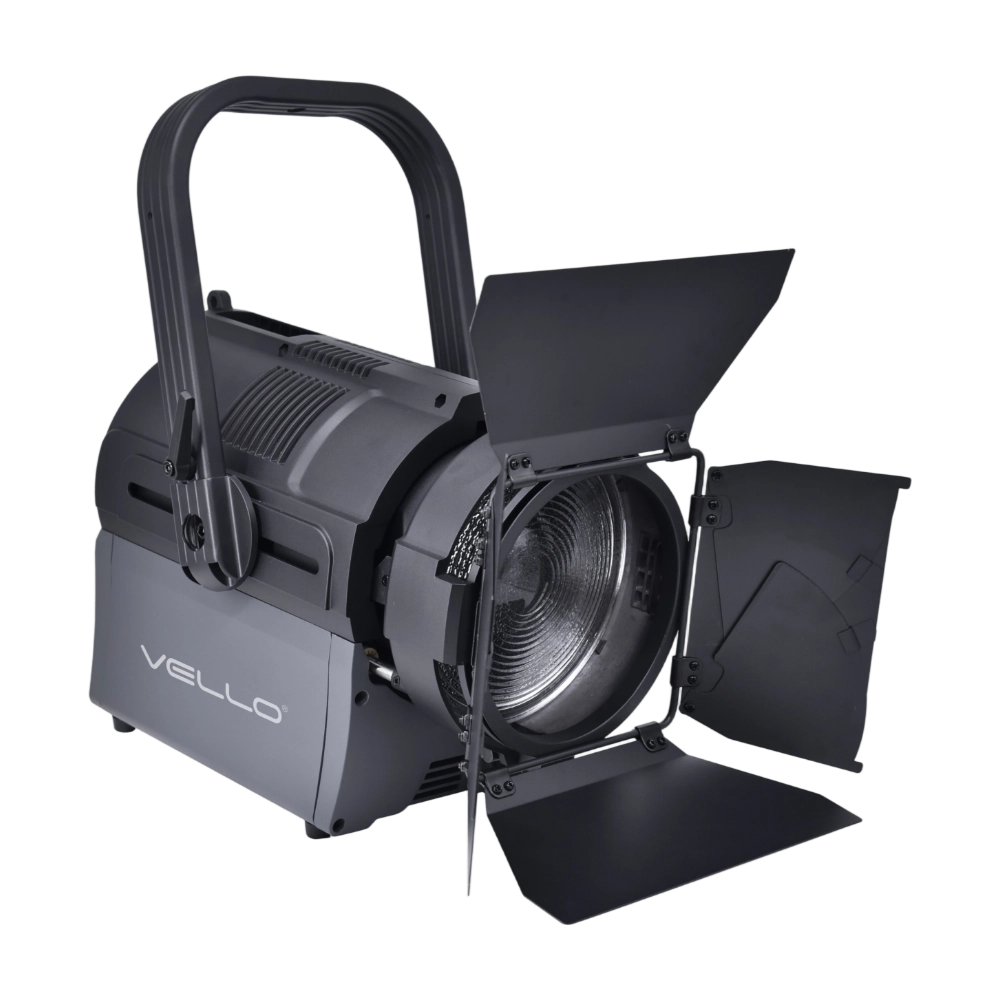
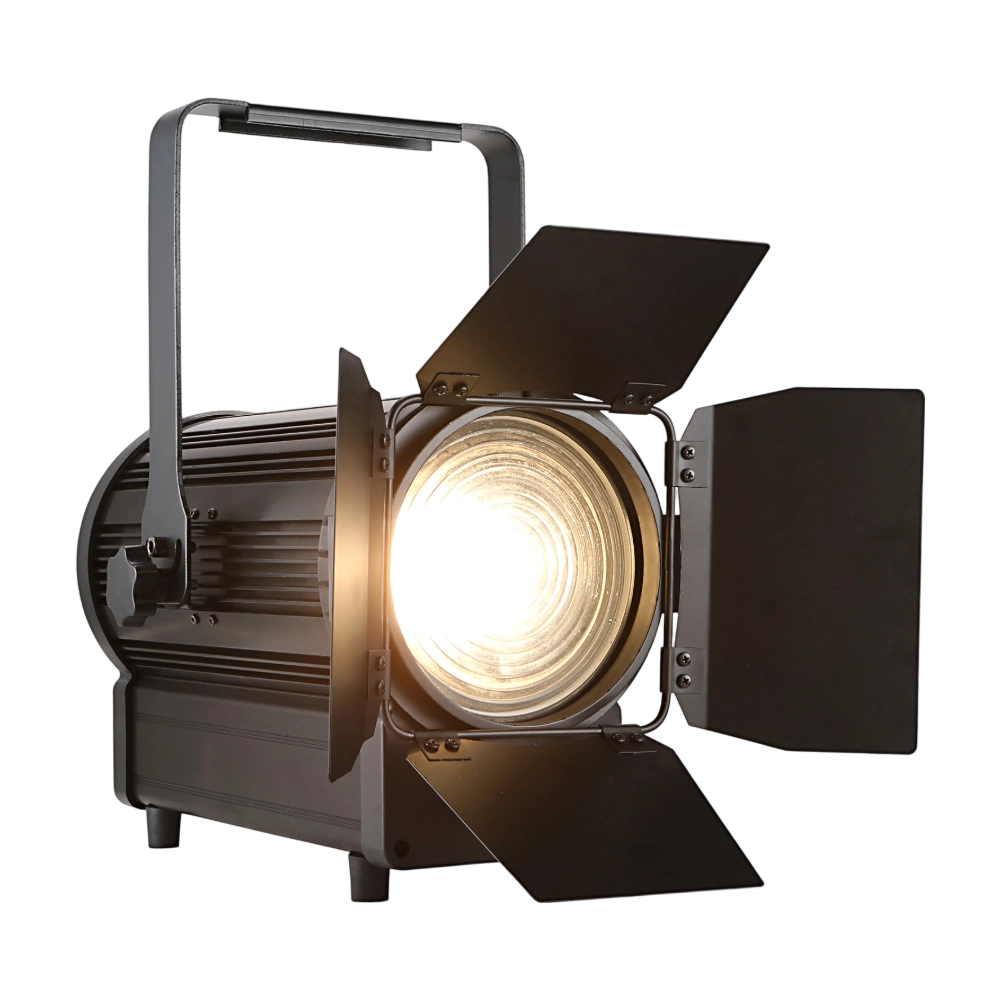
The TH250 Fresnel CTO is a compact yet powerful 250W LED Fresnel fixture. Equipped with dual 125W WW/CW lamps, it offers CTO adjustment (3000K–6000K) and CRI ≥97 for true-to-life color rendering. The 15°–50° zoom and electronic dimming make it versatile for stage and studio use. With flicker-free output, silent operation, and DMX/manual zoom, the TH250 is an ideal energy-efficient alternative to conventional Fresnels.
◌ Let Us Support Your Project
Request a Custom Quote and Technical Support
Fill out the form below, and our sales team will contact you shortly with product details, pricing, and customer service options.
Rest assured that your privacy is important to us, and all information provided will be handled with the utmost confidentiality.
By clicking "Send your message," I agree to your processing my personal data.
To see how to withdraw your consent, how to control your personal data, and how we process it, please see our Privacy Policy and Terms of Use.
Over 20 Years of Innovation in Stage & Studio Lighting
© 2026 VELLO. All Rights Reserved. 粤ICP备20023734号
Join our socials
VELLO
Whatsapp: +8613902276704
Vello Lighting
VelloLights