





What is DMX and how does it control stage lighting?
- 1) How do I calculate the number and placement of LED fixtures to achieve target lux and even coverage on a 12 × 10 m stage?
- 2) What is DMX and how does DMX512, sACN and Art‑Net control LED stage lighting?
- 3) How many DMX universes do I need for 24 moving heads, 40 LED washes and 200 pixels — and how should I structure the data?
- 4) Why do LED stage lights sometimes flicker on camera, and how do I specify flicker-free fixtures for broadcast or high-speed capture?
- 5) What are best practices for pixel mapping and power injection on long runs of WS2811/WS2812/APA102 LED pixels?
- 6) How should I plan power distribution, inrush current and thermal management for racks of high-output LED moving heads on tour?
1) How do I calculate the number and placement of LED fixtures to achieve target lux and even coverage on a 12 × 10 m stage?
Begin by defining target horizontal illuminance (lux) for your production type. Typical industry targets: 300–500 lux for dialogue-heavy theatre, 600–1,200 lux for musicals/concerts, and 1,500+ lux for broadcast/still photography. Once you have a target, use fixture photometrics (published total lumen output and beam angle) to estimate coverage.
Key steps and formulas:
- Beam footprint diameter at distance: D = 2 × distance × tan(beam_angle / 2). Example: a 25° beam at 6 m: D = 2 × 6 × tan(12.5°) ≈ 2.66 m.
- Illuminated area (approx. circular): A = π × (D/2)^2.
- Peak illuminance at center (lux) ≈ Φ / A × optical efficiency factor (where Φ is luminous flux in lumens). Optical efficiency accounts for beam shaping loses and is commonly 0.6–0.85 depending on optics. For a single fixture: E_peak ≈ (lumens × eff) / A.
- To estimate average stage lux, divide stage area by effective coverage per fixture and include overlap. For even coverage, plan overlaps so adjacent beams overlap ~20–50% depending on beam edge falloff.
Practical example (illustrative): you specify LED wash fixtures with 6,000 lumens and 40° beam, hung at 6 m. A 40° beam at 6 m gives a footprint ≈ 4.3 m diameter, area ≈ 14.5 m². If optical efficiency = 0.75, peak center lux ≈ (6,000 × 0.75) / 14.5 ≈ 310 lux. For a 12 × 10 m stage (120 m²), you need enough fixtures to overlap and meet your average lux target—roughly 6–10 of these fixtures properly positioned and angled to reach 300–400 lux average depending on spacing and front/back wash strategy.
Practical tips (purchase checklist):
- Ask vendors for the ISO photometric report (IES file) and perform a simple lux-plan in a visualization tool (WYSIWYG, Capture, Light Converse) before buying.
- Prefer fixtures with published lumen output, beam distribution curve and IES files; verify beam edge (soft vs hard) and CRI/TLCI if color accuracy matters.
- When touring, allow +20–30% spare fixtures to compensate for on-site variances and maintenance downtime.
2) What is DMX and how does DMX512, sACN and Art‑Net control LED stage lighting?
DMX512 (E1.11) is the long-standing serial protocol that carries up to 512 control channels (one universe) over RS‑485 physical layer at ~250 kbps. Each channel is 8-bit (0–255). Modern network protocols—Art‑Net (by Artistic Licence) and sACN/E1.31 (by ESTA) —carry multiple DMX universes over Ethernet, enabling thousands of channels for LED pixel rigs and complex moving fixtures.
How it controls fixtures:
- Each fixture is assigned a starting address and consumes a block of channels (e.g., an RGB wash may use 3–4 channels; a moving head may use 16–40 channels depending on features).
- Control data is sent as channel levels; fixtures interpret those levels into dimming, color mixing, pan/tilt, gobo selection, etc.
- For large shows, Art‑Net or sACN is used at the console or media server, then converted to DMX at node endpoints. This supports many universes, pixel mapping, and lower-latency routing.
Standards and practical limits:
- One DMX universe = 512 channels. Use this to calculate channel budgets.
- DMX cable runs: the RS‑485 physical layer is resilient—recommendation is under 300 m (1,000 ft) of proper DMX cable between terminator and last fixture; RS‑485 can do longer distances with boosters/repeaters.
- Use DMX termination at the end of the line and a single data source per chain. For networked rigs use managed gigabit switches with IGMP snooping for Art‑Net/sACN to avoid multicast floods.
What to request from suppliers:
- DMX channel maps (human-readable) and fixture library files for common consoles (e.g., MA onPC, Hog, GrandMA, ETC).
- RDM (E1.20) support for remote addressing/config where feasible to save rigging time.
- Clear specs on supported network protocols (Art‑Net, sACN) and recommended node hardware for pixel counts.
3) How many DMX universes do I need for 24 moving heads, 40 LED washes and 200 pixels — and how should I structure the data?
Start by calculating channel use per fixture and remember: 1 universe = 512 channels.
Example conservative channel assumptions (real-world numbers vary by fixture):
- Moving head: 24 channels (many modern heads are 16–40 channels; check your model).
- LED wash (RGBW or RGBA): 4–6 channels.
- Individual addressable pixel (RGB): 3 channels per pixel.
Channel math (example):
- 24 moving heads × 24 ch = 576 channels → 2 universes (576/512 = 1.125 → round up to 2).
- 40 LED washes × 6 ch = 240 channels → 1 universe (240 < 512).
- 200 pixels × 3 ch = 600 channels → 2 universes (600/512 = 1.17 → 2).
Total in this example = 5 universes (2 + 1 + 2). Structure your universes to minimize cross‑traffic and make sense for maintenance:
- Group moving heads across consecutive addresses and split them across universes by rig zones (left/mid/right or FOH/back) keeping whole fixtures in one universe where possible.
- Assign washes together so a single cue can control a bank. Use 16‑bit dimming for smooth fades where needed.
- For pixels, use one universe for every ~170 RGB pixels (512/3 ≈ 170). Use Art‑Net/sACN and dedicated pixel mapping tools/media servers for pixel playback. If using APA102 or similar, allow for higher refresh and single‑wire vs clocked variants.
Practical deployment advice:
- Use network-based distribution points (Ethernet-to-DMX nodes) at stage positions, not long DMX daisy-chains.
- Document the patch and save fixture libraries; use RDM where possible to simplify addressing.
4) Why do LED stage lights sometimes flicker on camera, and how do I specify flicker-free fixtures for broadcast or high-speed capture?
Flicker occurs when LED drivers modulate output with Pulse Width Modulation (PWM) at frequencies that interact with camera frame rates or shutter mechanisms. The human eye may not perceive it, but cameras (especially high‑speed or variable‑shutter models) will.
Key technical points:
- PWM frequency: many fixtures use PWM in the kHz range. For general live use, a PWM frequency ≥ 4–8 kHz often avoids flicker at 24/25/30 fps. For broadcast or high-frame-rate capture (120–240 fps) you should specify fixtures marketed as flicker-free with PWM frequencies ≥ 10–20 kHz or use constant-current LED drivers with high refresh.
- Driver type matters: fixtures using high-frequency constant-current drivers or direct digital-to-analog modulation perform better on camera.
- 16-bit control and linearized dimming curves reduce visible stepping and banding in low-levels on camera.
What to request when buying:
- Ask vendor for guaranteed flicker-free at X fps specifications and for test footage performed at intended shutter speeds and frame rates.
- Request PWM frequency, dimming resolution (8/16 bit), and whether the fixture has a camera-friendly dimming curve mode.
- For broadcast, request TLCI (Television Lighting Consistency Index) > 90 and CRI ≥ 90 for accurate skin tones and color grading.
5) What are best practices for pixel mapping and power injection on long runs of WS2811/WS2812/APA102 LED pixels?
Pixel installations combine data and power challenges. Common failure modes are voltage drop (causing color shift), excessive signal latency, and unreliable data across long chains.
Power and voltage rules:
- Voltage drop: 5 V pixel strips (WS2812) suffer significant voltage drop over distance. As a rule-of-thumb, inject power every 3–5 m on 5 V strips at high density. For 12 V strips, you can run further between injections—typically every 5–10 m depending on current draw.
- Calculate current: a full-white RGB pixel draws up to 60 mA at 5 V (20 mA per color). For 200 pixels at full white: 200 × 0.06 A = 12 A at 5 V → 60 W. Plan for this continuous load and add a 20–30% margin for peak and heating.
- Use thick gauge power cables (e.g., 12–16 AWG) for power trunks and short, heavier taps to the strips to minimize loss.
Data and mapping rules:
- Pixel count per universe for RGB pixels = floor(512 / 3) ≈ 170. For RGBW use floor(512 / 4) ≈ 128 pixels per universe. Plan your pixel controllers accordingly.
- For high-frame-rate or precise pixel control use clocked protocols (APA102) or controllers that support higher refresh rates and buffering to reduce latency. For long runs, distribute data via multiple controllers rather than one huge chain.
- Use proper termination and shielding on data lines where electromagnetic noise may be present. Use short data jumper lengths where practical, and add level-shifting drivers when driving 5 V pixels from 3.3 V controllers.
Network & reliability:
- When using Art‑Net/sACN, use managed switches with multicast/IGMP snooping and avoid saturating a single switch port. Split pixel universes across multiple physical nodes to reduce single points of failure.
- Plan power redundancy—separate power feeds and fusing—so a fault doesn't darken the entire installation.
6) How should I plan power distribution, inrush current and thermal management for racks of high-output LED moving heads on tour?
LED moving heads are high-power devices with notable inrush currents and heat generation from drivers and LEDs. Bad planning leads to nuisance tripping, reduced fixture life, and fan noise/derating in hot environments.
Power planning:
- Use nameplate power (W) as baseline but account for inrush current. Some fixtures have inrush several times steady-state current—ask for inrush specs.
- Apply the 80% rule: size permanent circuits so maximum expected load does not exceed 80% of breaker rating for continuous loads. For example, on a 16 A circuit at 230 V, usable continuous power ≈ 0.8 × 16 A × 230 V ≈ 2,944 W.
- Balance loads across phases for three-phase supplies and use distribution boxes with phase sequenced connectors to simplify load balancing on tour.
Thermal and ventilation:
- Ensure flight- and rack-cases have ventilation and active airflow for fixtures stored or powered in cases. Many manufacturers specify maximum ambient operating temperature—often 0–40 °C; exceeding this can force fixture derating or thermal shutdown.
- Allow spacing between fixtures in racks to preserve convective cooling; avoid blocking vents. For long runs, monitor in-situ temperatures during rehearsals.
Other practical notes:
- Use true power factor corrected (PFC) supplies for better mains behaviour. Aim for PF > 0.9 where possible.
- Label circuits, use locking connectors (PowerCON, IEC) as standard, and install local breakers/fuses near the load for safety and easier troubleshooting.
- Request manufacturer data: steady-state W, inrush current, typical fan noise (dBA), and recommended duty cycle. For tours, specify fixtures with robust thermal design and conservative duty ratings.
Buying checklist (quick): ask for IES files, DMX/Art‑Net/sACN support, RDM, PWM/flicker specs, CRI/TLCI numbers, Ipx rating if outdoors, power/inrush data, lifetime L70 figure (commonly 50,000 hours), and an explicit warranty and spare-parts policy for touring use.
For further technical assistance or to request a tailored quotation for LED stage lights and full rig design, contact us at www.vellolight.com or email info@vellolight.com.
Concluding summary of advantages of LED Stage Lights when making purchases
LED stage lights deliver lower power consumption, longer lamp life (typical L70 ≥ 50,000 hours), reduced heat load and versatile color mixing (RGB/RGBW/RGBA) compared with legacy sources. They enable pixel mapping, remote configuration via RDM, and scalable control across DMX512/Art‑Net/sACN universes. When buying, prioritize fixtures with clear photometrics (IES files), flicker‑free driver specifications for camera work, high CRI/TLCI, robust thermal design, and full protocol support (DMX, RDM, Art‑Net/sACN). Well-planned power distribution, proper pixel power injection, and disciplined universe/channel planning will minimize on-site issues and reduce operating costs over the life of the rig.
Contact us for a quote and rig design tailored to your production: www.vellolight.com — info@vellolight.com
Major categories
What is the warranty period for your products?
Most products come with a standard 1–2 year warranty. Please refer to product details or contract terms for specifics.
What is the usual lead time?
Standard models are typically shipped within 7–15 working days after payment. Customized items may vary.
Do you offer samples?
Samples are available for certain models. Please confirm with our sales team for details.
Do you ship internationally?
Yes. We offer sea, air, and express delivery to many countries and regions worldwide.
Do your products support customization?
Yes. We offer OEM and ODM services tailored to project needs, including design, optics, and control compatibility.
You may also like
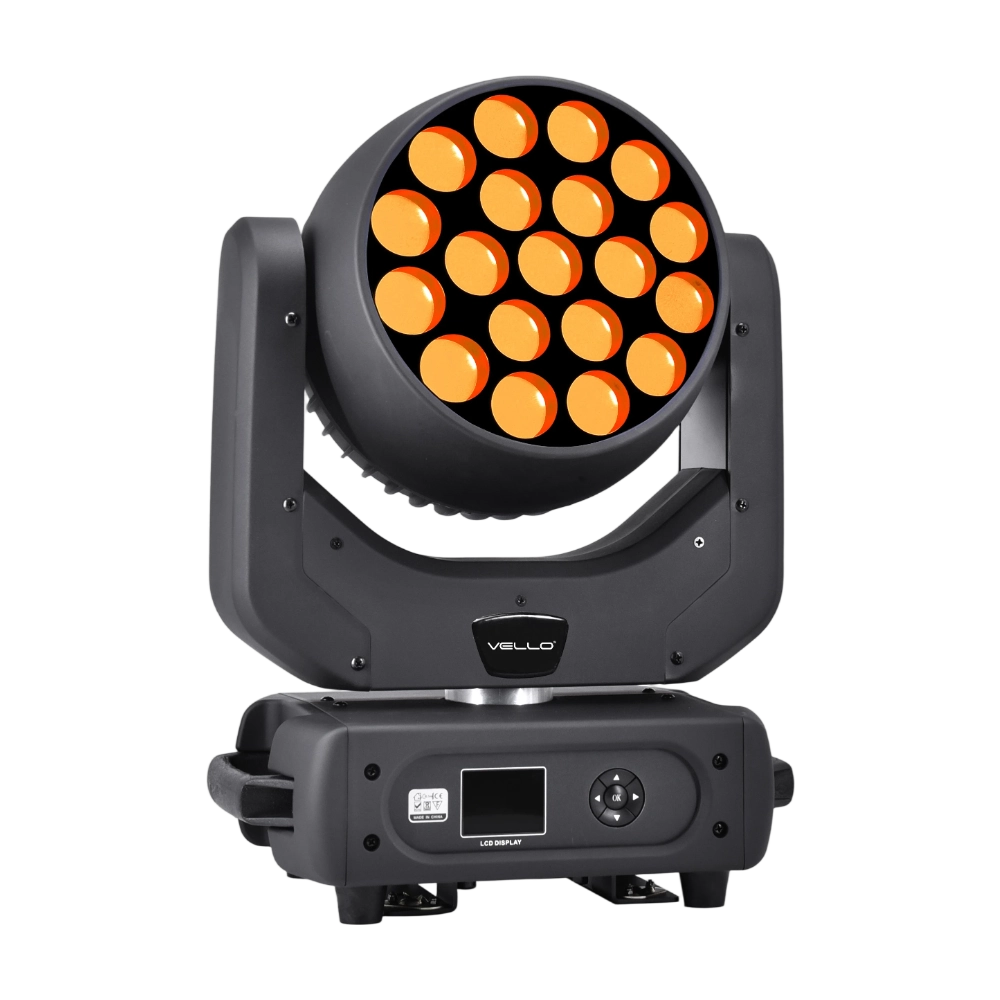
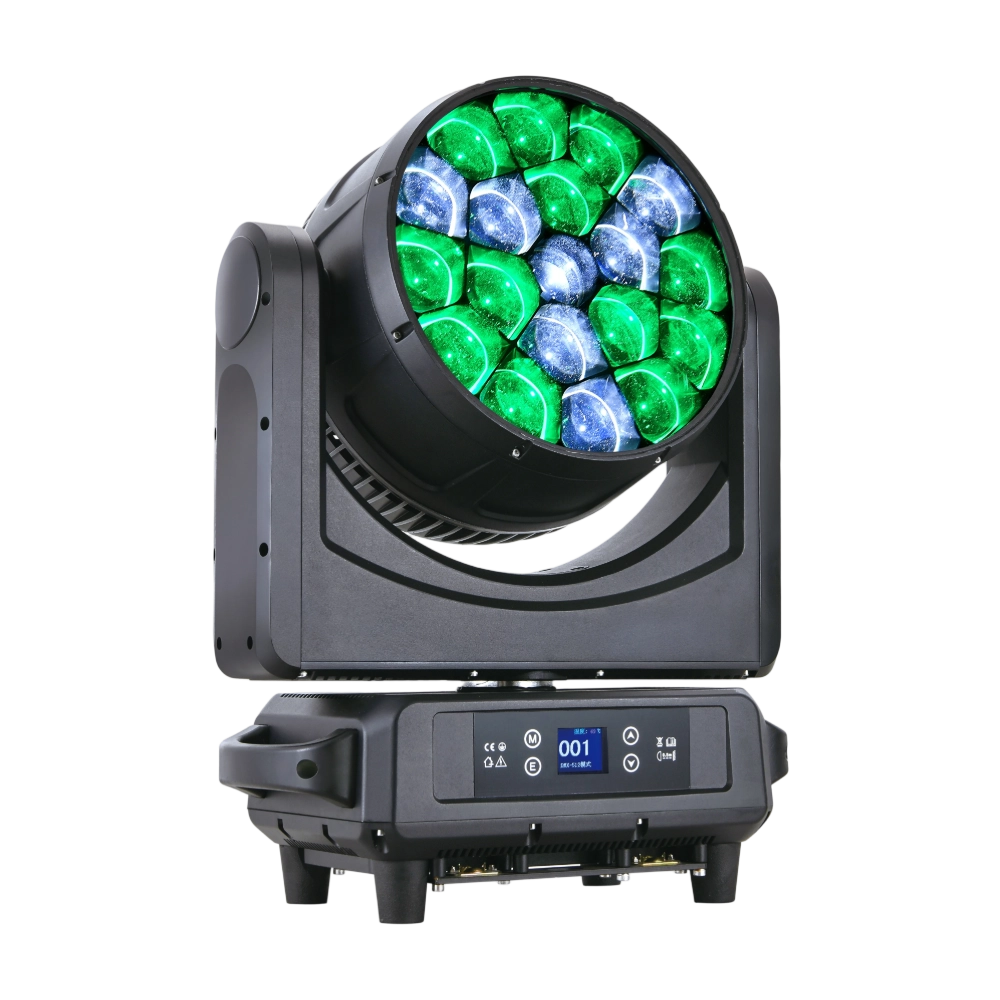
LED Bee Eyes K20 is a 750W high-output moving head wash powered by 19 × 40W Osram RGBW LEDs for intense brightness and rich color mixing. With a 4°–60° electronic zoom and wide CTO range (2700K–8000K), it seamlessly shifts from narrow beams to broad washes. Each LED can be controlled individually for advanced pixel mapping, while the rotating lens wheel creates striking dynamic effects. Featuring 540° pan / 270° tilt, multiple DMX channel modes, and robust construction, the K20 delivers exceptional flexibility and power—perfect for large concerts, stage shows, and high-impact visual productions.
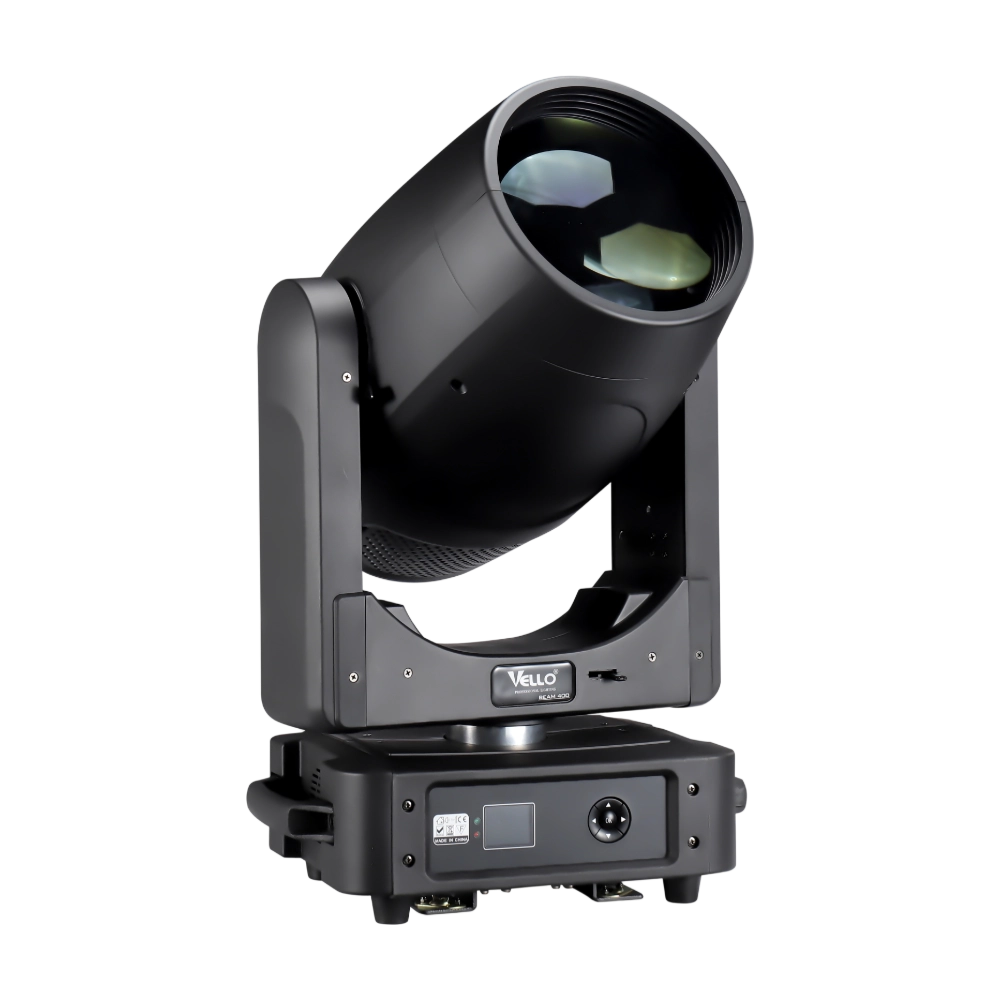
BEAM400 is a 500W professional moving head beam powered by an OSRAM SIRIUS 371W discharge bulb, delivering a super-bright 1.8° sharp beam with impressive punch. It features 12 fixed gobos + open, a 14-color wheel, and a 16-facet circular rotating prism with multiple-facet effects, enabling dynamic aerial visuals. With 540° pan / 270° tilt, 16-bit movement resolution, and linear frost and focus, BEAM400 ensures precise and versatile performance. Comparable to traditional 750W moving heads, it combines high efficiency, smooth dimming, and reliable operation—ideal for concerts, tours, and large-scale stage productions.
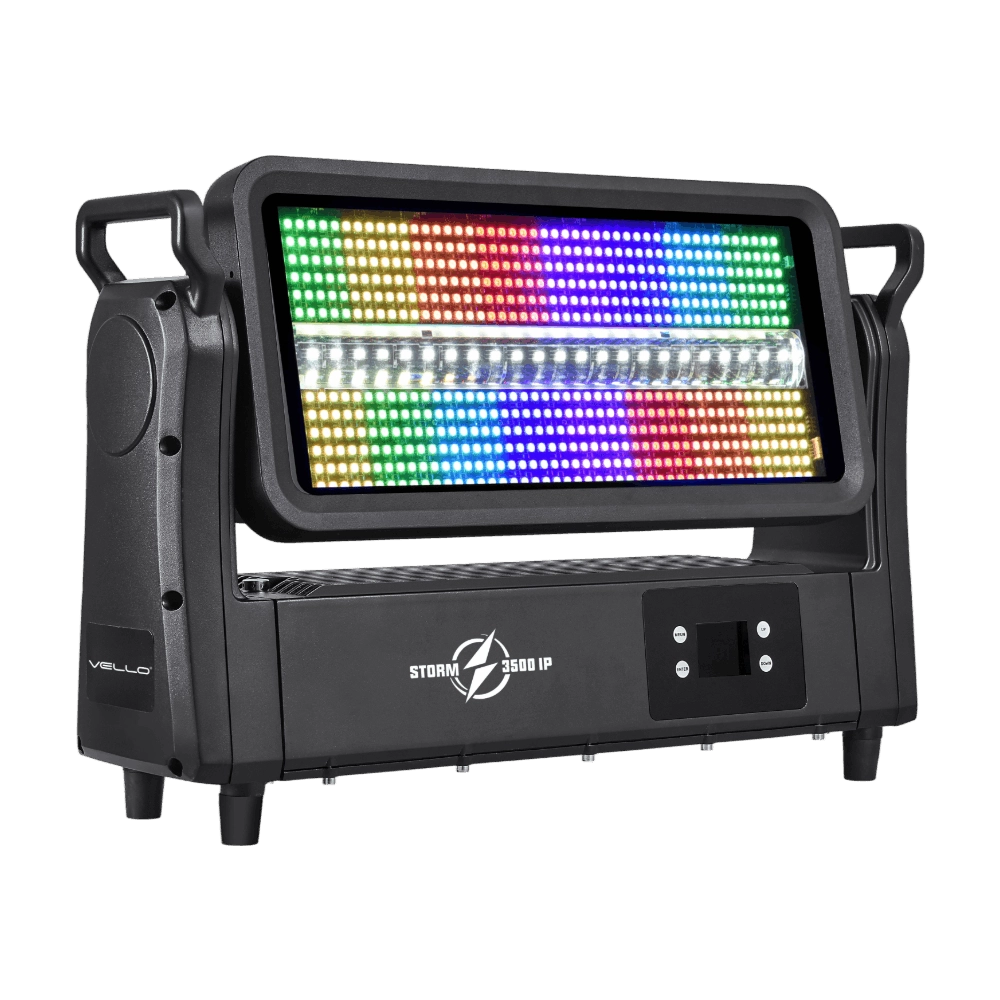
Storm 3500IP is a high-power 1200W outdoor-rated LED strobe and wash fixture, fitted with 576 pieces of 5050 RGB LEDs and 72 pieces of 12W cool white LEDs for brilliant, punchy effects with pixel-level control. Featuring IP65 protection, a wide 220° tilt, a strong RGBW strobe, DMX-controlled frost, and a 0–100% linear dimmer, it ensures versatile output from powerful to soft washes. With silent, flicker-free operation, multiple DMX channel modes, and robust die-cast aluminum housing, Storm 3500IP is built for demanding concerts, festivals, and large outdoor events.
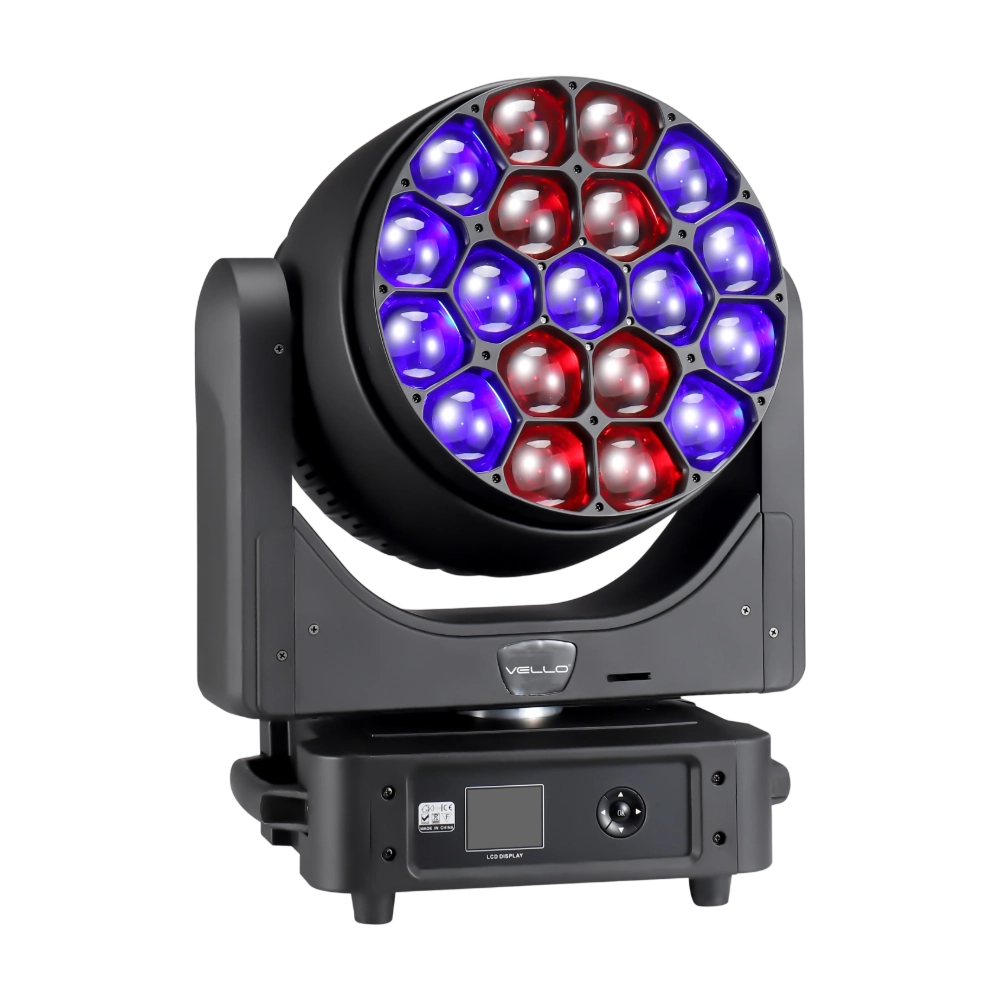
The LED Bee Eyes K19 IP is a 750W IP65-rated moving head wash, powered by 19 × 40W Osram RGBW LEDs for stunning brightness and vibrant colors. With a 4°–45° electronic zoom, wide CTO range (2700K–8000K), and a rotating lens wheel for dynamic visual effects, it delivers both powerful beams and smooth washes. Each LED can be controlled individually, enabling advanced pixel mapping and creative effects. Featuring 540° pan / 270° tilt, multiple DMX channel modes, and robust die-cast aluminum housing with excellent heat dissipation, the K19 IP is built for high-output performance in demanding outdoor and indoor productions.
◌ Let Us Support Your Project
Request a Custom Quote and Technical Support
Fill out the form below, and our sales team will contact you shortly with product details, pricing, and customer service options.
Rest assured that your privacy is important to us, and all information provided will be handled with the utmost confidentiality.
By clicking "Send your message," I agree to your processing my personal data.
To see how to withdraw your consent, how to control your personal data, and how we process it, please see our Privacy Policy and Terms of Use.
Over 20 Years of Innovation in Stage & Studio Lighting
© 2026 VELLO. All Rights Reserved. 粤ICP备20023734号
Join our socials
VELLO
Whatsapp: +8613902276704
Vello Lighting
VelloLights