





How to maintain and troubleshoot professional stage lighting equipment
- 1. How should I map DMX channels and set addressing when mixing moving head LED wash fixtures with old 2-channel dimmer packs to prevent channel conflicts on a 512-channel console?
- 2. How do I calculate maximum current draw and select power distribution for a touring rig of 12 medium moving-head LED fixtures (typical spec sheets) including inrush current and cable selection?
- 3. What's the best workflow to color-calibrate LED fixtures from different manufacturers (RGBW vs COB vs 6-in-1) so washes match on camera and to the eye during a show?
- 4. What is a practical maintenance schedule and checklist for touring LED stage lights (fan-cooled and passive) to maximize LED life and prevent mid-tour failures?
- 5. My LED pars flicker on camera but look steady to the eye — how do I reliably troubleshoot and eliminate camera-visible flicker for broadcast or multi-frame-rate recording?
- 6. How can I replace faulty LED modules or driver boards in common LED stage lights, what parts should I stock, and how do I ensure beam uniformity after repair?
Professional Stage Lighting Equipment: In-Depth LED Stage Lights Buying & Maintenance Guide
This guide answers six specific, technical long-tail questions beginners and venue technicians frequently ask when purchasing and maintaining LED stage lights and professional stage lighting equipment. It focuses on DMX planning, power and inrush calculations, cross-fixture color matching, practical maintenance schedules, camera flicker troubleshooting, and sourcing/repairing LED modules. The answers reference current industry practices (DMX512-A, sACN/E1.31) and proven field methods to help you buy, spec and maintain reliable LED lighting rigs.
1. How should I map DMX channels and set addressing when mixing moving head LED wash fixtures with old 2-channel dimmer packs to prevent channel conflicts on a 512-channel console?
Problem: Different fixture families use different channel counts and starting addresses. When you combine modern moving-head RGBW fixtures (often 16–40 channels) with legacy 2-channel dimmer packs, overlapping addresses or inefficient universe usage causes intermittent control loss and wasted channels.
Step-by-step solution:
- Inventory: Create a spreadsheet listing each fixture type, mode (16/24/40 channel), and its required starting address. Record manufacturer mode names and channel counts from spec sheets.
- Reserve Blocks: Allocate contiguous channel blocks per fixture type. For example, reserve addresses 1–128 for 16-channel moving heads (8 fixtures), next 129–256 for 24-channel fixtures, and a separate reserved block for legacy 2-channel dimmers (e.g., 401–480). Avoid interleaving types to simplify patching.
- Universe Planning: Keep one DMX universe to 512 channels. If total needed >512, plan additional universes (Art-Net or sACN recommended). Map universes explicitly in your console (Universe 1 -> DMX Out A, Universe 2 -> Art-Net Node 1, etc.).
- Use RDM for Addressing: Where supported, use RDM (ANSI E1.20) to remotely set addresses. It reduces errors and is standard on most modern fixtures. For legacy dimmer packs without RDM, set dip switches and double-check physically.
- Avoid Split-Signal Conflicts: Do not feed the same universe to multiple different consoles without a DMX merge device. Use opto-isolators and proper terminations (120 ohm terminator at end of line).
- Labeling and Documentation: Label both the physical units and cables with start address and universe. Keep a printed patch at the console and an electronic copy for quick re-patch during changeovers.
- Read Spec Sheets: Collect steady-state power (W) and input voltage (120V/230V) per fixture. Manufacturers often publish “inrush current” or “surge current” on data sheets—use that when available.
- Steady-State Calculation: Sum all fixture wattage and convert to amperes: I = P / V. Example approach using ranges (do not use fabricated single values): if each moving head is 350W steady-state at 230V, total steady-state P = 12 x 350 = 4200W; steady current = 4200W / 230V ≈ 18.3A.
- Inrush Consideration: LED driver inrush can be 3–10x steady-state current for a few milliseconds (varies by driver design). If no inrush spec, assume a conservative inrush factor of 5 for mains planning: peak inrush could approach 5 x steady-state instantaneously. Use breakers and connectors rated to handle short surges and NTC/surge limiting when possible.
- Cable Sizing: Use ampacity charts appropriate for your local code. For 230V and ~20A steady-state, 2.5 mm2 (14 AWG) is typical in some regions, but for touring use and to reduce voltage drop over long runs, step up to 4 mm2 (12 AWG) or 6 mm2 if the run is long or if local regulation requires it. For 120V systems, recalc current: P/V = 4200/120 = 35A, requiring heavier cabling (e.g., 8 AWG or 6 AWG depending on distance and local regulations).
- Distribution & Breakers: Divide the rig across multiple breaker-protected distro outputs to limit nuisance trips and reduce inrush on any single breaker. Use time-delay (slow-blow) breakers for circuits with known inrush; these tolerate short surges better than instantaneous breakers.
- Inrush Mitigation: Use soft-start or inrush-limiting devices, stagger power-on (power sequencer or staggered breakers), and prefer fixtures with controlled start-up or inrush limiting built-in. Neutrik powerCON TRUE1 connectors and stage-rated distro boxes with proper IEC/NEC ratings are standard practice.
- Practical Check: Always validate mathematically, then confirm on-site with a true-RMS clamp meter during a cold power-up. Monitor for trip events and heat at connectors, and re-evaluate if any component exceeds rated temps.
- Measure, Don’t Guess: Use a colorimeter or spectrometer (e.g., Sekonic C-800, X-Rite i1Pro, or similar photometric tools) to capture correlated color temperature (CCT), chromaticity (x,y), and spectral power distribution (SPD) of each fixture in the same mode and intensity.
- Compare Metrics: Use TLCI (for camera) and CRI/TLCI values from manufacturers. For broadcast work, prioritize TLCI and spectral distribution over CRI alone—TLCI predicts camera rendering better.
- Create Reference White: Decide on a target CCT (e.g., 3200K for tungsten look, or 5600K for daylight). Use fixtures' white channels or calibrated RGB presets to match that reference using measured x,y coordinates. Many consoles allow fine adjustment via calibrated presets or RGB linearization tables.
- Use Gel or CTO Cards Only as Last Resort: If spectral differences remain (e.g., LED with a spike at 450 nm), a gel cannot fully correct spectral mismatch. Instead, use per-fixture color calibration within the console or external color management tools that apply offsets (Tint/R/G/B multipliers) to each fixture to equalize chromaticity at target intensity.
- Intensity-Dependent Matching: Color shifts can happen at different dim levels. Measure at key intensities (100%, 50%, 10%) and create a lookup table or use fixtures supporting high-resolution dimming (16-bit) and gamma/linearization profiles on your console to reduce stepped changes.
- Optical Matching: Match beam angle and diffusion. Use lenses, beam shapers, or matching lenses to get consistent spill and edge softness between fixture types.
- Document Profiles: Save per-fixture color calibration profiles and include them in the showfile. Store lab measurements and calibration settings for re-use on tour.
- Pre-Tour / Purchase Acceptance:
- Verify firmware is current and record serial numbers and firmware versions.
- Test each unit for full function (pan/tilt, color, dimming, gobos, fans) and log any anomalies.
- Daily (at Venue):
- Visual inspection for damage, cracked lenses, loose mount hardware, and cable strain.
- Power-up check: ensure no abnormal startup noises or error LEDs.
- Weekly (or between major events):
- Clean optics with approved lens cleaner and microfiber. Remove dust from heatsinks and vents using low-pressure canned air or blower (avoid high-pressure jets that push debris deeper).
- Check and tighten mounting clamps and safety cables.
- Verify fasteners on PCBs and power supplies if accessible, and look for signs of corrosion.
- Monthly:
- Test fans for bearing noise; replace any noisy fans proactively. Keep a stock of manufacturer-recommended fan assemblies.
- Update firmware where manufacturer improvements address reliability or DMX compatibility.
- Check connectors (powerCON, Neutrik, XLR) for wear; replace worn shells and latches.
- Annual or Every 1000–2000 Hours:
- Open service panels and inspect LED modules, solder joints, driver capacitors for bulging or leaks, and thermal paste if applicable.
- Replace electrolytic capacitors and other wear parts per manufacturer service bulletins. Many failures originate in capacitors and driver boards.
- Confirm Conditions: Record the fixture with the target camera(s) at the suspect frame rates and shutter speeds. Note which combinations flicker (e.g., 50fps at 1/100 shutter, 24fps at 1/48 shutter).
- Check Fixture Specs: Look for manufacturer mention of flicker-free modes and camera presets. Many fixtures include camera-safe dimming modes (often higher PWM frequencies or special dimming curves).
- Use Higher PWM or 16-bit Modes: If fixtures offer higher PWM frequency or 16-bit dimming, enable them. Higher PWM frequency (>2–4 kHz typically) reduces visible banding on many cameras; some professional fixtures exceed 10 kHz.
- Try Different Control Protocols: Switch between DMX control and onboard dimming/wheel control to isolate whether flicker is induced by the console or the fixture’s internal driver.
- Eliminate Power Issues: Ensure stable mains voltage and lack of rapid voltage modulation from power supplies in the venue. Use clean, dedicated circuits if necessary.
- Test with a Constant Current Source or Alternative Fixture: Replacing one suspect fixture with a known broadcast-grade flicker-free unit helps isolate whether the issue is fixture-specific.
- Work with Camera Settings: If unavoidable, adjust camera shutter speeds and frame rates to avoid resonances with the fixture’s PWM frequency—but this is a last resort for live broadcast where camera settings are fixed.
- Service Manuals: Always consult the manufacturer’s service manual before opening fixtures. Manuals provide exploded views, part numbers, and torque specs. Many reputable OEMs provide authorized repair kits.
- Stock Common Wear Parts: For touring fleets, maintain a small inventory: driver/power supply modules, a set of LED emitter boards, optical lenses/diffusers, fans, and common connectors. Stock the specific part numbers for your most-used fixture models.
- Use OEM Modules for Color Match: Replace LED modules only with OEM or exact spec replacements. Even same-color LEDs from different bins or batches can shift chromaticity; use vendor-specified bin codes where available.
- If OEM parts are unavailable, request spectral and binning data from the spare part vendor to match chromaticity and intensity.
- Thermal and Mechanical Considerations: When replacing LED modules, reapply manufacturer-specified thermal paste or pads and ensure heatsink contact pressure is correct to avoid premature lumen depreciation.
- Post-Repair Recalibration: After module or driver replacement, calibrate the fixture’s white and color outputs using the colorimeter/spectrometer. Re-store the calibrated profile to the fixture and update the console patch if necessary.
- Quality Control: Test repaired units side-by-side with known-good fixtures at multiple intensities and colors. Measure CCT and lux at center and edge of the beam to verify uniformity.
Example: If you have eight 16-channel moving heads (8 x 16 = 128 channels), four 24-channel LED washes (4 x 24 = 96 channels), and twelve 2-channel dimmers (12 x 2 = 24), you can place them sequentially so they use channels 1–248 and leave room for follow spots or future expansion.
Why this works: Sequential, block-based addressing simplifies programming and avoids partial overrides from group macros. For larger rigs, move to sACN/Art-Net with a clear universe naming convention.
2. How do I calculate maximum current draw and select power distribution for a touring rig of 12 medium moving-head LED fixtures (typical spec sheets) including inrush current and cable selection?
Problem: Relying on steady-state watts alone underestimates brief high inrush currents when drivers start—risking nuisance tripping of breakers and connector failures.
Method and practical steps:
Regulatory note: Follow local electrical codes (NEC in the U.S., IEC elsewhere) and consult a licensed electrician for permanent installations.
3. What's the best workflow to color-calibrate LED fixtures from different manufacturers (RGBW vs COB vs 6-in-1) so washes match on camera and to the eye during a show?
Problem: Different LED engines and optics produce different spectra and perceived color even at the same nominal CCT. RGB/Amber/White/UV combinations complicate gel matching and camera color balance.
Workflow:
Tooling & purchasing tip: When buying, request spectral data and TLCI reports from manufacturers. For broadcast or filmed events, prioritize fixtures with published spectrometer charts and a white engine close to your target CCT.
4. What is a practical maintenance schedule and checklist for touring LED stage lights (fan-cooled and passive) to maximize LED life and prevent mid-tour failures?
Problem: Touring environments accelerate wear—dust, moisture, vibration, and thermal cycling shorten LED driver and fan life if not proactively maintained.
Recommended maintenance schedule:
Logbook: Keep a maintenance log per unit (date, performed actions, parts replaced). For touring stock, rotate fixtures in racks to equalize hours.
Spare parts to stock: replacement fans, driver/power supply modules, common LED modules/lenses, DMX cables, powerCON connectors, and spare housings for high-failure parts. OEM spares ensure color and beam uniformity.
5. My LED pars flicker on camera but look steady to the eye — how do I reliably troubleshoot and eliminate camera-visible flicker for broadcast or multi-frame-rate recording?
Problem: The human eye integrates light over time differently than cameras. PWM dimming at low frequencies or certain driver control schemes produces modulation visible at specific shutter speeds and frame rates.
Troubleshooting steps:
Long-term solution: Buy fixtures specifying camera compatibility and published PWM frequencies or flicker-free guarantees at common frame rates (24/25/30/50/60 fps). For multi-camera broadcast setups, insist on spectral and PWM specs when procuring equipment.
6. How can I replace faulty LED modules or driver boards in common LED stage lights, what parts should I stock, and how do I ensure beam uniformity after repair?
Problem: Replacing only some LEDs or using non-OEM parts can create color and beam inconsistencies across a fixture population.
Practical repair and spare strategy:
Supply Chain tip: Build a relationship with a trusted OEM like Vellolight for spare parts and service support. Keep purchase records and part numbers for quick replacement.
Concluding summary — Advantages of professional LED stage lighting equipment
Professional LED stage lighting equipment delivers energy efficiency, reduced heat load, long source life, precise color control, and advanced features (pixel-mapping, high-CRI/TLCI white engines, compact moving heads). When properly specified with DMX512-A/RDM, sACN support, stable power planning, and a documented maintenance program, LED rigs provide consistent stage imagery, lower lifecycle cost, and flexible creative control for live and broadcast events. Investing in fixtures with clear spectral data, flicker-free modes, and manufacturer support (spares and firmware updates) minimizes on-site risk and improves show reliability.
If you'd like a tailored recommendation or a quote for professional stage lighting equipment and LED stage lights tailored to your rig, contact VelloLight — visit www.vellolight.com or email info@vellolight.com for a quote.
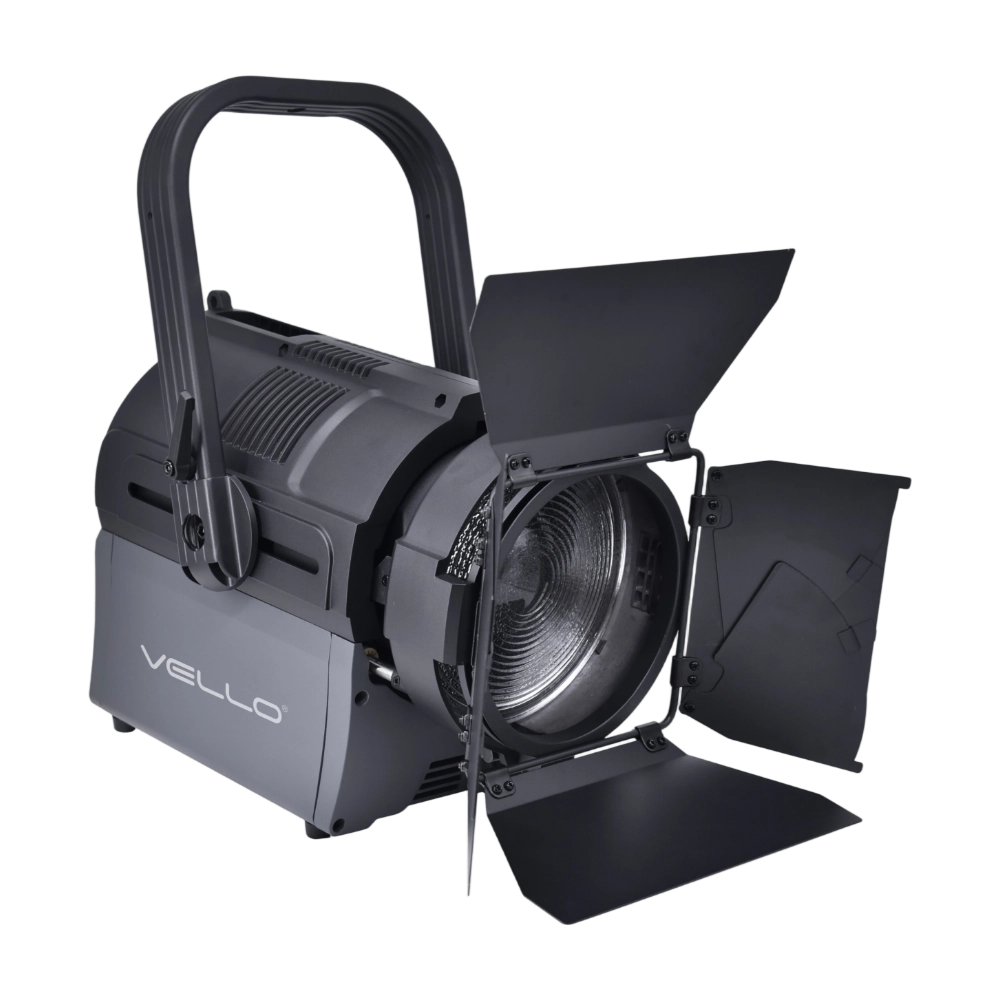
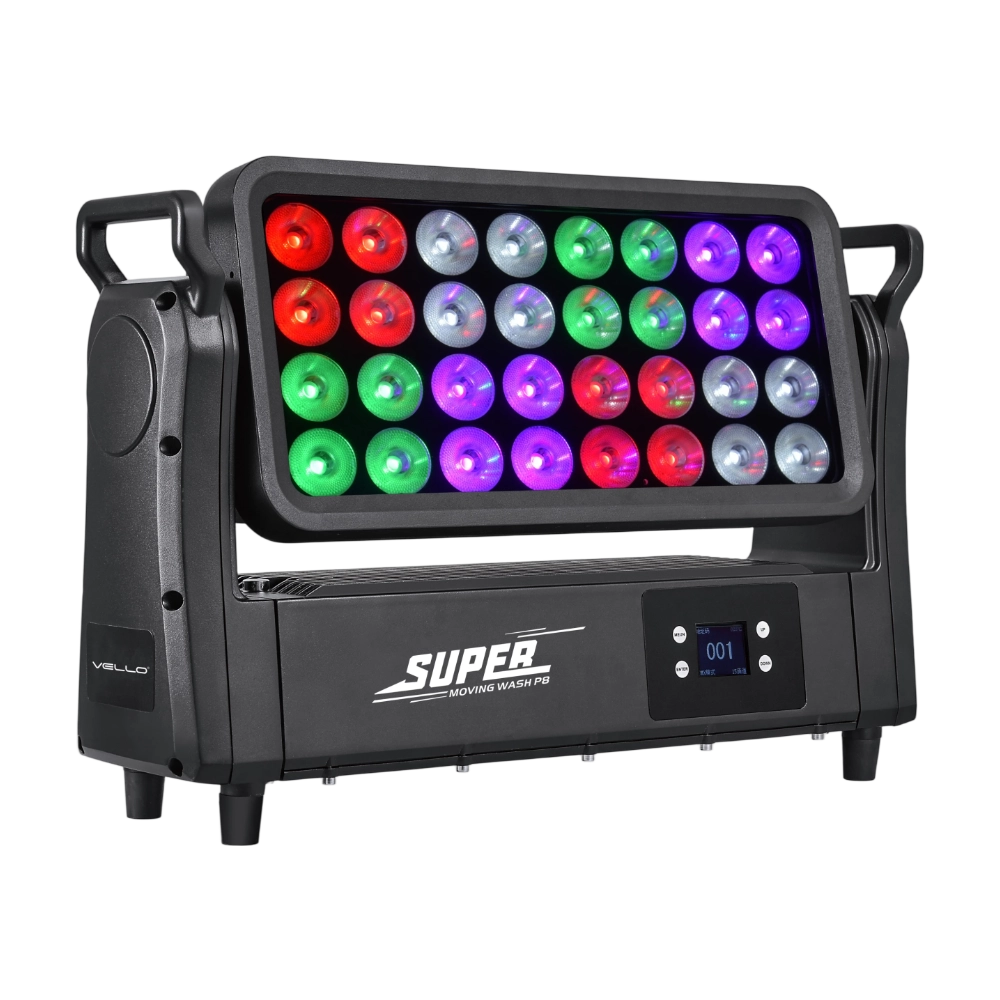
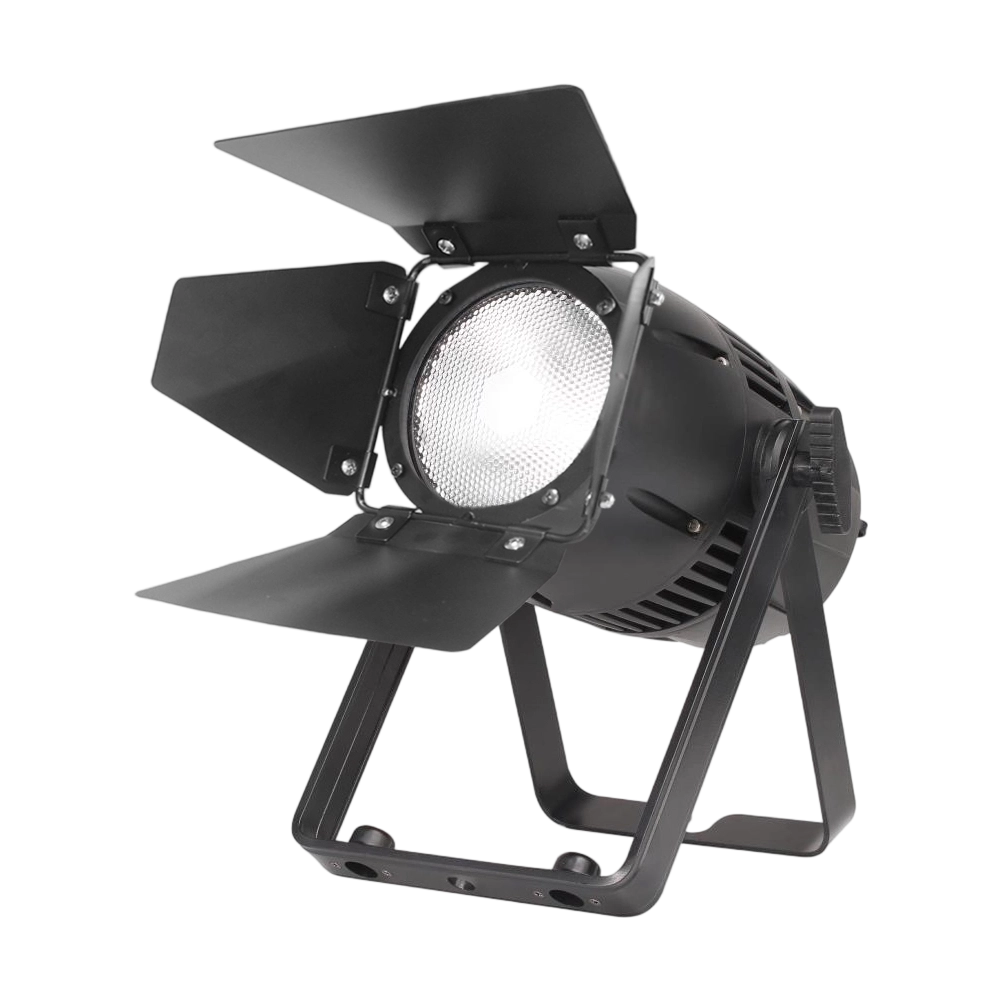
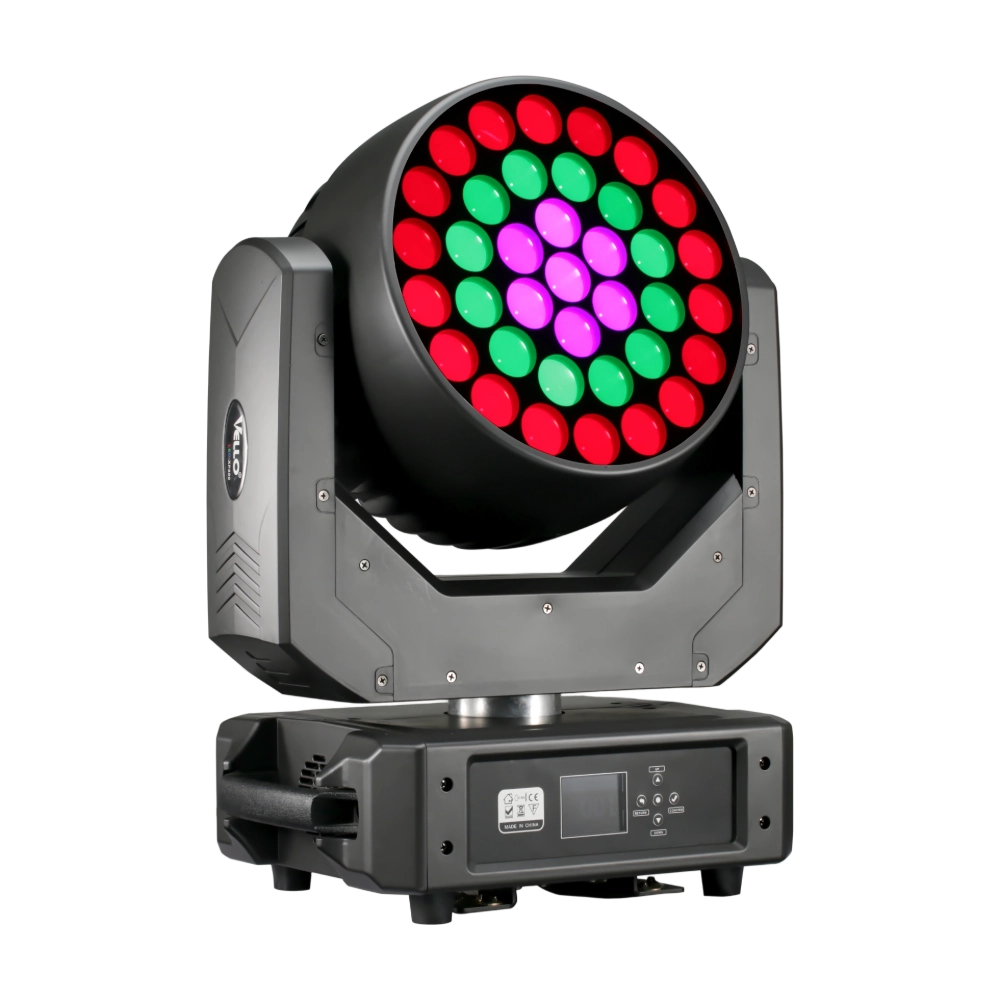
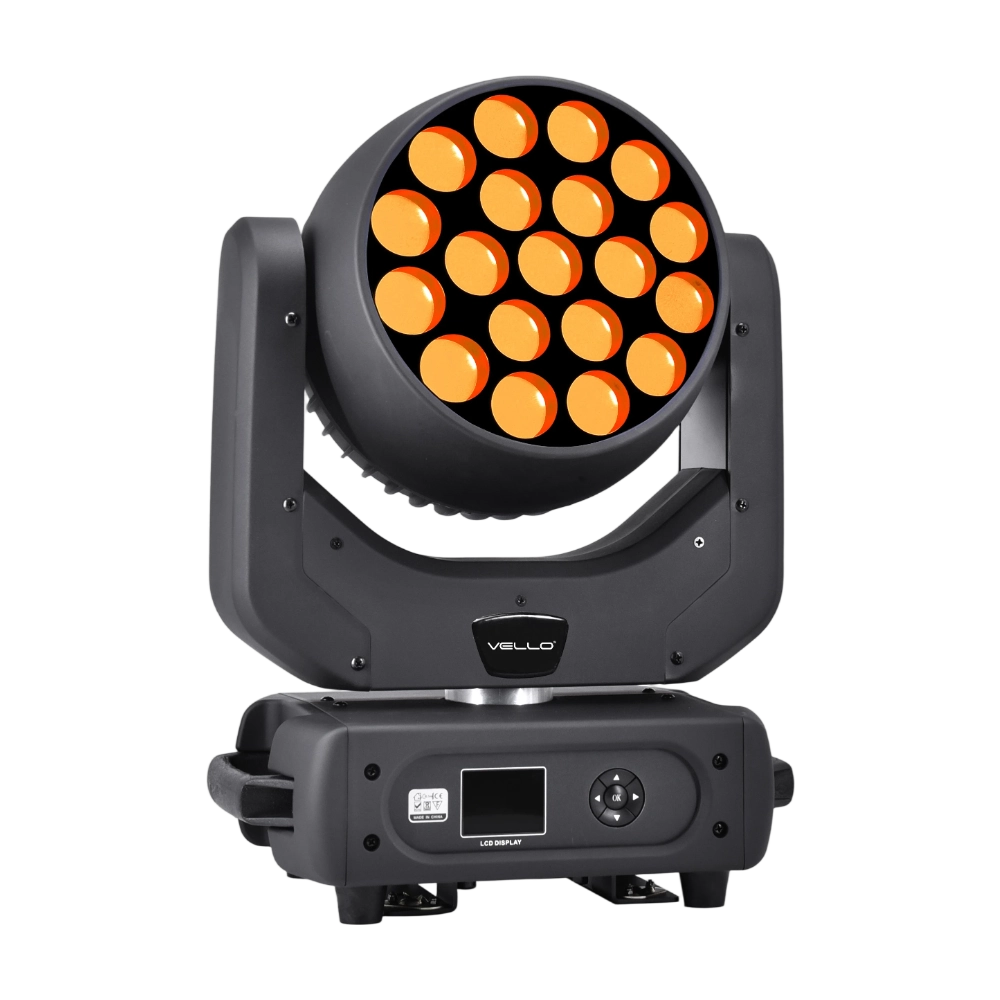
Major categories
Do your products support customization?
Yes. We offer OEM and ODM services tailored to project needs, including design, optics, and control compatibility.
What is the warranty period for your products?
Most products come with a standard 1–2 year warranty. Please refer to product details or contract terms for specifics.
What is the usual lead time?
Standard models are typically shipped within 7–15 working days after payment. Customized items may vary.
Do you offer samples?
Samples are available for certain models. Please confirm with our sales team for details.
Do you ship internationally?
Yes. We offer sea, air, and express delivery to many countries and regions worldwide.
You may also like
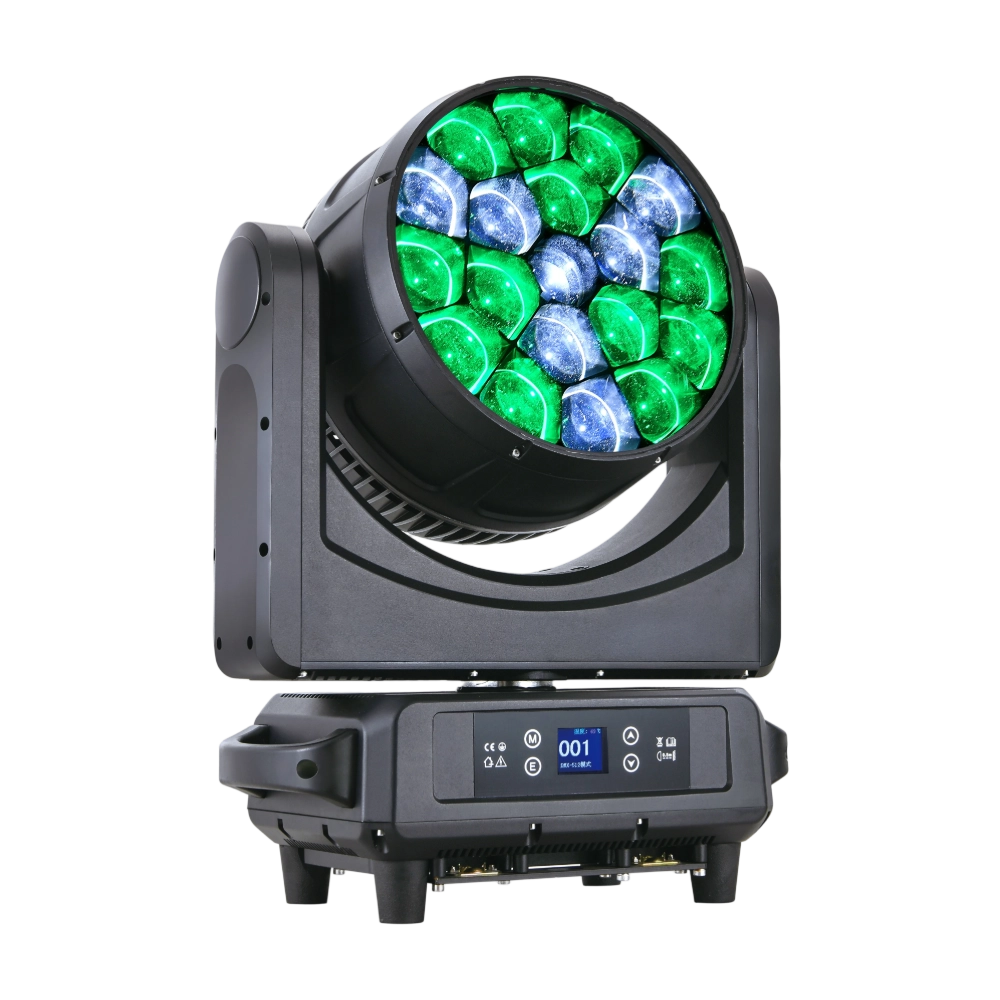
The LED Bee Eyes K19 IP is a 750W IP65-rated moving head wash, powered by 19 × 40W Osram RGBW LEDs for stunning brightness and vibrant colors. With a 4°–45° electronic zoom, wide CTO range (2700K–8000K), and a rotating lens wheel for dynamic visual effects, it delivers both powerful beams and smooth washes. Each LED can be controlled individually, enabling advanced pixel mapping and creative effects. Featuring 540° pan / 270° tilt, multiple DMX channel modes, and robust die-cast aluminum housing with excellent heat dissipation, the K19 IP is built for high-output performance in demanding outdoor and indoor productions.
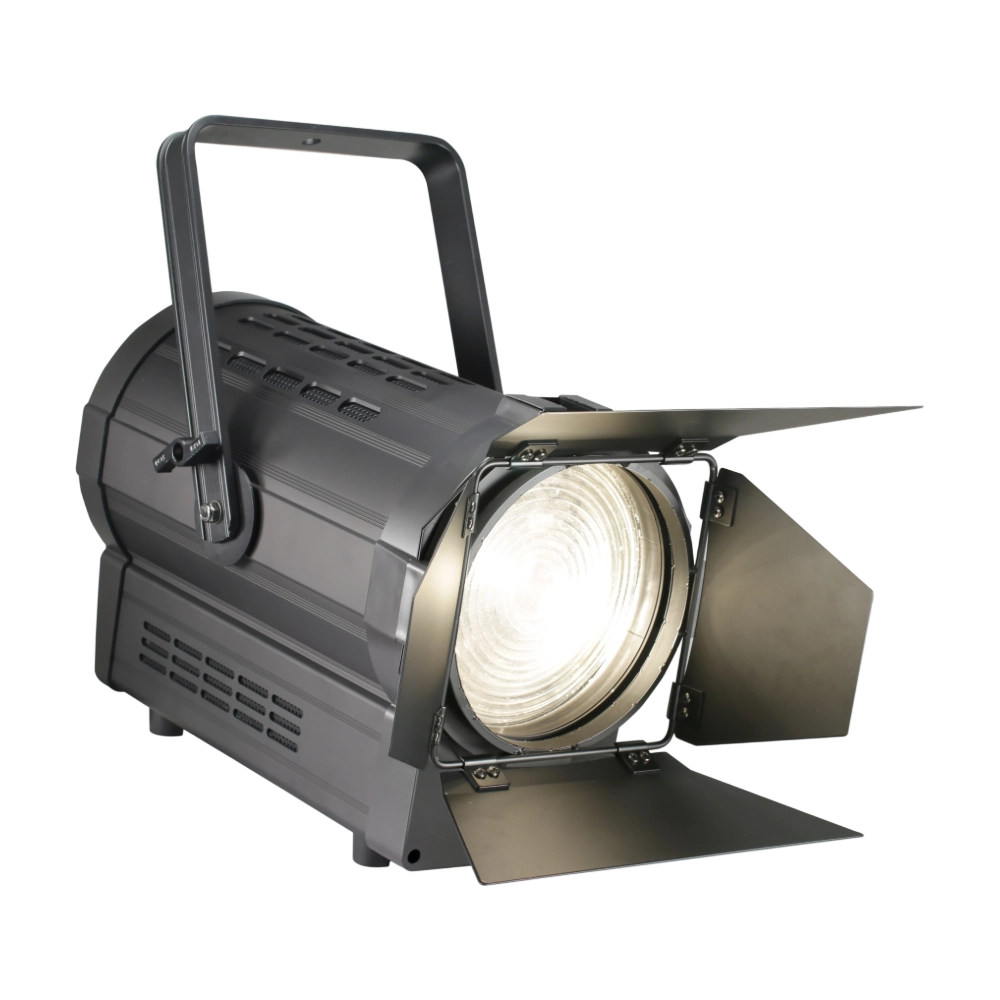
The TH350 Fresnel CTO is a 350W LED Fresnel spotlight designed for broadcast, theater, and studio applications. Featuring COB 2-in-1 LEDs (Warm White + Cool White, 175W each), it provides adjustable CTO (3000K–6000K) with a high CRI ≥97. Its 15°–50° electronic zoom and 0–100% linear dimming system allow precise control of light output. Built with silent operation and advanced cooling, it includes manual & DMX zoom, barndoor compatibility, and smooth Fresnel-style washes—a modern replacement for traditional Fresnel lamps.
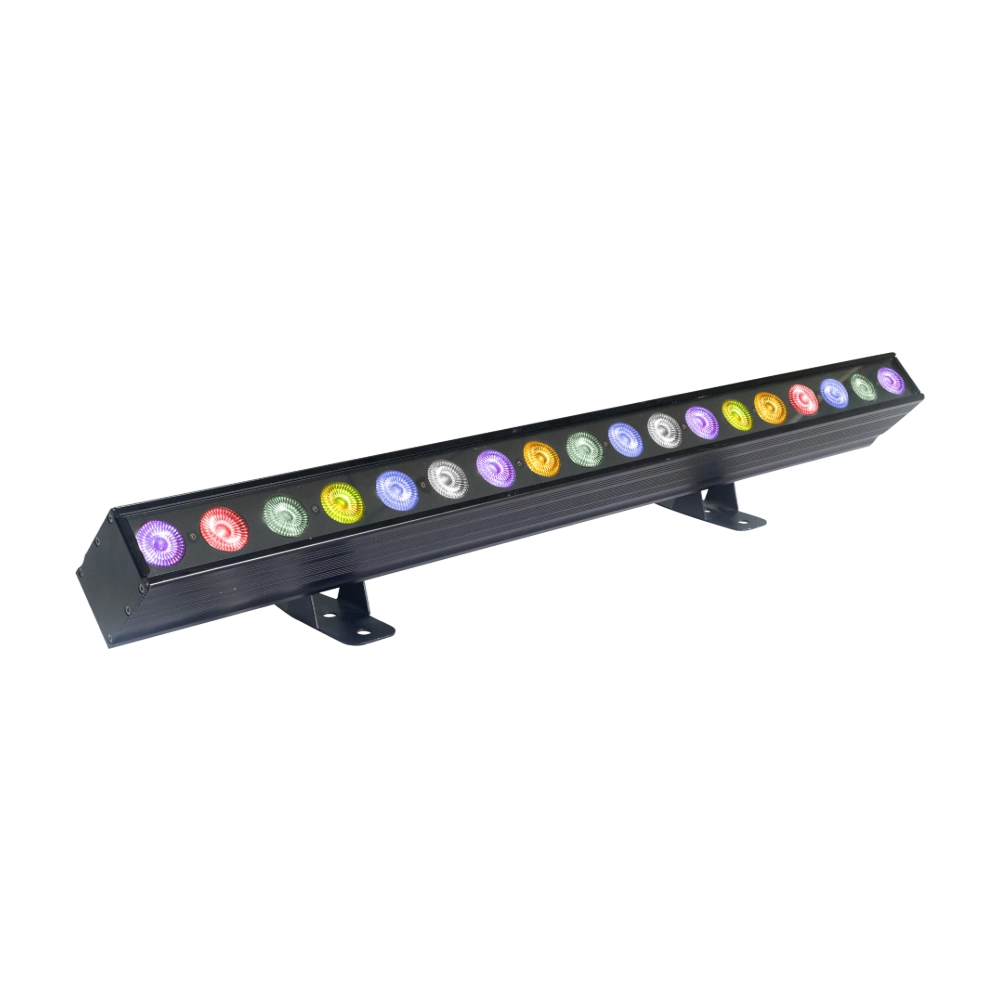
The LED XP800 is a 600W moving head wash fixture, equipped with 37 × 20W Osram RGBW LEDs for brilliant color mixing and high output. With a wide 6°–50° electronic zoom, it easily transitions from sharp beams to smooth washes. The fixture supports 3-ring pixel control and an adjustable CTO range (2800K–8500K) for versatile applications. Featuring 540° pan / 310° tilt, high-speed 3-phase motors, and multiple DMX modes (16/28 channels), XP800 delivers powerful, precise, and dynamic performance. Compact and durable, it is an excellent choice for stages, theaters, and large-scale events requiring high brightness and flexibility.
The LED SlimBar 1841 Pixel is a sleek 300W pixel LED bar with 15 × 15W RGBW LEDs + 120 × 0.5W RGBW SMD LEDs, arranged for powerful washes and pixel effects. Offering multiple lens options (6°/15°/25°/45°), 21–180 DMX channels, and individual LED control, it provides endless creative possibilities. Lightweight yet powerful, it’s perfect for stage backdrops, visual effects, and architectural lighting.
◌ Let Us Support Your Project
Request a Custom Quote and Technical Support
Fill out the form below, and our sales team will contact you shortly with product details, pricing, and customer service options.
Rest assured that your privacy is important to us, and all information provided will be handled with the utmost confidentiality.
By clicking "Send your message," I agree to your processing my personal data.
To see how to withdraw your consent, how to control your personal data, and how we process it, please see our Privacy Policy and Terms of Use.
Over 20 Years of Innovation in Stage & Studio Lighting
© 2026 VELLO. All Rights Reserved. 粤ICP备20023734号
Join our socials
VELLO
Whatsapp: +8613902276704
Vello Lighting
VelloLights