





What is DMX and how it controls professional stage lighting equipment
- 1) How do I size LED fixtures (lumens, beam angle, zoom) for a 500-seat theater so the stage isn’t over- or under-lit?
- 2) How should I plan DMX channels and universes for a hybrid rig (IP65 wash lights, moving heads and 200-pixel battens) to avoid patch conflicts?
- 3) Why do LEDs flicker on camera and how do I configure DMX and fixtures to achieve flicker-free playback?
- 4) How do I plan power distribution, grounding and cable sizing for a mixed rig with high-power moving heads to avoid voltage drop and overheating?
- 5) How do I choose between COB vs SMD optics and RGB vs RGBW/CMY for the best color mixing, beam edge and gobo sharpness?
- 6) Can I use wireless DMX in large venues and how do I avoid interference with Wi‑Fi and radio mics while staying legal?
- Concluding summary
Professional Stage Lighting Equipment: DMX & LED Buying Guide
This guide answers six deep, technical questions beginners frequently ask when specifying LED stage lights, moving heads, wash lights, pixel-mapped battens and the DMX systems that control them. It embeds best practices for DMX512, Art-Net/sACN, RDM, power distribution, optics and broadcast-safe, flicker-free design. If you need a customized quote, contact us at info@vellolight.com or visit www.vellolight.com.
1) How do I size LED fixtures (lumens, beam angle, zoom) for a 500-seat theater so the stage isn’t over- or under-lit?
Problem: Many spec sheets list lumens but not how to translate that into usable lux on stage given throw distance, beam angle and stage footprint.
Step-by-step method you can apply:
- Determine target illuminance (lux). Typical values: rehearsal/ambient 200–400 lux, theatrical performance 400–800 lux, TV/broadcast 1,000+ lux. Pick a target based on production type.
- Measure stage area and typical fixture throw distance. Example: proscenium stage 10 m wide × 8 m deep = 80 m². Front-of-house booms might be 8–15 m from stage; follow-spot throws vary more.
- Calculate beam diameter at distance using beam angle: diameter = 2 × distance × tan(beamAngle/2). Convert angle to radians or use a calculator. Example: 10° beam at 10 m => diameter ≈ 2 × 10 × tan(5°) ≈ 1.75 m. Beam area (circular) = π × (d/2)² = ~2.4 m².
- Estimate required lumens per beam to reach desired lux: required lumens ≈ lux × beam area. If you need 500 lux across the key area covered by a 10° beam with area 2.4 m², lumens ≈ 500 × 2.4 = 1,200 lm delivered to that beam. Account for fixture optical losses (typical 10–25% lost to optics/diffusers) by dividing by transmission (e.g., 0.8).
- Remember luminous efficacy vs beam: fixture rated lumens are total emitted. For narrow beams, use luminous intensity or calculate using the solid angle: solid angle Ω = 2π(1 − cos(θ/2)). Candela (cd) ≈ lumens / Ω. Many spec sheets list candela for narrow-beam fixtures—use candela to estimate lux at distance: lux ≈ candela / distance².
Practical example (500-seat theater): If you want 500 lux center key using a 10° moving head at 12 m throw: compute beam diameter ≈ 2 × 12 × tan(5°) ≈ 2.09 m, area ≈ 3.43 m² → needed lumens ≈ 500 × 3.43 = 1,715 lm delivered. If the moving head spec lists 20,000 lm total with a narrow-beam output, that will be more than enough; if it lists 3,000 lm, you’ll be marginal.
Buyers’ checklist:
- Ask vendors for candela at specific beam angles or show photometric files (IES/ELUMDAT).
- Request beam plots at your exact throw distances or provide stage CAD to the manufacturer for photometric simulation.
- Factor in dimming (a 20–50% reduction in output when scenes are darker) and gel/filter losses if used.
- For broadcast, aim higher lux and verify TLCI/CRI numbers (TLCI >90 preferred).
2) How should I plan DMX channels and universes for a hybrid rig (IP65 wash lights, moving heads and 200-pixel battens) to avoid patch conflicts?
Problem: Beginners often undercount channels for pixel mapping and moving heads, then run out of universes mid-rig and scramble to re-address fixtures during load-in.
Key facts to plan around:
- DMX512 gives 512 channels per universe (ANSI E1.11). sACN (E1.31) and Art‑Net allow distribution over Ethernet and many universes.
- Pixel-mapped fixtures are channel-heavy: RGB pixels use 3 channels (RGB) or 4 (RGBW) per pixel, or more if HSV/fx channels included.
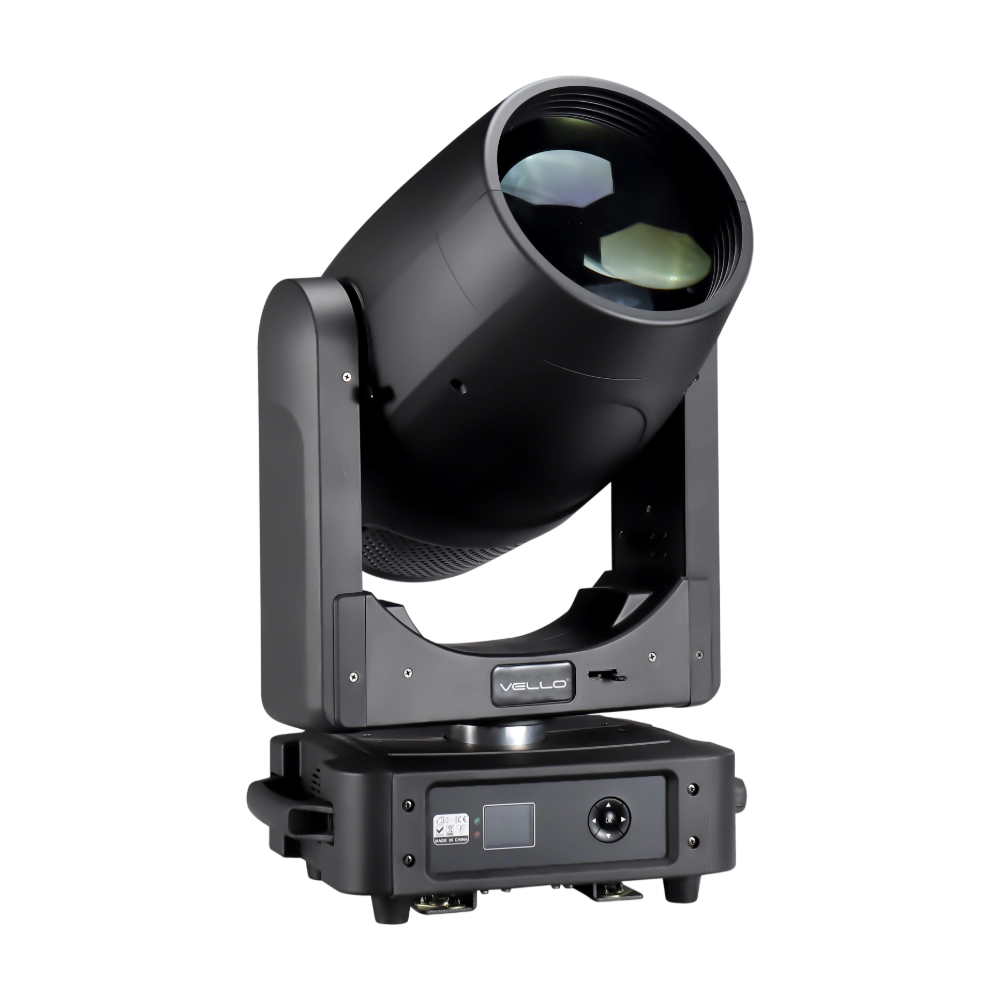
- Moving heads vary: simple 8–16 channels in basic modes, advanced fixtures 20–40+ channels in high-resolution modes (pan/tilt 16-bit, color, gobo, shutter, effects).
Practical allocation workflow:
- Inventory every fixture and its channel modes. Make a spreadsheet: fixture type, mode, channels per fixture.
- Separate pixel controllers/nodes from conventional DMX fixtures. Many pixel controllers consume entire universes; a 512-channel universe can carry up to 170 RGB pixels (3 ch/pixel).
- Example calculation for your rig: 200 pixels at 3 ch/pixel = 600 channels → needs 2 universes. 24 IP65 wash lights at 6 ch each = 144 channels (1 universe). 8 moving heads at 24 ch each = 192 channels (1 universe). Total = ~5 universes if you segregate pixel controllers and fixtures logically; allow spare universes for FX and extra modes.
- Group fixtures by location & function: FOH, truss A, truss B, upstage pixels. Assign whole universes to zones for easier patching and to simplify DMX splits under networked control (Art‑Net/sACN).
- Use RDM (ANSI E1.20) where possible to remotely discover and set addresses. Also maintain physical labeling and an address map PDF and back it up to the lighting console before load-in.
Best practices:
- Reserve at least 10–20% extra addressing space (spare universes) for contingencies.
- Use a dedicated Ethernet VLAN for lighting Art‑Net/sACN traffic on larger installs to avoid packet collisions with house networks.
- Use pixel controllers that support sACN/Art‑Net natively so you can route specific universes to nodes without complex gateways.
3) Why do LEDs flicker on camera and how do I configure DMX and fixtures to achieve flicker-free playback?
Problem: LED fixtures that look fine to the eye can flicker or band on cameras (rolling shutter) because of PWM dimming, low refresh rates, or asynchronous control signals.
Root causes:
- PWM (pulse-width modulation) frequency too low—visible to cameras at typical frame rates.
- DMX refresh/update rate or Art‑Net packet timing causing micro-strobing between frames.
- Camera shutter sync and rolling shutters interacting with LED driver refresh frequency.
Industry guidance and configuration steps:
- Check fixture specifications for “flicker-free” ratings and driver PWM frequency. Industry practice: minimum PWM/driver refresh of 4 kHz for general events; for broadcast/film aim for 10–25 kHz or explicit camera-safe certification (many broadcast fixtures specify >10 kHz or 'flicker-free').
- Confirm the console’s DMX output rate and any packet throttling. When using Art‑Net/sACN, ensure node buffer sizes and streaming intervals are set for smooth updates; some consoles allow you to increase refresh rates or change throttling behaviors for camera work.
- Use fixtures with high-bit-depth control (16-bit pan/tilt, high-resolution dimming) to reduce stepping artifacts when captured on camera.
- Test early with the target camera(s) and frame rates (24/25/30/60 fps). Rolling shutter issues can persist even with high PWM; doing camera tests on-site is mandatory for broadcast.
- For LED pixel mapping, ensure pixel controllers support continuous updates and are rated for camera use—cheap controllers can introduce stutter from buffer underruns.
If you must retrofit: enable any flicker-free mode in fixture menus, increase PWM frequency if configurable, and avoid deep, high-frequency strobing effects during camera-facing shots. For critical broadcasts, specify fixtures with explicit broadcast/flicker-free specs (TLCI >90, PWM >10 kHz) on the purchase order.
4) How do I plan power distribution, grounding and cable sizing for a mixed rig with high-power moving heads to avoid voltage drop and overheating?
Problem: Undersized cabling and poor distro design cause dimming, overheating, nuisance tripping, and can damage LED drivers.
Design checklist and calculations:
- Collect actual power specs: steady-state wattage per fixture, inrush current, recommended operating voltage and power factor (many modern LED drivers have PFC >0.9).
- Calculate current per circuit: I (A) = P (W) / V (V) (for single-phase rigs). Example: a 1,000 W fixture on 230 V draws ≈ 4.35 A steady-state. For three-phase, distribute fixtures across phases to balance load.
- Allow for diversity and inrush: LED fixtures often have high inrush—consider soft-start fixtures or ensure breakers and distro can handle inrush. Use 125–150% of steady current for breaker sizing where appropriate per local code and practice.
- Use proper cable gauge: consult tables for permissible ampacity and maximum voltage drop. For long runs keep voltage drop <3–5% to avoid noticeable dimming; use heavier gauge for long feeder runs to trusses.
- Implement separate, properly earthed protective earth for lighting circuits (do not rely on data cabling grounds). Ensure RCD/GFCI protection per local code for portable installations and outdoor IP65 fixtures.
- Place power distribution boxes on trusses close to heavy loads to shorten high-current runs; use local branch circuits from the distro to fixtures to reduce voltage drop and heating in couplers.
Best practices:
- Label all cables and breakers precisely and keep an up-to-date single-line power diagram with loads and phase balancing.
- Use locking connectors rated for the current (e.g., IEC LOCK, Edison lock, or regional equivalents) and prefer copper busway or large-capacity distro for permanent installs.
- Regularly thermally image the distro and couplers during load testing to find hot spots before shows.
5) How do I choose between COB vs SMD optics and RGB vs RGBW/CMY for the best color mixing, beam edge and gobo sharpness?
Problem: Marketing terms (COB, SMD, RGBW, CMY) are used loosely; buyers need to match optical design to the creative requirements—sharp gobos, smooth washes, or pixel mapping.
Optics and emitters overview:
- COB (Chip On Board) LEDs deliver a compact, homogeneous light source that is excellent for even wash fields and smooth color blending—useful for soft-edge washes and wash-to-wash fades.
- SMD arrays with secondary optics are typical for pixel-mapped battens and fixtures where resolving individual pixels is desired; they enable tighter pixel control and higher pixel counts.
- RGB vs RGBW vs CMY: RGB mixes colors by additive mixing; adding a white diode (RGBW) improves pastel and white rendering and increases luminous efficiency. CMY/CMY+CTO are subtractive or continuous-mixing color systems often preferred in moving heads for smoother color rendering and more accurate whites.
How optics affect beam edge and gobos:
- Hard-edged beams and sharp gobo projections require precise optics, good lens quality and often a small emitter point source. Some moving-heads use specialized gobo engines with iris and focus to achieve sharpness.
- COB sources give a softer edge; if you need sharp gobo projection onto a cyclorama or backdrop, choose fixtures with a pointed emitter or high-quality secondary optics designed for gobos.
Buying guidance:
- For pixel mapping and effects: choose SMD-based battens with high pixel density, reliable pixel controllers and good lens optics for front-facing clarity.
- For key/fill and cyclorama work: choose COB-style washes or fixtures with homogenizing optics and high CRI/TLCI (TLCI >90 for camera).
- For moving heads with gobos: review test images of projected gobos at your throw distance. Ask vendors for gobo projection photos or IES files of gobo sharpness at typical throws.
- Consider color rendering: TLCI >90 and CRI >90 are good goals for broadcast; live events may tolerate lower CRI but should still consider skin-tone rendering.
6) Can I use wireless DMX in large venues and how do I avoid interference with Wi‑Fi and radio mics while staying legal?
Problem: Wireless DMX is attractive for runs to moving trusses or temporary installs, but improper use can cause dropouts, cross-talk with Wi‑Fi and radio mic interference, or violate local spectrum regulations.
Guidance and precautions:
- Know the wireless DMX technology: products may use unlicensed ISM bands (2.4 GHz is common), 900 MHz, 1.9 GHz DECT or licensed bands. Each band has different propagation and interference characteristics.
- 2.4 GHz solutions are widely used but share spectrum with Wi‑Fi, Bluetooth and other devices. Choose systems with frequency-hopping or adaptive channel selection and directional antennas to reduce collisions.
- Check local radio regulations: some countries restrict power output or use of certain bands—professional licensed links may be needed for high-power long-range systems in some jurisdictions.
- For critical productions, always have a wired DMX backup. Use splitters, robust cable runs and properly terminated DMX lines so a single wireless failure doesn’t kill the show.
- Position antennas for line-of-sight where possible; avoid metal obstructions and maintain clear RF paths between transmitter and receivers. Multiple receivers with diversity antennas reduce dropouts in complex venues.
- Coordinate with venue RF managers and audio teams. Conduct a pre-show RF survey when radio mics and wireless in-ear monitors are in use and choose wireless DMX channels or bands that minimize conflict.
Documentation and procurement tips:
- Ask manufacturers for a detailed spec sheet that includes frequency band, channel-hopping behavior, legal transmit power, latency and expected range in obstructed environments.
- Request prior case studies from the vendor for installs of a similar scale and ask about their interference mitigation strategies.
Concluding summary
Choosing professional stage lighting equipment and specifying DMX control requires attention to photometrics (lumens, candela, beam angle), addressing and universe planning (DMX512, sACN, Art‑Net, RDM), driver and PWM specs for flicker-free output, correct power and grounding, the right optics (COB vs SMD, RGB/RGBW/CMY), and prudent wireless DMX use in coordination with venue RF. LED stage lights offer high luminous efficacy (modern fixtures commonly 80–160 lm/W), long lifetimes, lower heat load and advanced pixel mapping—delivering flexible creative tools while reducing operational costs compared with legacy discharge fixtures.
For a tailored fixture list, IES photometrics or an installation quote, contact us at info@vellolight.com or visit www.vellolight.com.
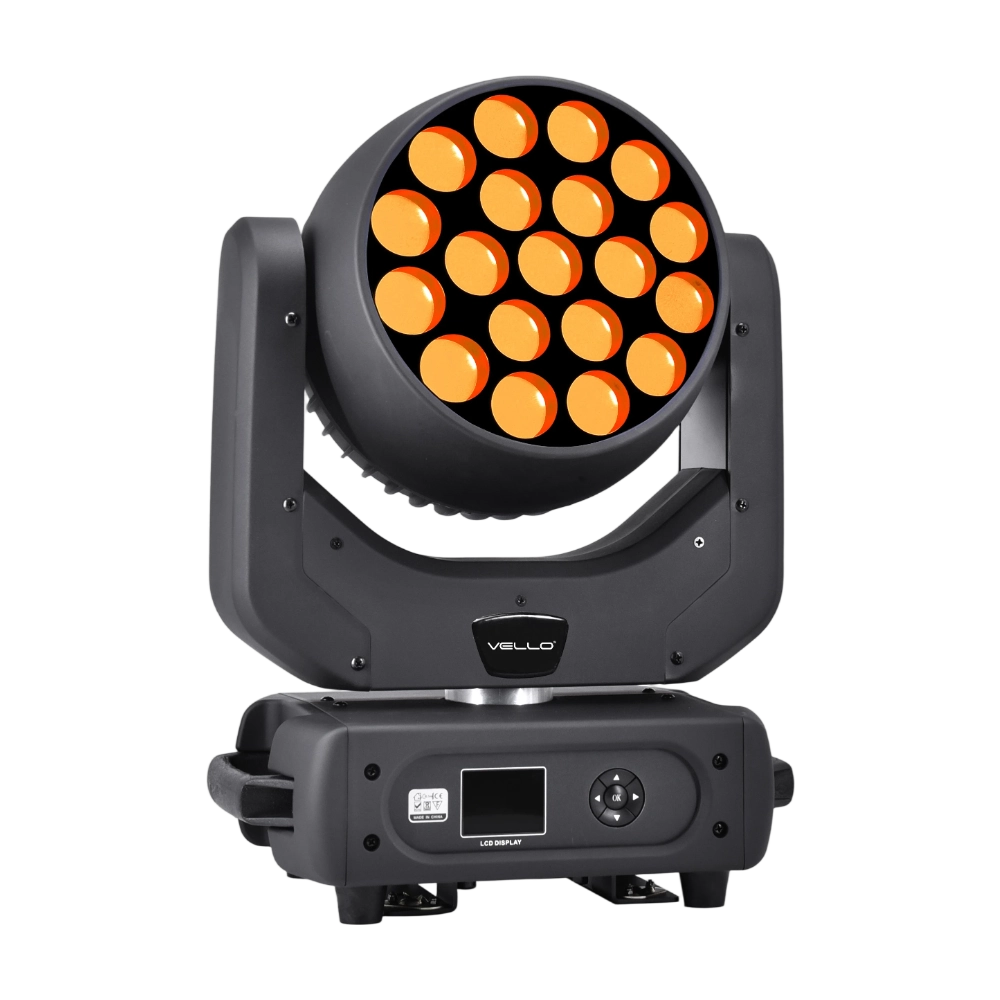
Major categories
Do your products support customization?
Yes. We offer OEM and ODM services tailored to project needs, including design, optics, and control compatibility.
What is the warranty period for your products?
Most products come with a standard 1–2 year warranty. Please refer to product details or contract terms for specifics.
Do you offer samples?
Samples are available for certain models. Please confirm with our sales team for details.
What is the usual lead time?
Standard models are typically shipped within 7–15 working days after payment. Customized items may vary.
Do you ship internationally?
Yes. We offer sea, air, and express delivery to many countries and regions worldwide.
You may also like
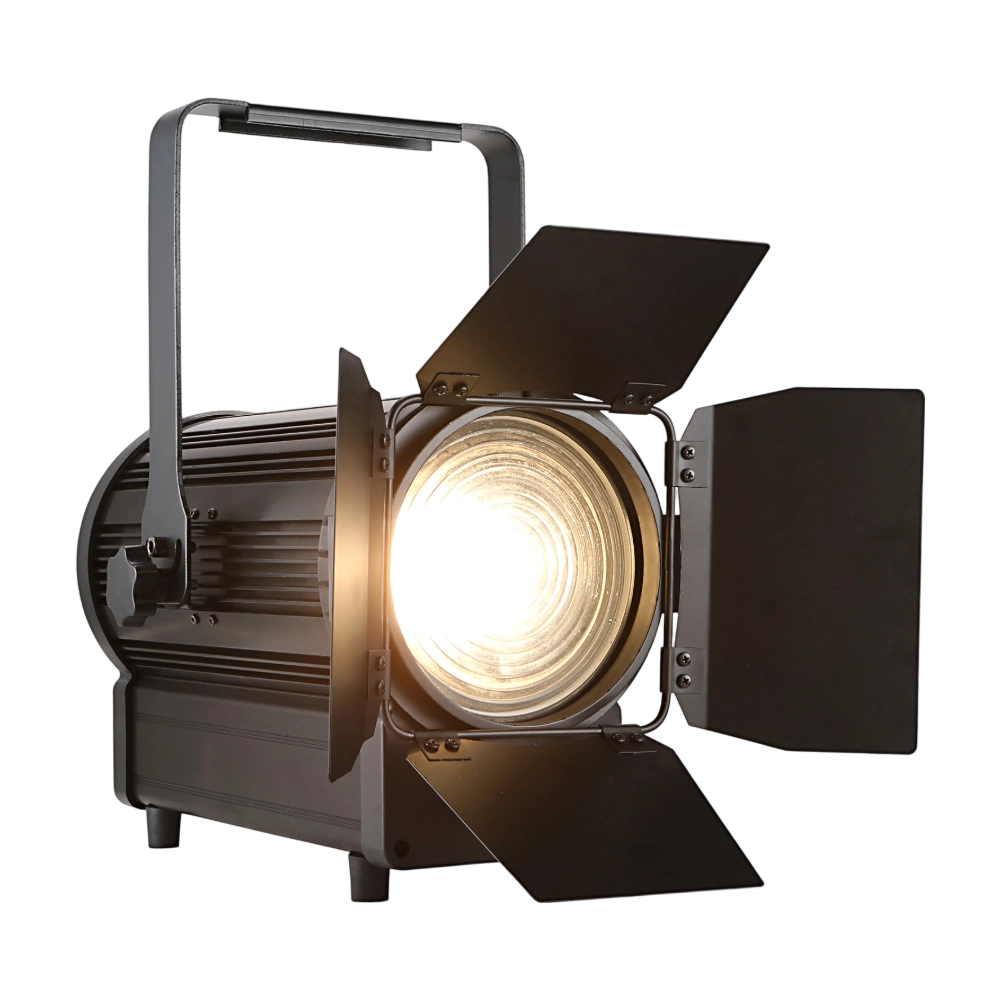
The TH250 Fresnel CTO is a compact yet powerful 250W LED Fresnel fixture. Equipped with dual 125W WW/CW lamps, it offers CTO adjustment (3000K–6000K) and CRI ≥97 for true-to-life color rendering. The 15°–50° zoom and electronic dimming make it versatile for stage and studio use. With flicker-free output, silent operation, and DMX/manual zoom, the TH250 is an ideal energy-efficient alternative to conventional Fresnels.
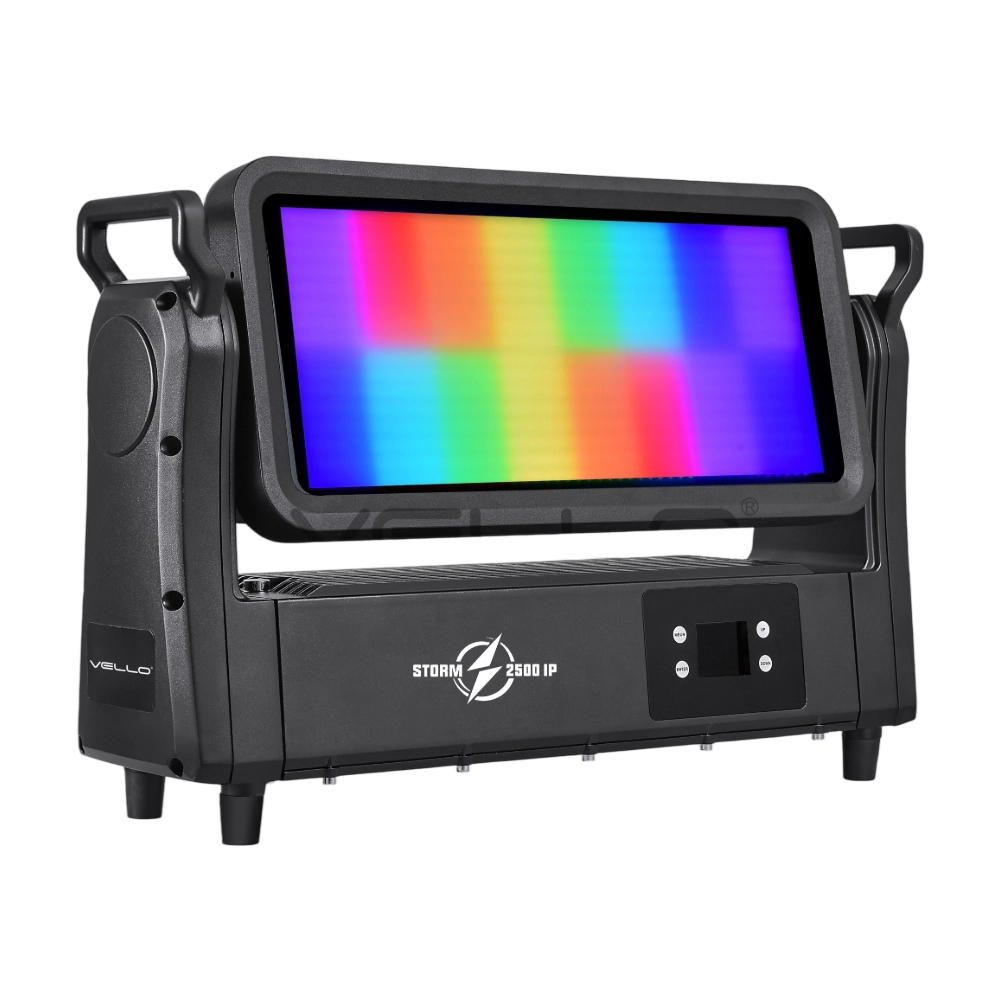
Storm 2500IP is a powerful 800W outdoor-rated LED strobe and wash fixture, equipped with 768 pieces of 5050 RGB LEDs and 144 pieces of 2W cool white LEDs for vibrant effects and precise pixel control. With IP65 protection, a wide 220° tilt, a strong RGBW strobe, DMX-controlled frost, an electronic frost function, and smart glass technology, it delivers both intense and soft lighting for any environment. Designed with silent, flicker-free performance and flexible DMX control, Storm 2500IP is built for large-scale shows, tours, and outdoor events.
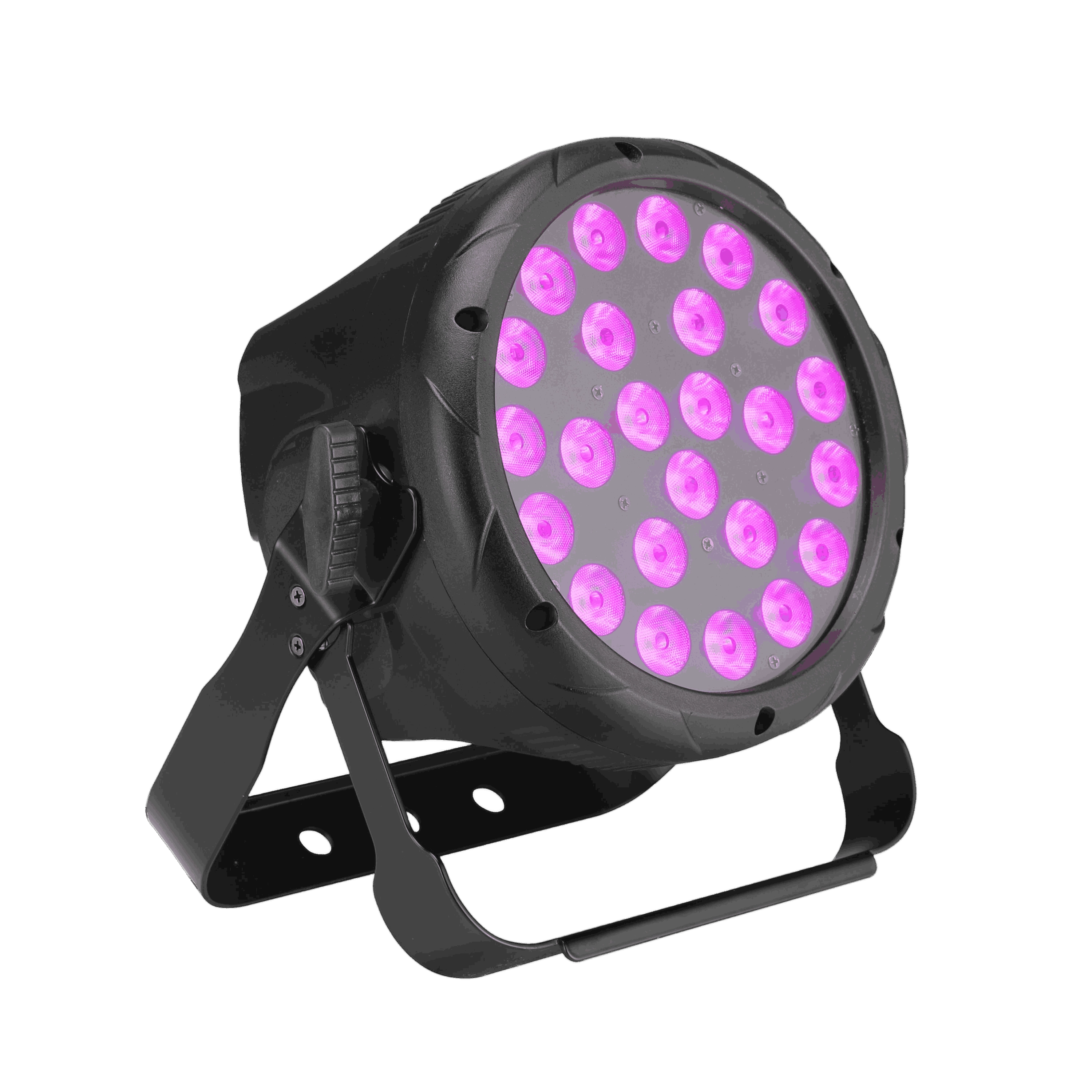
The LED Shining Par 24 is a robust 250W RGBW par fixture with 24 × 10W LEDs delivering vivid colors and smooth washes. Featuring 25°/45° lens options, flicker-free output, and a 0–100% dimmer, it is optimized for both stage and architectural use. With IP20 protection, a compact design, and DMX control (4/5/8 channels), it provides reliable performance for events, installations, and theaters.
The BSW450 is a high-performance moving head fixture equipped with an original Osram 420W bulb, delivering exceptional brightness, precision, and versatility. Designed for professional stage applications, it seamlessly combines beam, spot, and wash functions in one compact unit, making it a powerful all-in-one lighting solution.
◌ Let Us Support Your Project
Request a Custom Quote and Technical Support
Fill out the form below, and our sales team will contact you shortly with product details, pricing, and customer service options.
Rest assured that your privacy is important to us, and all information provided will be handled with the utmost confidentiality.
By clicking "Send your message," I agree to your processing my personal data.
To see how to withdraw your consent, how to control your personal data, and how we process it, please see our Privacy Policy and Terms of Use.
Over 20 Years of Innovation in Stage & Studio Lighting
© 2026 VELLO. All Rights Reserved. 粤ICP备20023734号
Join our socials
VELLO
Whatsapp: +8613902276704
Vello Lighting
VelloLights