





How does DMX control improve concert lighting precision?
- 1. How do I calculate exactly how many and which fixtures (moving heads vs. wash vs. PAR) I need to achieve 1,000 lux on a 10m × 6m stage for a mid-size concert?
- 2. What DMX channel and universe strategy reduces latency and patch complexity when using pixel-mapped LED strips, moving heads, and LED video panels across multiple universes?
- 3. Which power and data cabling practices prevent flicker, signal drop, and overheating when daisy-chaining high-power LED stage lights during multi-hour shows?
- 4. How does DMX control improve concert lighting precision compared to standalone fixtures or generic wireless protocols, and how do I configure it to reduce jitter and frame drops for fast musical cues?
- 5. What exact specifications should I request from manufacturers (CRI, PWM frequency, beam angle, lumen/candela outputs, IP rating, thermal derating) to ensure broadcast-safe, color-accurate LED stage lights?
- 6. How do I design a practical backup and redundancy plan (power, DMX redundancy, console failover) for a touring LED rig to avoid show‑stopping failures?
- Conclusion: Why investing in the right professional stage lighting equipment and DMX design pays off
Professional Stage Lighting Equipment: 6 Expert Answers About LED Stage Lights & DMX
Buying LED stage lights and professional stage lighting equipment is more than picking bright fixtures — it requires photometrics, DMX architecture, power and signal best practices, and redundancy planning. Below are six long-tail, beginner-focused questions that often have incomplete answers online, followed by in-depth, practical responses you can act on when spec'ing or purchasing for concerts and tours.
1. How do I calculate exactly how many and which fixtures (moving heads vs. wash vs. PAR) I need to achieve 1,000 lux on a 10m × 6m stage for a mid-size concert?
Why this matters: Many buyers are told X fixtures per side without photometric justification. You need to translate manufacturer candela/lumen/beam-angle data into lux at the stage surface using the inverse-square law and beam coverage math.
Step-by-step method (practical):
- Gather manufacturer photometrics: luminous intensity in candela (cd) for the beam or an IES file. If only lumens are given, convert to approximate candela for a beam angle: approximate candela ≈ lumens × (1 / steradian). Manufacturers often provide candela or lux at distance tables — use those.
- Use the inverse square law for illuminance at a point: lux = candela / distance². Example: a moving head spec shows 100,000 cd at peak beam center. At 10 m, lux(center) = 100,000 / (10²) = 1,000 lux.
- Account for beam angle to determine usable coverage: beam diameter at distance ≈ 2 × (distance × tan(beam_angle / 2)). For a 10° beam at 10 m, diameter ≈ 2 × (10 × tan(5°)) ≈ 1.75 m. That tells you how many beams are needed to cover the 10 × 6 m playing area without gaps.
- Combine fixtures: moving-head spots (narrow beam) are used for key-lit performers or strong accents; wash fixtures (wide beam) provide area fill. To achieve an even 1,000 lux across the whole stage, compute lux contributed by each overlapping fixture at sample grid points and sum them (additive). Use manufacturer lux charts or a lighting-design tool (e.g., Capture, WYSIWYG) for speed.
Quick worked example (approximate):
- Stage center height from truss: 10 m. Requirement: 1,000 lux average across 10 × 6 m.
- Suppose a 10° moving head has 100,000 cd peak; coverage at 10 m is narrow (≈1.75 m diameter) and gives ~1,000 lux at beam center. You need overlapping spots spaced so their edges provide at least 300–500 lux to avoid dark seams. That typically requires 6–8 narrow spots (strategically positioned) plus 6–8 wide washes (beam angle 30–40°, each with, for example, 15,000–25,000 lumens) to raise the overall average to 1,000 lux.
Best practices:
- Ask manufacturers for IES files and candela curves; run them in a plotting tool or the console’s visualiser.
- Design to average lux with a specified uniformity (e.g., center-to-edge ratio ≤ 1.5) rather than relying on peak lux.
- Factor in dimmer curves and gel/filter transmission if used; LEDs will also have beam shaping optics that change lux distribution.
2. What DMX channel and universe strategy reduces latency and patch complexity when using pixel-mapped LED strips, moving heads, and LED video panels across multiple universes?
Why this matters: Pixel-mapped strips and LED video often consume many channels per pixel, bloating DMX universes and causing large packet sizes. An inefficient patch increases latency and makes troubleshooting painful.
Principles and steps:
- Know your limits: DMX512 (ANSI E1.11) provides 512 channels per universe. Art-Net and sACN let you transmit many universes over Ethernet but each universe still carries up to 512 channels.
- Choose the right protocol for pixels: For per-pixel LED strips/panels, prefer Ethernet-based protocols (Art-Net, sACN, or vendor-specific protocols) or use dedicated pixel transceivers that map Ethernet universes into DMX or pixel data. Pixel mapping over DMX is possible but quickly consumes universes (e.g., RGB pixels = 3 channels/pixel → ~170 pixels/universe).
- Group by refresh/priority requirements: Put fixtures that need high refresh/low latency (moving heads for fast cues) on their own universes; put pixel-heavy fixtures (LED tape and video walls) on separate universes. This reduces packet processing interference and makes prioritisation simpler.
- Use gateway hardware wisely: Use Art-Net/sACN nodes that support multiple universes and have per-port buffering and rate shaping. For example, send pixel data via Artnet to dedicated LED processors rather than forcing pixels onto the console’s DMX outputs.
- Minimise channel overhead with modern modes: Many moving heads offer 8/16/20/30-channel modes. Use low-channel modes for conventional operation; switch to extended modes only when you need advanced pixel control on the fixture.
Practical checklist:
- Calculate total channels: (pixels × channels per pixel) + (moving heads × channels per head) + (par/wash fixtures × channels). Divide by 512 to estimate universes needed.
- Reserve at least one universe for console house/status and one for test/backup if possible.
- Document your patch and label universes on the physical network and on the console. Use readable names in the console (e.g., FrontWash_U3).
3. Which power and data cabling practices prevent flicker, signal drop, and overheating when daisy-chaining high-power LED stage lights during multi-hour shows?
Why this matters: Long cable runs, undersized conductors, poor connectors, or improper termination lead to voltage drop, control errors, thermal shutdown, and visible flicker.
Power practices:
- Calculate current draw: Add up rated current for all fixtures; include inrush current margin (LED drivers can have inrush). Use a 125% rule for continuous loads where local code requires, and size breakers/cables accordingly.
- Use appropriate cable gauge: For runs >10–20 m with high-power LED moving heads or batten fixtures, use 12 AWG (or equivalent metric) or larger as needed to limit voltage drop to a few percent. Short runs and lower-power fixtures may be fine with 14 AWG, but always check the fixture's manual.
- Prefer local distro and power linking: Use power boxes or distro near clusters of fixtures to reduce long feeder runs. Many professional fixtures support powerCON TRUE1 for secure locking power and power linking through IP-rated power connectors.
- Monitor temperatures and derate for ambient heat: High ambient temps reduce driver life. Allow adequate ventilation in trusses and enclosures.
Data practices (DMX and pixel data):
- Use proper DMX cable: 120-ohm shielded twisted pair designed for DMX. Use 5-pin XLR wired per standard; 3-pin cables are common but not formal standard and can cause compatibility issues.
- Terminate the DMX line with a 120-ohm resistor at the last fixture; enable line termination on a dedicated terminator or use controllers with termination enabled. Avoid unterminated long runs to prevent signal reflections and dropouts.
- Keep DMX separated from mains where possible to avoid interference. Cross at right angles if they must intersect, and avoid running data cables parallel to power for long distances.
- For long runs or many nodes, use opto-isolators or Ethernet-based transport (sACN/Art-Net) with managed switches to reduce signal integrity problems.
Flicker considerations:
- Choose fixtures with high PWM/driver frequency and manufacturer-stated flicker-free performance for broadcast and slow-shutter cameras.
- Ensure stable mains voltage; excessive voltage drop can cause driver instability and flicker. Use line conditioning or dedicated generators when mains are unstable.
4. How does DMX control improve concert lighting precision compared to standalone fixtures or generic wireless protocols, and how do I configure it to reduce jitter and frame drops for fast musical cues?
Why this matters: Beginners often use onboard scenes or basic wireless controllers and wonder why cues on a DMX network feel smoother and more precise when properly configured.
What DMX (and networked DMX) provides:
- Deterministic channel control: DMX512 transmits explicit channel values at a regular frame rate so fixtures see the exact parameter values the console sends. This enables repeatable fades and split-second cue timing.
- Centralised cue engine: Consoles (or show controllers) calculate exact timing and interpolation curves for each channel, ensuring synchronized fades and effects across fixtures. Standalone fixtures running internal macros cannot achieve the same cross-fixture sync unless externally clocked.
How to configure to reduce jitter/dropouts:
- Segregate high-priority fixtures into dedicated universes so console processing of pixel data doesn’t delay moving-head updates.
- Use a wired, managed network for Art-Net/sACN transport; avoid sending mission-critical control over unreliable Wi‑Fi. If wireless is required, use professional wireless DMX (e.g., CRMX LumenRadio or other proven vendors) and keep line-of-sight, RF channel planning, and dual receivers as appropriate.
- Minimise packet size on the console by using compact fixture modes for routine cues and only enabling advanced modes when necessary.
- Enable RDM (ANSI E1.20) where supported to monitor fixture health and quickly locate cabling or addressing problems before a show.
- Measure DMX refresh: DMX universes refresh typically in the tens of Hz (console and network dependent). For very fast cueing, ensure console/network latency is under your musical timing threshold (e.g., <10 ms for sub-beat precision). Using sACN/Art-Net on a low-latency switch usually achieves that in pro rigs.
5. What exact specifications should I request from manufacturers (CRI, PWM frequency, beam angle, lumen/candela outputs, IP rating, thermal derating) to ensure broadcast-safe, color-accurate LED stage lights?
Why this matters: High CRI or flicker-free in marketing copy can be vague. Buyers need numerical thresholds so they can compare fixtures objectively.
Minimum specification checklist (recommended):
- CRI (Color Rendering Index): Request CRI ≥ 90 for accurate skin tones in theatre and broadcast. For highest-fidelity broadcast, ask for TM-30 or CRI Ra and R9 values where R9 (strong red) should be high (near 90) for natural skin tones.
- PWM/driver frequency: Ask for driver/PWM frequency and a manufacturer statement of camera compatibility. For most broadcast use, ask whether the fixture is specified as flicker-free at common frame rates (50/60 Hz and higher frame-rate capture). If you do high-speed camera work, request explicit frame-rate specs.
- Beam angle and optics: Request nominal beam angle (°) with candela charts at distances. For moving heads ask for spot/beam and zoom ranges (e.g., 2–40°) and accompanying lux/candela tables.
- Photometrics: Require candela curves and IES files and measured lumen output. Ask for lux at distance tables for common heights.
- IP rating: For outdoor use request IP65 or higher; for indoor touring IP20 is common but consider IP-rated connectors for adverse conditions.
- Thermal specs and derating: Ask maximum ambient temp for continuous operation and whether lumen output is derated at high temps. Also ask about cooling method (passive vs forced air) and serviceability of fans/filters.
- Electrical: Rated input voltage range, power factor, inrush current, and recommended breaker/fuse size. Ask about power linking limitations (max fixtures in chain) and connector type (powerCON TRUE1, Neutrik etc.).
- Control features: DMX channel modes, RDM support, Art-Net/sACN support, and onboard effects/pixel mapping capabilities.
6. How do I design a practical backup and redundancy plan (power, DMX redundancy, console failover) for a touring LED rig to avoid show‑stopping failures?
Why this matters: Single-point failures ruin shows. Large productions require robust redundancy plans that are executable by road crews.
Power redundancy:
- Dual feed design: Where possible, split critical loads across two independent feeds and breakers. Use automatic transfer switches or power changeover systems in the distro where required by local code.
- Local battery or UPS: For control consoles and network gear, use UPS to ride through brief mains losses and allow graceful shutdown or scripted fallback sequences.
- Spare fixtures and spares kit: Carry spare moving heads, LED battens, and frequently failing parts (drivers, power connectors, DMX terminators, fuses, lamp boards). Keep a documented spares list.
Control and data redundancy:
- Dual-universe DMX: Implement duplicate universes where fixtures can switch from primary to backup. Many professional fixtures and nodes support redundant Art-Net/sACN via two network paths; use managed switches and enable multicast where appropriate.
- Console failover: Use two consoles in master/backup mode or a console plus a portable backup with the show file synced. Keep a simple backup show in a small portable console that can recall key songs or a safe-look chase list in seconds.
- Redundant gateways and wireless: For wireless DMX, consider dual radios or a wired fallback. For pixel walls, use LED processors with dual inputs and auto-failover features.
Operational practices:
- Pre-show checklists that include DMX termination, RDM discovery, and power distribution checks.
- Label everything — power, DMX, and network — and document the physical patch and address map for quick troubleshooting on the road.
- Train crew on swapping in a backup console or switching universe feeds under stress.
Conclusion: Why investing in the right professional stage lighting equipment and DMX design pays off
When you specify LED stage lights with verified photometrics, high CRI, camera-safe driver specs, proper power distribution, and a clear DMX/universe architecture (Art-Net/sACN/RDM where needed), you get predictable colors, consistent lux levels, and cue-accurate performance. Good cabling, termination, and redundancy reduce show risks and maintenance downtime — essential for touring and broadcast events. Using proper pixel mapping hardware and separating high-priority fixtures into dedicated universes yields both lower latency and simpler troubleshooting.
If you’d like a rig spec or quote tailored to your venue or tour — including photometry-based fixture counts, universe planning, and redundancy diagrams — contact us for a quote at www.vellolight.com or info@vellolight.com.
Major categories
What is the warranty period for your products?
Most products come with a standard 1–2 year warranty. Please refer to product details or contract terms for specifics.
Do you offer samples?
Samples are available for certain models. Please confirm with our sales team for details.
Do you ship internationally?
Yes. We offer sea, air, and express delivery to many countries and regions worldwide.
What is the usual lead time?
Standard models are typically shipped within 7–15 working days after payment. Customized items may vary.
Do your products support customization?
Yes. We offer OEM and ODM services tailored to project needs, including design, optics, and control compatibility.
You may also like
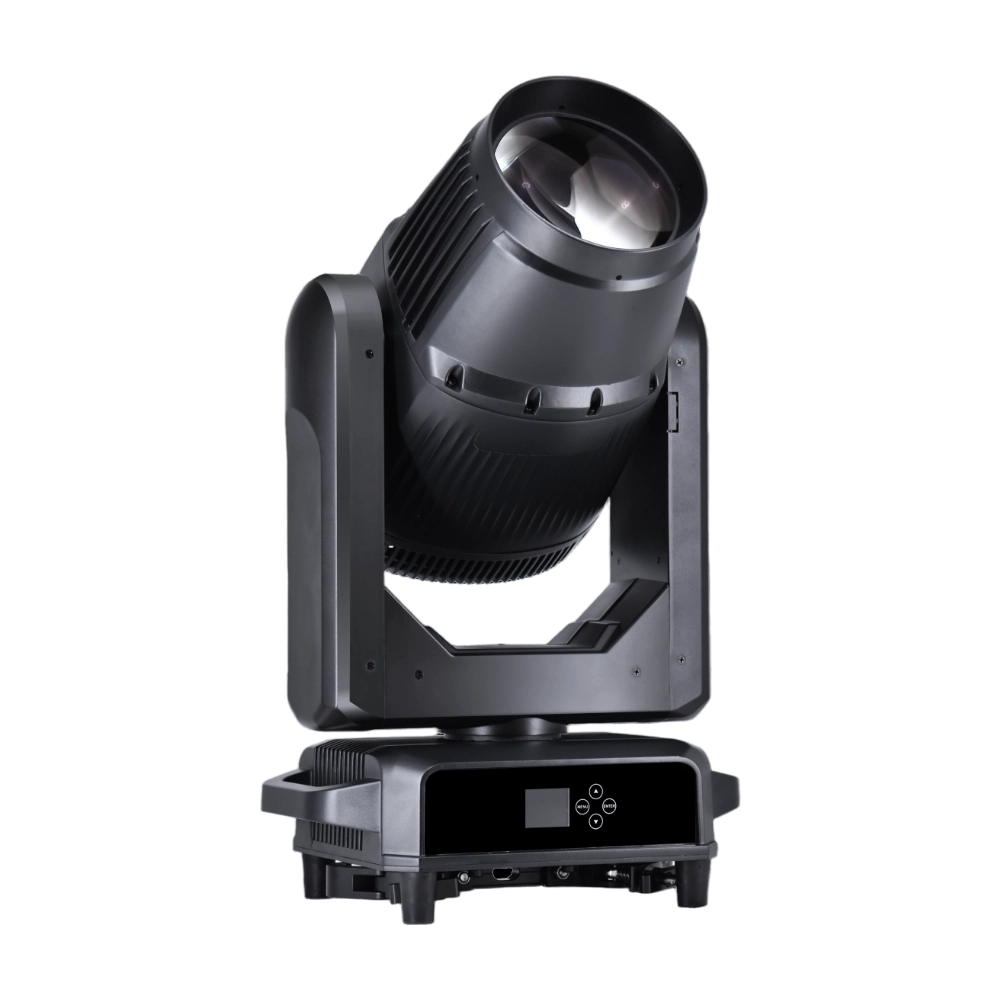
AK550 is an outdoor IP66 550W high-performance moving head spot powered by a Japanese Ushio 390W bulb, delivering a sharp 2° beam with rich colors and precise effects. It features 15 gobos + open, a 14-color wheel, dual prisms (8-facet and 16-facet honeycomb), and linear frost and focus for versatile looks. With 540° pan / 270° tilt, 16-bit movement, automatic position correction, and an LCD touch display, the AK550 ensures precision and reliability. Built with a compact, lightweight body and IP66 outdoor-rated housing, it offers strong output and flexible control (DMX512, Master/Slave, standalone) and is ideal for both touring and outdoor events.
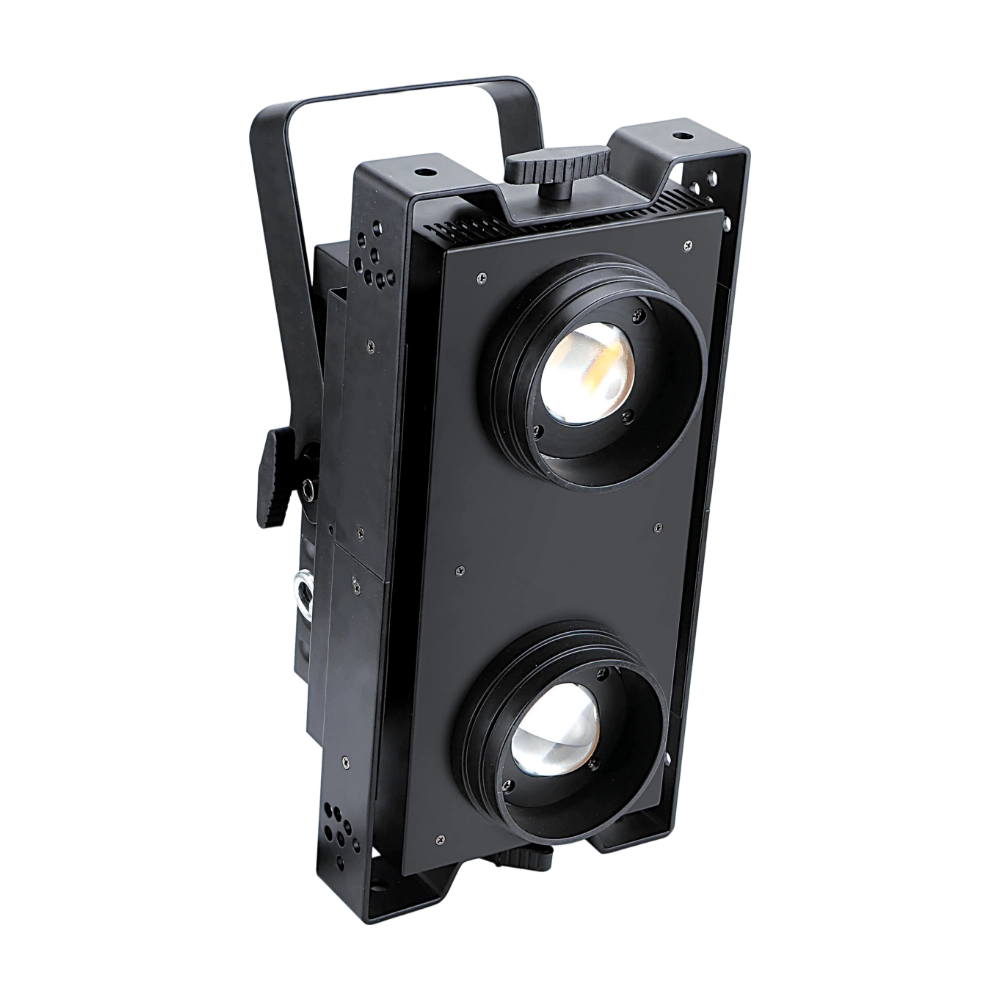
LED Blinder 300CTO is a 300W high-output stage blinder, powered by 2 × 150W LEDs with adjustable CTO (3200K–6000K) and super high CRI ≥97 for natural, camera-ready light. Featuring IP20/IP44 protection options, ±20° adjustable head tilt, and both horizontal and vertical mounting, it offers flexible setup for concerts and stage productions. With smooth 0–100% dimming, variable strobe, 16-bit dimmer curves, and independent or joint control of each head, the LED Blinder 300CTO delivers a powerful punch, versatile effects, and reliable flicker-free performance for professional lighting applications.
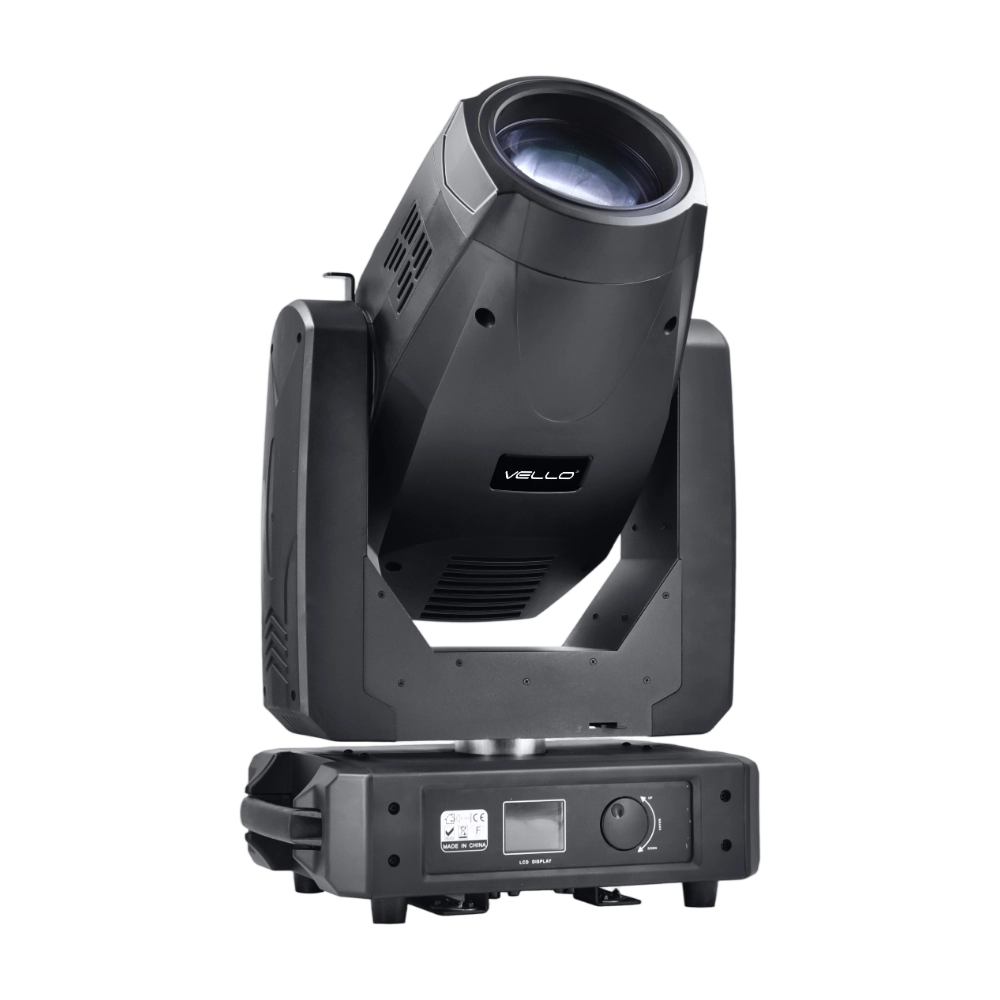
The BSW450 is a high-performance moving head fixture equipped with an original Osram 420W bulb, delivering exceptional brightness, precision, and versatility. Designed for professional stage applications, it seamlessly combines beam, spot, and wash functions in one compact unit, making it a powerful all-in-one lighting solution.
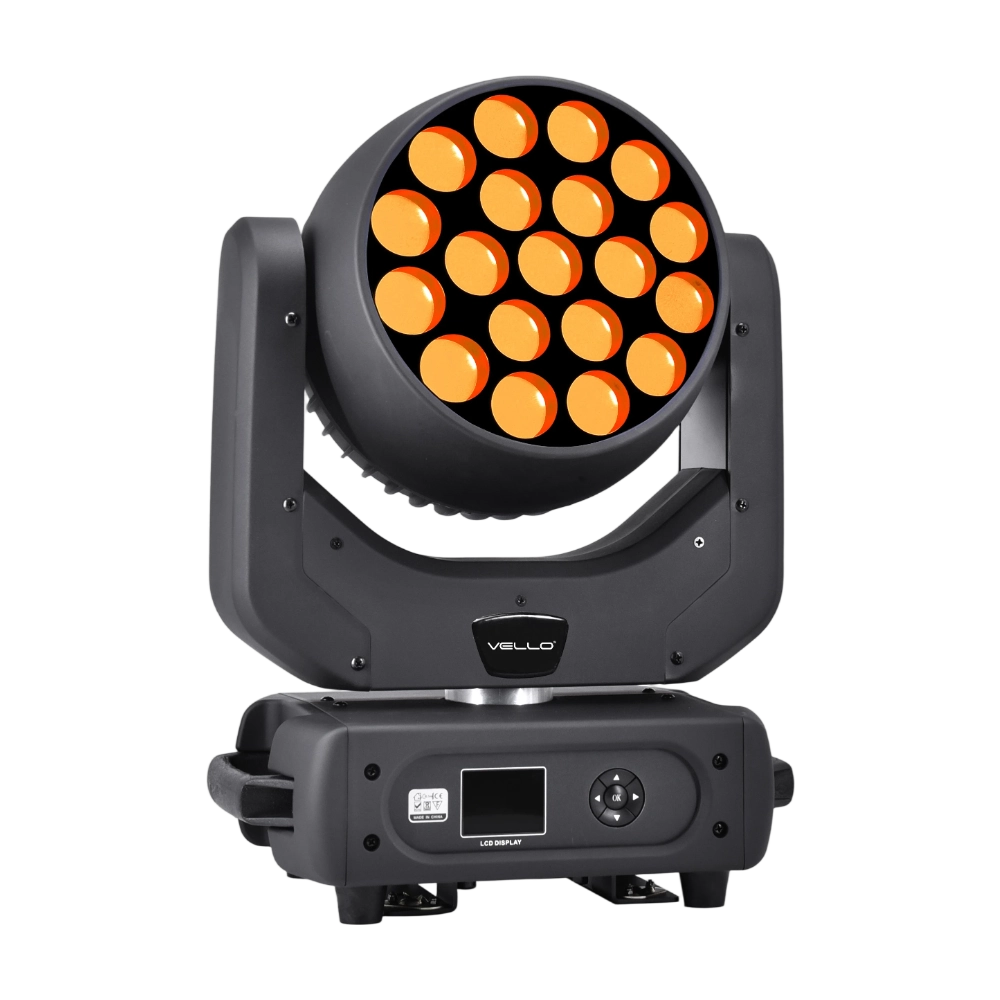
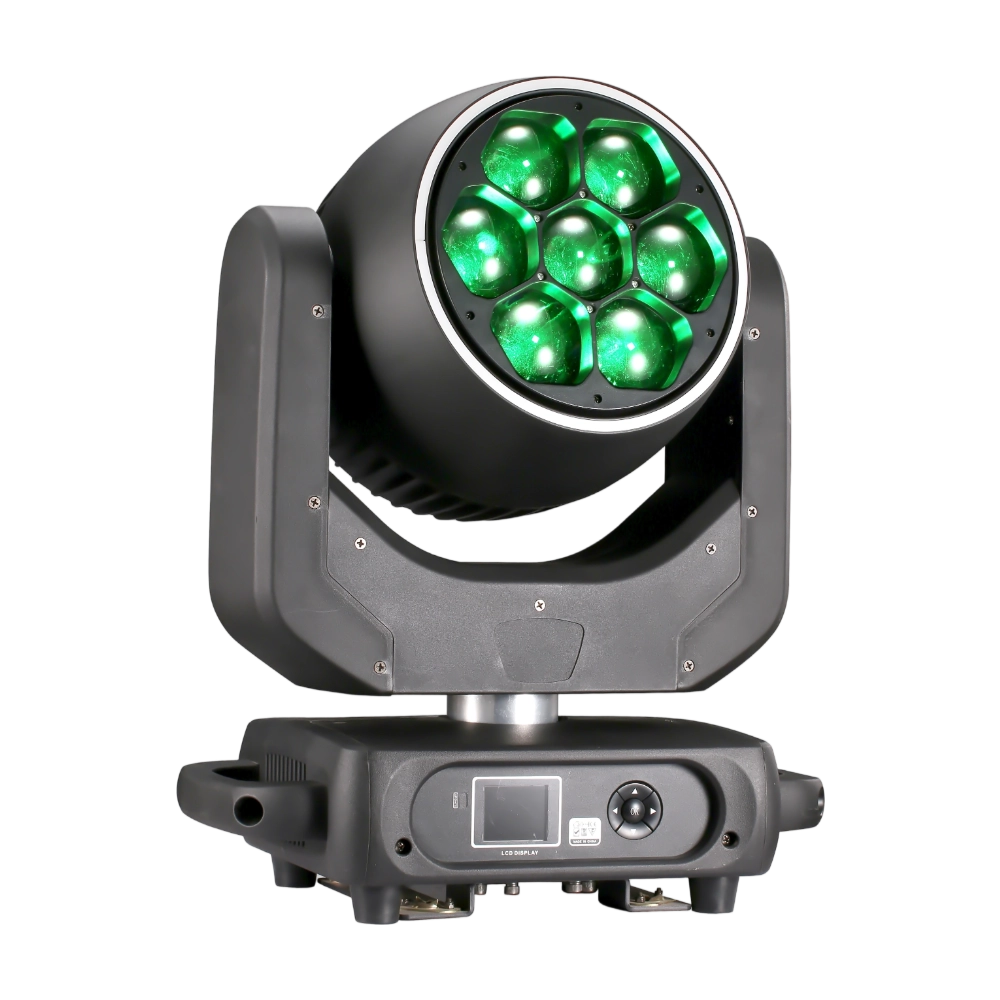
LED Bee Eyes K7 is a 500W moving head wash fixture equipped with 7 × 60W Osram RGBW LEDs plus 48 × 0.5W RGB auxiliary LEDs, delivering intense output and rich color effects. With a 4°–45° electronic zoom, wide CTO range (2700K–8000K), and individual pixel control, it enables stunning visuals from tight beams to smooth washes. Rotation lens effects add dynamic movement, while 540° pan / 270° tilt and multiple DMX channel modes ensure creative flexibility. Compact yet powerful, the K7 is ideal for concerts, clubs, and large-scale shows demanding vibrant color and versatile effects.
◌ Let Us Support Your Project
Request a Custom Quote and Technical Support
Fill out the form below, and our sales team will contact you shortly with product details, pricing, and customer service options.
Rest assured that your privacy is important to us, and all information provided will be handled with the utmost confidentiality.
By clicking "Send your message," I agree to your processing my personal data.
To see how to withdraw your consent, how to control your personal data, and how we process it, please see our Privacy Policy and Terms of Use.
Over 20 Years of Innovation in Stage & Studio Lighting
© 2026 VELLO. All Rights Reserved. 粤ICP备20023734号
Join our socials
VELLO
Whatsapp: +8613902276704
Vello Lighting
VelloLights