





What is DMX and how does it control LED stage lights?
- 1. What is DMX and how does it control LED stage lights?
- 2. How do I calculate DMX channel needs for pixel-mapped LED walls or strips so I don’t overflow a universe?
- 3. Why do my LED stage lights flicker on camera but not to the eye, and how do I fix it for live broadcast?
- 4. What are the correct DMX wiring, termination and grounding practices to prevent dropouts and data errors on large stages?
- 5. How do I configure Art‑Net/sACN and RDM for distributed LED pixel controllers across multiple universes?
- 6. How do I size power, cooling, and inrush mitigation for touring LED stage lights to prevent breaker trips and downtime?
- Conclusion: Why choose LED stage lights with DMX/Art‑Net control?
1. What is DMX and how does it control LED stage lights?
DMX (commonly called DMX512) is the industry standard serial control protocol used to send lighting data from a console or media server to fixtures. Formally specified as ANSI E1.11 (DMX512) and extended by other ANSI standards (e.g., RDM ANSI E1.20, sACN ANSI E1.31), DMX is a channel-based protocol: one universe = 512 channels. Each channel transmits an 8-bit value (0–255) that a fixture interprets according to its channel map.
How it controls LED fixtures in practice:
- Channel mapping: A simple RGB wash uses 3 channels (R, G, B). A white-capable LED (RGBW) uses 4 channels. Moving heads add channels for pan/tilt, gobo, shutter, etc.
- Addressing: Each fixture is given a start address so its channel block fits inside a universe (e.g., a 12-channel moving head starting at address 33 uses channels 33–44).
- Universes: If the total channels exceed 512, you allocate additional universes (DMX over Ethernet via Art-Net or sACN is common for large rigs).
- Signal path: The console outputs DMX over balanced differential cable (recommended 5-pin XLR per ANSI), daisy-chained through each fixture, with a 120-ohm termination at the final device.
Note on pixels vs. standard fixtures: LED pixel controllers (for strips or matrix tiles) map groups of LEDs (pixels) to DMX channels. For true per-LED control (WS2812/APA102 style), many systems use Ethernet-based pixel mapping (Art-Net/sACN) or a DMX-to-LED pixel node. Understanding the channel footprint per pixel is essential when planning universes.
2. How do I calculate DMX channel needs for pixel-mapped LED walls or strips so I don’t overflow a universe?
Common beginner pain point: underestimating channels and exceeding a single DMX universe mid-show. Follow a structured calculation:
- Identify channels per pixel: RGB = 3 channels; RGBW = 4; RGB + separate white or amber adds channels.
- Count pixels: For LED tape, a pixel is often a single RGB LED or a cluster. For fixtures, a pixel might be a 3-LED cell or a tile pixel.
- Compute total channels = pixels × channels-per-pixel.
- Divide by 512 to get universes required (round up). Example: 170 RGB pixels × 3 = 510 channels (fits in one universe). 171 pixels × 3 = 513 → 2 universes.
Practical considerations:
- Leave room for control channels (master dimmer, global macros) — don’t pack universes to the last channel if you anticipate changes.
- Pixel controllers often accept Art-Net/sACN and can distribute pixels across universes automatically; when using DMX-native pixel nodes, each node’s start address must be mapped carefully.
- When working with SPI-driven strips (WS2812, etc.), DMX is not native; you’ll use an Art-Net-to-SPI node which remaps Ethernet universes to pixel output — calculate pixels-per-universe per the node’s firmware limits.
3. Why do my LED stage lights flicker on camera but not to the eye, and how do I fix it for live broadcast?
Root cause: PWM dimming and LED driver refresh interact with camera frame rates and shutter speeds. Human vision integrates light and often doesn’t perceive high-frequency modulation that a camera sensor will sample as banding or flicker.
Key technical points:
- PWM frequency: Many fixtures dim LEDs by PWM. Low PWM rates (hundreds of Hz) can produce visible flicker at certain camera shutter speeds. Broadcast-grade fixtures use high-frequency PWM (often 2 kHz–5 kHz or higher) to minimize this effect.
- Driver architecture: Constant-current LED drivers with high refresh rates and linear dimming curves reduce strobing and color shifts across intensities.
- Camera settings: Frame rate and shutter angle determine sensitivity to flicker. For example, 50 Hz lighting and 1/50s shutter interact differently than 1/200s shutter speeds used for motion clarity.
Practical fixes:
- Specify flicker-free fixtures for broadcast work; ask manufacturers for measured PWM refresh frequency and photometric flicker tests (camera tests at 24/25/30/50/60 fps).
- Use fixtures with PWM ≥ 2 kHz for general events; for sensitive broadcast, prefer 4–10 kHz or LED drivers explicitly labeled broadcast-grade.
- Adjust camera frame rate/shutter, or synchronize lighting where possible (e.g., genlock/matching mains frequency techniques), though this is more complex on mixed rigs.
- Test before show day with the actual cameras and shutters you’ll use; vendors should provide camera-test footage on request.
4. What are the correct DMX wiring, termination and grounding practices to prevent dropouts and data errors on large stages?
Data reliability is a major pain point when scaling. Follow these best practices aligned with standards and field-proven practice:
- Use DMX-rated cable (120-ohm, shielded, twisted pair) — microphone cable is not recommended because it has different impedance and can degrade signal integrity.
- Prefer 5-pin XLR per the DMX standard. 3-pin XLR is commonly used in entertainment but is technically non-standard for DMX and can cause confusion. If using 3-pin, ensure consistent pin wiring across the run.
- Cable length: Stay conservative. A common recommendation is up to ~300 meters (1,000 ft) for a single run without booster/repeater; for longer runs use DMX boosters or Ethernet-based transport (Art-Net/sACN) with nodes near fixtures.
- Device count: DMX512 supports up to 32 loads on one driver output. Use opto-splitters or powered splitters to expand beyond 32 fixtures and to isolate failure points.
- Termination: Always terminate the last fixture with a 120-ohm resistor between DMX+ and DMX- or use fixtures with built-in termination. This prevents reflection-induced data errors.
- Grounding: Ensure a single reference ground and avoid ground loops. Where possible, use isolated DMX splitters to prevent ground-borne noise across long runs.
Operational tips:
- Label both ends of DMX runs and maintain a clear patch sheet. Mistmatched addresses are a frequent source of broken fixtures.
- Use inline DMX testers and LED test utilities to verify addresses and signal quality during setup.
- For high-density pixel installations, consider moving to Ethernet (Art-Net/sACN) and distributing local DMX or pixel node outputs close to the load to reduce long DMX cable runs.
5. How do I configure Art‑Net/sACN and RDM for distributed LED pixel controllers across multiple universes?
Modern large LED rigs often use Ethernet protocols (Art‑Net, sACN) to carry many universes over a single cable. RDM (Remote Device Management) provides bidirectional configuration and status but requires compatible hardware and proper topology.
Important configuration steps and gotchas:
- Choose protocol: Art‑Net is simple and widely supported; sACN (E1.31) is the ANSI network protocol designed for robust multicast/unicast and easier integration with modern lighting networks. Check controller/fixture support.
- Universe mapping: Plan which universe maps to which physical node and pixel group. Maintain a clear spreadsheet with node IP, universe start, and pixel ranges. Example: Node A (IP x.x.x.10) handles Art‑Net universe 0–3 mapping to pixel addresses 1–2048.
- IP addressing and network design: Keep lighting networks on a dedicated VLAN/subnet to avoid traffic collisions. Use static IPs for nodes and reserve multicast ranges properly for sACN.
- RDM: Enable RDM only if all intermediaries (splitters, repeaters) support it end-to-end. USB/Ethernet consoles and RDM-enabled splitters allow discovery and remote addressing, firmware updates, and status monitoring. RDM will not traverse non-RDM splitters or unpowered nodes.
- Latency and refresh: For pixel mapping, ensure node hardware and firmware support the frame rate you need; some cheap nodes introduce latency or drop frames when pushed to many universes.
- Security: Art‑Net and sACN are not encrypted by default. For professional installs, isolate the lighting network, and avoid exposing it to public or venue networks.
Testing checklist before show:
- Confirm each node receives the correct universe and pixel offset.
- Run full-resolution pixel test patterns from the media server to check mapping, refresh, and artifacts.
- Verify RDM discovery works where used and that the console/media server can read node status.
6. How do I size power, cooling, and inrush mitigation for touring LED stage lights to prevent breaker trips and downtime?
Touring and rental rigs often experience nuisance tripping due to inrush currents and poor distribution planning. LEDs use switching power supplies with large capacitors that create high initial current draw. Follow these steps to reliably size power and cooling:
- Gather accurate fixture specs: use manufacturer-rated maximum wattage, typical running wattage, power factor (PF), and inrush current (if provided). If inrush is not published, assume a higher peak when calculating sequential power-on plans.
- Calculate current: Current (A) = Watts ÷ Voltage. Example: at 230 V, a 1200 W fixture draws ~5.2 A (1200/230). At 120 V, the same fixture draws ~10 A.
- Account for power factor: Apparent power (VA) = Watts ÷ PF. If PF = 0.95, VA is slightly higher than watts. Use VA when sizing generators and distribution transformers.
- Plan distribution and diversity: Avoid putting many high-wattage fixtures on a single breaker. Use multiple circuits, or sequence power-up across dimmer racks and power distribution units (PDUs).
- Mitigate inrush: Use soft-start circuits, inrush current limiters, or staggered power-up routines. Many modern LED fixtures include inrush-limiting electronics, but don’t assume—verify with the vendor.
- Cable sizing and derating: Use cables and connectors rated for the continuous current and local code. For touring, keep runs short where possible and use multicore power snakes for neat distribution.
- Cooling & ventilation: LEDs last longer with adequate airflow. Though LEDs run cooler than discharge lamps, drivers and power supplies need convection. For enclosed truss or fixtures with high density, ensure forced ventilation or increased service spacing.
Operational tips:
- Ask the vendor for measured power profiles and inrush data during procurement; make this a checklist item for purchase orders.
- Test full rig power-up in a controlled environment to identify weak points before the venue load-in.
- Consider power distribution units with real-time current monitoring to detect emerging overloads during shows.
Lifecycle & maintenance note: Quality LED stage lights commonly quote an L70 lifetime (time to 70% initial lumen output) of ~50,000 hours or more. Regular cleaning of lenses, verification of fans (if fitted), and periodic firmware updates (for networked fixtures) extend useful life and keep color calibration stable.
Conclusion: Why choose LED stage lights with DMX/Art‑Net control?
LED stage lights combined with DMX and Ethernet lighting protocols (Art‑Net/sACN) deliver energy-efficient lighting, precise color control (tight LED binning, CRI/TLCI options), pixel-level effects, and flexible remote management (RDM). Proper planning—channel/universe calculations, broadcast-grade flicker control, robust DMX wiring and termination, thoughtful Art‑Net/sACN network design, and power/inrush mitigation—removes common pain points when purchasing and deploying fixtures. The result is reliable, high-performance stage lighting for live events, touring productions, and broadcast environments.
For purchase guidance, custom rig planning, or a formal quote, contact us at www.vellolight.com or email info@vellolight.com — we’ll provide detailed channel maps, power schedules, and test procedures tailored to your project.
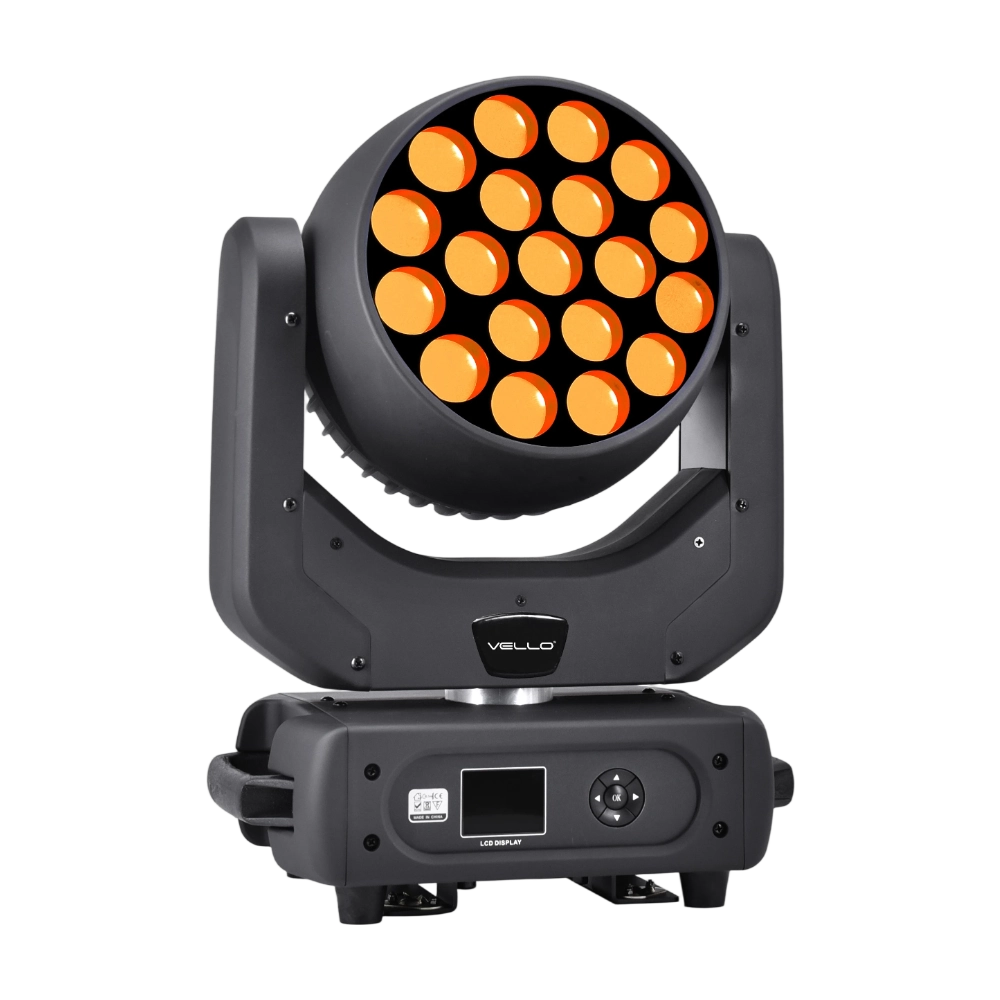
Major categories
Do you ship internationally?
Yes. We offer sea, air, and express delivery to many countries and regions worldwide.
Do you offer samples?
Samples are available for certain models. Please confirm with our sales team for details.
Do your products support customization?
Yes. We offer OEM and ODM services tailored to project needs, including design, optics, and control compatibility.
What is the warranty period for your products?
Most products come with a standard 1–2 year warranty. Please refer to product details or contract terms for specifics.
What is the usual lead time?
Standard models are typically shipped within 7–15 working days after payment. Customized items may vary.
You may also like
BEAM360 is a 400W high-power moving head beam equipped with an OSRAM SIRIUS 311W discharge lamp, delivering a sharp 1.8° beam with super brightness. It features 14 colors + open, 12 fixed metal gobos + open, and dual prisms (8-facet circular + 8+16 multi-facet combination) for dynamic aerial effects. With 540° pan / 270° tilt, 16-bit movement, and linear frost and focus, BEAM360 ensures precision and versatility. Compact yet powerful, it rivals traditional 575W moving heads, making it ideal for concerts, clubs, and large-scale stage productions.
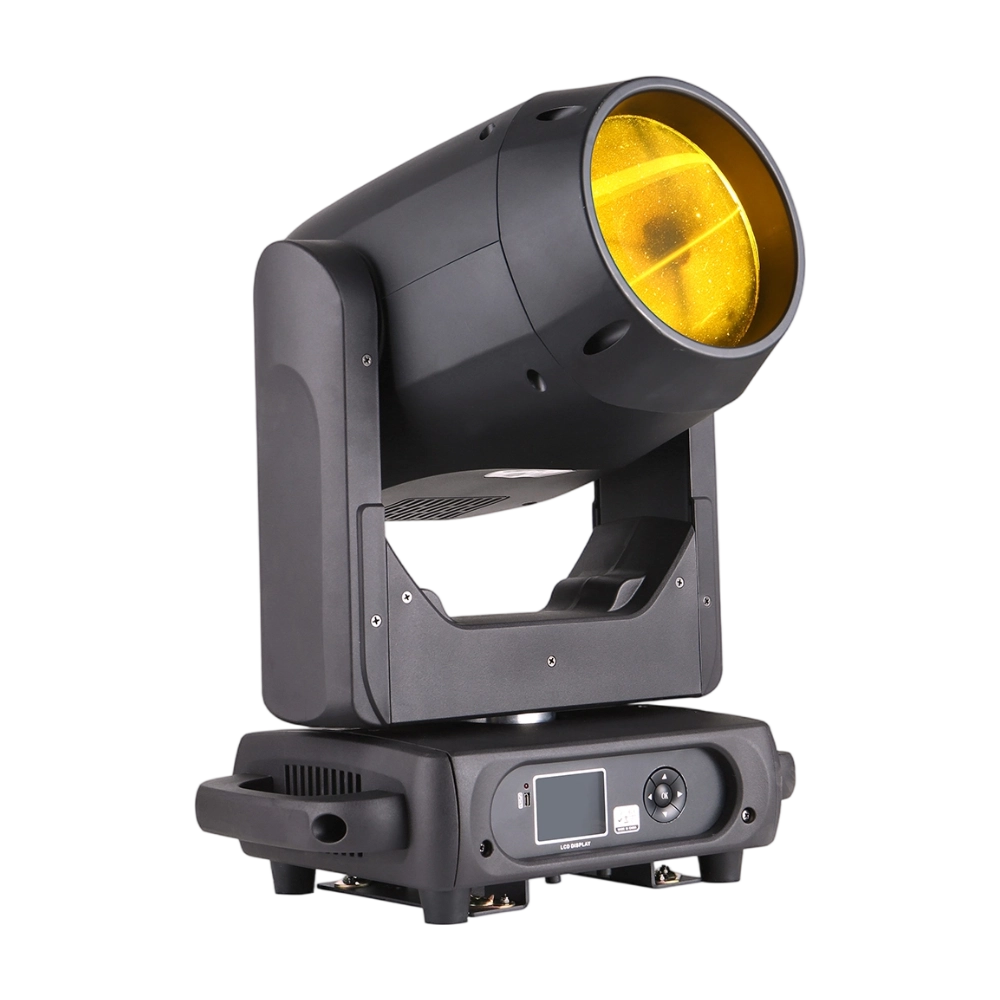
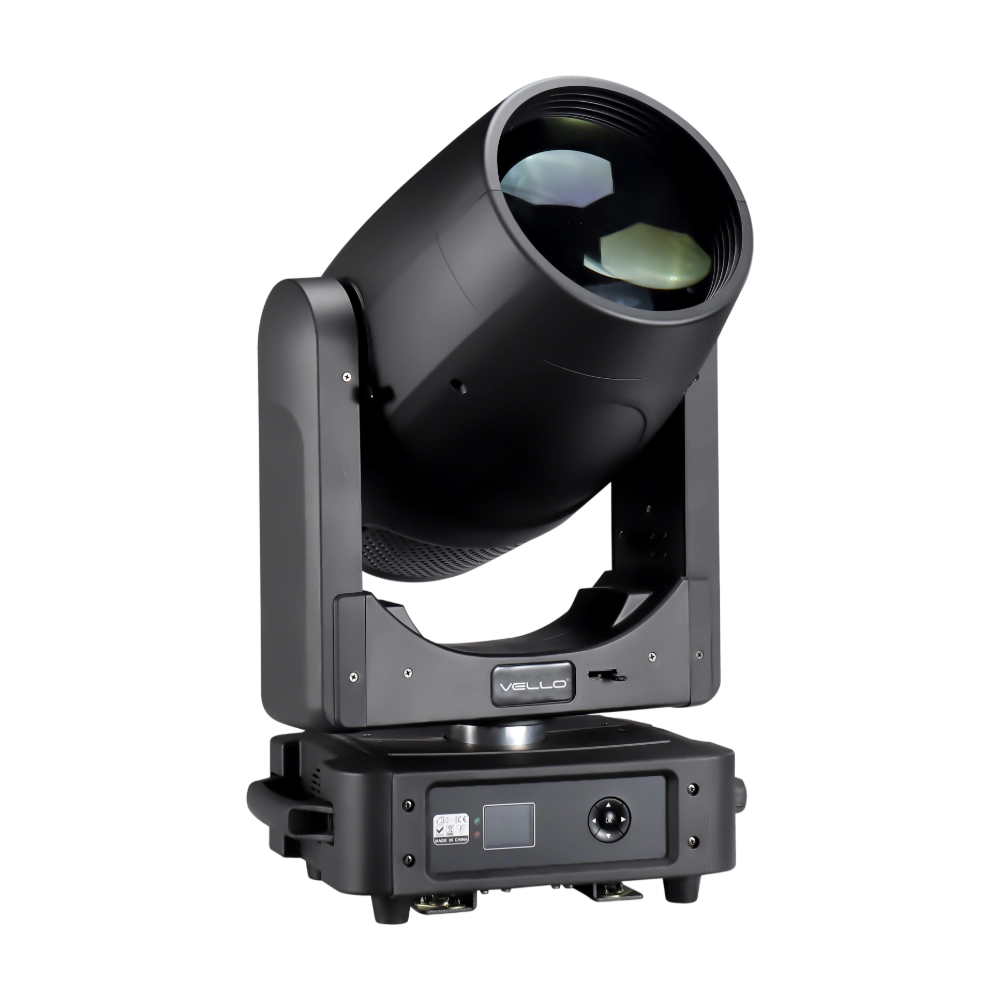
The BSW450 is a high-performance moving head fixture equipped with an original Osram 420W bulb, delivering exceptional brightness, precision, and versatility. Designed for professional stage applications, it seamlessly combines beam, spot, and wash functions in one compact unit, making it a powerful all-in-one lighting solution.
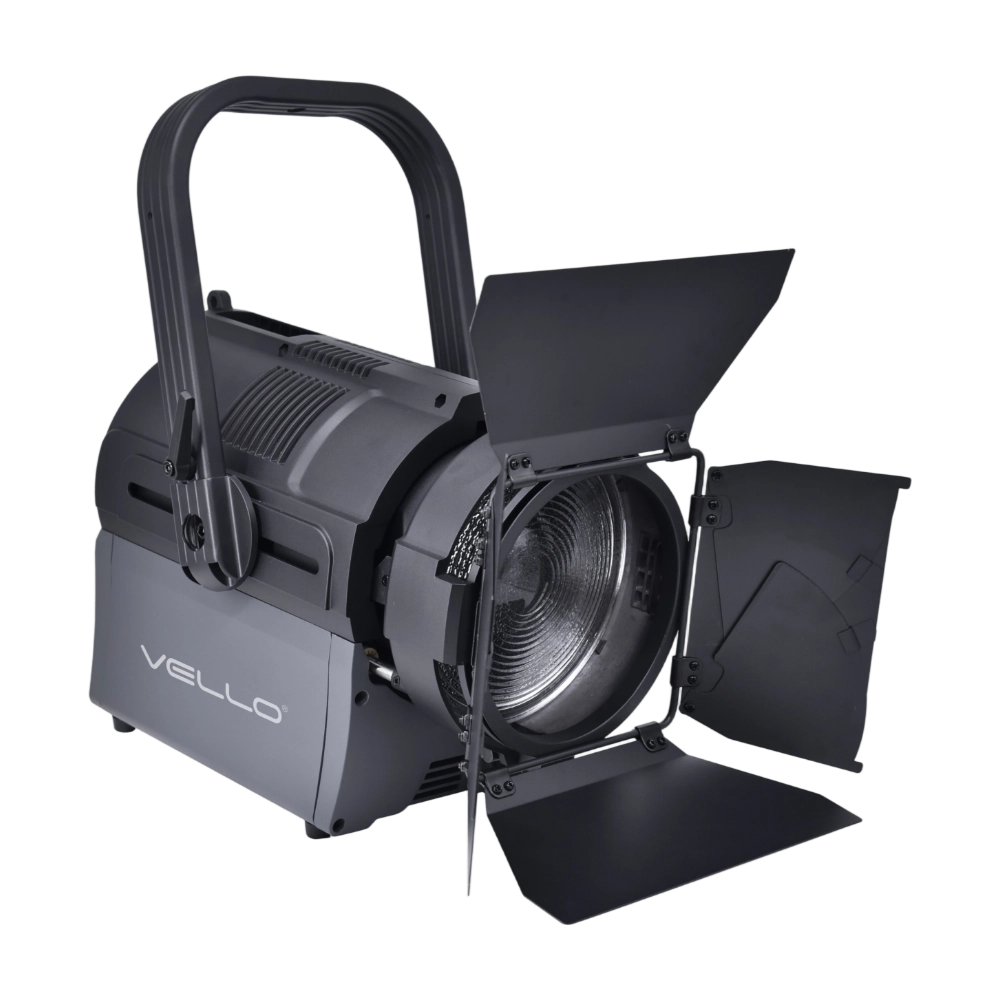
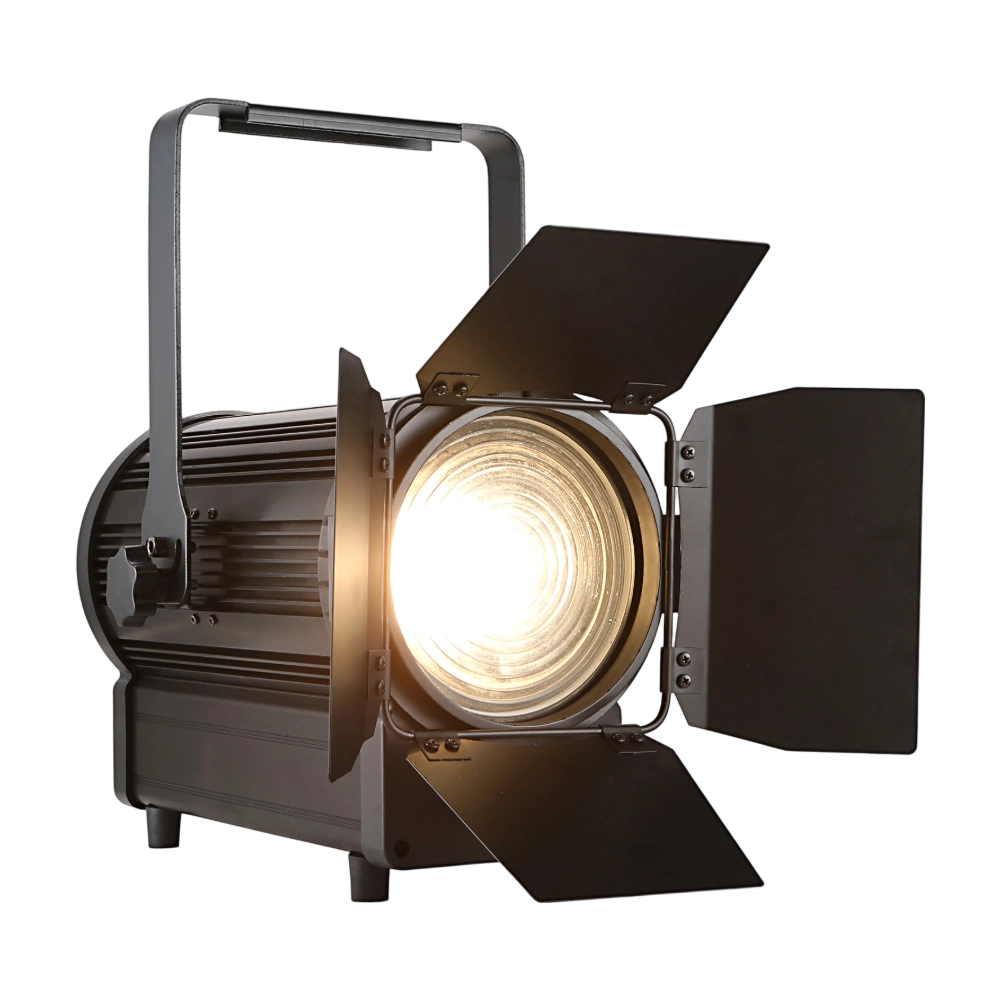
The TH250 Fresnel CTO is a compact yet powerful 250W LED Fresnel fixture. Equipped with dual 125W WW/CW lamps, it offers CTO adjustment (3000K–6000K) and CRI ≥97 for true-to-life color rendering. The 15°–50° zoom and electronic dimming make it versatile for stage and studio use. With flicker-free output, silent operation, and DMX/manual zoom, the TH250 is an ideal energy-efficient alternative to conventional Fresnels.
The BSW450 is a high-performance moving head fixture equipped with an original Osram 420W bulb, delivering exceptional brightness, precision, and versatility. Designed for professional stage applications, it seamlessly combines beam, spot, and wash functions in one compact unit, making it a powerful all-in-one lighting solution.
◌ Let Us Support Your Project
Request a Custom Quote and Technical Support
Fill out the form below, and our sales team will contact you shortly with product details, pricing, and customer service options.
Rest assured that your privacy is important to us, and all information provided will be handled with the utmost confidentiality.
By clicking "Send your message," I agree to your processing my personal data.
To see how to withdraw your consent, how to control your personal data, and how we process it, please see our Privacy Policy and Terms of Use.
Over 20 Years of Innovation in Stage & Studio Lighting
© 2026 VELLO. All Rights Reserved. 粤ICP备20023734号
Join our socials
VELLO
Whatsapp: +8613902276704
Vello Lighting
VelloLights