





How to set up DMX for LED stage lights: a beginner guide?
- 1) How do I map DMX channels for pixel-mappable LED battens and avoid address conflicts when using multiple universes (Art‑Net / sACN)?
- 2) What exact DMX cable specs, connectors and termination practice prevent signal dropouts on long runs over 100m in outdoor LED wash setups?
- 3) How do I configure PWM/refresh rates and other settings to ensure LED stage lights are flicker-free for broadcast and slow-motion camera work?
- 4) How should I plan power distribution (inrush current, circuiting, powerCON/NEUTRIK wiring) for large LED walls so I don’t trip breakers or suffer voltage drop?
- 5) What’s the safest way to mix 3-pin and 5-pin DMX equipment and wireless DMX nodes without violating the DMX512 standard or introducing noise?
- 6) When comparing LED fixtures before buying, which photometric specs (lux at distance, beam angle, CRI, LED binning, lumen output) best predict onstage performance and help avoid surprises?
- Concluding summary: Advantages of LED stage lights and proper DMX setup
How to Set Up DMX for LED Stage Lights: A Beginner's Guide & Buying FAQ
This article answers six high-value, purchase-oriented DMX and LED stage lighting questions that commonly lack in-depth, up-to-date guidance online. Embedded topics include DMX512 addressing, cable specifications, termination, broadcast-safe PWM/frequency, power distribution for LED walls, pixel mapping across universes (Art-Net/sACN), and best practices when mixing 3-pin/5-pin and wireless DMX systems. Semantic terms such as LED par cans, RGBW, CRI, beam angle, lux at 3m, PWM frequency, RDM, Art-Net, sACN, pixel-mapping, and powerCON are used naturally to help you evaluate fixtures when buying.
1) How do I map DMX channels for pixel-mappable LED battens and avoid address conflicts when using multiple universes (Art‑Net / sACN)?
Problem: Beginners load fixtures onto the DMX bus without planning channel offsets, then run out of channels mid-run or accidentally overlap pixel‑mapped fixtures across universes.
Step-by-step solution:
- Understand the limits: a DMX512 universe provides 512 channels. Pixel fixtures (LED battens, pixel bars) commonly dedicate N channels per pixel (e.g., 3 for RGB, 4 for RGBW). Calculate channels per fixture = pixels × channels per pixel + any control channels (master dim, macros).
- Plan with a spreadsheet: list each fixture, pixels, channels per pixel, and cumulative start address. Reserve full universes for large pixel arrays (for example, 170 RGB pixels ~ 510 channels uses nearly one universe).
- Prefer Art‑Net or sACN for Ethernet-based transport: they support many universes. Each Art‑Net/sACN node maps one or more universes to your DMX output devices. Verify your console/processor supports the number of universes required.
- Set fixture start addresses manually or via RDM (Remote Device Management) when supported. RDM lets you remotely discover and change addresses without physically accessing each unit.
- Use consistent addressing conventions: e.g., Universe 1 addresses 1–512, Universe 2 addresses 513–1024 (in console terms), or use the console’s universe selector when patching to avoid off-by-one errors.
- When pixel‑mapping LED walls, map entire pixels to sequential channels and test in small groups before committing. Use visualizers or an on-site test pattern (chase stripes, color ramps) to confirm no overlap.
Purchase tips: choose fixtures with flexible channel modes (compact pixel modes vs. full pixel mode) and RDM support. For large pixel surfaces, prefer controllers/processors that natively accept Art‑Net/sACN and can handle multiple universes.
2) What exact DMX cable specs, connectors and termination practice prevent signal dropouts on long runs over 100m in outdoor LED wash setups?
Problem: Dropouts, flicker, and intermittent control failures on long outdoor runs are usually caused by wrong cable type, no termination, or poor connectors.
Correct practice:
- Cable type: Use a constant-impedance DMX cable rated ~120 ohm (EIA-485). Do not use microphone cable; its impedance is typically unsuitable and more susceptible to noise. DMX-specific cables often list 120 Ω impedance and are shielded twisted pair.
- Connectors: Use 5‑pin XLR if you want to follow the DMX512 standard; many fixtures use 3‑pin XLR for cost reasons. If you must mix, use passive adapters only between compatible devices—avoid converting 5‑pin to 3‑pin on the main run if possible; label adapters clearly to prevent confusion.
- Termination: Place a 120 Ω termination resistor across the differential pair (pins 2 and 3 on XLR) at the physical end of the DMX run. Most modern fixtures include a built-in termination switch—enable it only on the last device in the chain. Termination prevents reflections on long cable runs and reduces data corruption.
- Maximum length and unit loads: DMX512 over a proper 120 Ω cable is generally reliable up to 1,200 m (≈4,000 ft) per the common industry guidance; however, bus loading is limited to 32 unit loads without an active splitter/repeater. For long runs, use a DMX distribution amplifier (splitter) or line driver every 32 devices or to split segments over long distances.
- Outdoor protection: use IP-rated connectors and weatherproof junctions. Avoid tying power and DMX in the same cable bundle to reduce interference.
Purchase tips: buy DMX-specific 120 Ω shielded twisted pair cable with ruggedized outdoor jackets, and include a powered DMX splitter in your kit for runs that exceed 32 fixtures or long-distance segments.
3) How do I configure PWM/refresh rates and other settings to ensure LED stage lights are flicker-free for broadcast and slow-motion camera work?
Problem: Fixtures that work fine live can flicker or band on camera due to low PWM frequency or asynchronous refresh relative to camera frame rates.
Key considerations and solutions:
- PWM frequency: LED fixtures use PWM to control brightness. For broadcast and high-speed cameras, choose fixtures that specify high PWM frequencies (several kHz or higher). Many broadcast-safe fixtures offer configurable PWM rates or a “flicker-free” mode optimized for camera work.
- Refresh and scan rates: For LED moving-heads and video panels, ensure the internal refresh rate is sufficient to avoid visible scanning when panning on camera. Higher refresh and scan rates reduce banding.
- Use 16-bit dimming where possible: 16-bit or higher control resolution reduces stepping at low levels and delivers smoother fades on camera compared to 8-bit control.
- Camera tests: Always test with cameras and frame rates you’ll use. Flicker can show only at specific shutter speeds or high frame rates. Run the fixture at various intensities with the planned camera settings to confirm.
- Firmware and drivers: Some fixtures allow firmware configuration of PWM/refresh. For installations needing broadcast safety, verify the manufacturer documents the fixture’s PWM frequency and any certified camera-safe modes.
Purchase tips: when buying RGBW pars, LED bars, or moving lights for broadcast work, request PWM/frequency specifications, 16‑bit dimming support, and sample camera test footage from the vendor. Avoid fixtures without published flicker characteristics if you plan to film the event.
4) How should I plan power distribution (inrush current, circuiting, powerCON/NEUTRIK wiring) for large LED walls so I don’t trip breakers or suffer voltage drop?
Problem: LED panels and large arrays can present high inrush currents at power-on even though their steady-state watts are low. Improper planning causes breaker trips and dimming performance problems.
Design approach:
- Collect manufacturer data: steady-state power (Watts), inrush current (I2t or peak Amps), and recommended power linking (series/parallel chain limits). Do not estimate inrush—use the spec sheet.
- Circuit segmentation: distribute the load across multiple dedicated circuits rather than daisy-chaining many cabinets on one breaker. Use multiple powerCON or IEC feeds per vertical/horizontal section of the wall.
- Inrush mitigation: stagger power-on sequences, use soft-start inrush limiters, or in-rack PDUs with controlled switching to reduce simultaneous peak draws. Some LED wall suppliers supply recommended power-up sequences to prevent tripping.
- Voltage drop and cable sizing: for long power runs, calculate conductor sizes to keep voltage drop within acceptable limits (<3–5% typically). For large installations, run thicker gauge cables or distribute local power distro boxes closer to loads.
- Safety and grounding: maintain proper earth grounding; use ground-fault protection as required by local code. Ensure chassis earth continuity for safety and to reduce ground loop noise in data lines.
Purchase tips: ask for a power map and recommended distro from the LED wall manufacturer. Prefer fixtures with powerCON TRUE1 or Neutrik locking connectors for reliable touring use and clear power ratings on each fixture. If in doubt, hire an electrician to sign off on the distribution plan.
5) What’s the safest way to mix 3-pin and 5-pin DMX equipment and wireless DMX nodes without violating the DMX512 standard or introducing noise?
Problem: Ad-hoc mixing of 3-pin and 5-pin connectors and adding wireless DMX can introduce mismatches, ground loops, and non‑standard wiring that corrupts data.
Best practices:
- Understand the distinction: DMX512 standard uses 5‑pin XLR with specific pins for data+, data‑, and optional pins; many fixtures use 3‑pin for cost reasons. 3‑pin is widely used in entertainment but is technically not standard for permanent installs.
- Use proper adapters: if you must convert between 5‑pin and 3‑pin, use passive adapters that map the differential data pair correctly. Never repurpose pins (e.g., map signal pins to ground) to shortcut connections; that invites data corruption.
- Wireless DMX: place wireless transmitters at the console and receivers near the first fixture group; keep antennas clear of metal obstructions. Use a solid ground reference on wired segments—wireless should bridge the gap but treat the receive location as the start of a new wired universe (with termination at the physical end).
- Separate control and power grounds: avoid sharing power and data grounds in long runs. If hum or noise appears, check ground continuity and use isolation devices or balanced drivers as needed.
- Testing and labeling: after mixing connectors and integrating wireless nodes, test each universe end-to-end. Label adapters, cables, and wireless nodes with the universe and start address to avoid confusion in future setups.
Purchase tips: invest in proper 5‑pin DMX cables for permanent installs. For touring rigs, carry a set of well-made 3‑to‑5‑pin adapters and choose wireless DMX vendors with good latency stats and frequency-hopping reliability for busy RF environments.
6) When comparing LED fixtures before buying, which photometric specs (lux at distance, beam angle, CRI, LED binning, lumen output) best predict onstage performance and help avoid surprises?
Problem: Manufacturers use varied spec sheets and marketing terms—buyers compare lumens alone, then find a fixture’s beam angle or color rendering makes it unsuitable on stage.
What to prioritize:
- Lux at distance / candela: Lux at a specific distance (e.g., lux at 3m) and candela give practical information for stage planning. Ask for measured lux charts or IES files to model real-world output rather than relying on lumens alone.
- Beam angle and beam shape: beam angle determines spread. A 10° beam will be very punchy; a 45° beam is wide and wash-like. Consider lens type (fresnel-style, ellipsoidal, or wide-angle optics) for the fixture’s intended use.
- CRI and color fidelity: CRI (Ra) indicates how accurately whites and colors render; aim for CRI ≥ 90 for theatrical/film work or where skin tones must look natural. For LED fixtures, also request TM-30 or specific color gamut data when color fidelity is critical.
- LED binning and consistency: LED binning determines color uniformity across batches. For multi-fixture rigs, select fixtures from the same bin or order from the same production batch to minimize color mismatch. Reputable manufacturers publish binning tolerances.
- PWM and broadcast specs: for filmed events, check PWM frequency and flicker-free claims (see Q3). Also ask for dimming curve (linear, logarithmic) and whether they support 16‑bit control over DMX for smooth fades.
- Photometric files and visualizers: request IES or photometric files and run them through a visualizer (WYSIWYG, Capture) to check how many fixtures are needed to hit your target lux at stage depth and angles.
Purchase tips: ask suppliers for measured lux charts at multiple distances and field angles, CRI/TM‑30 reports, IES files, and camera test footage. Don’t compare fixtures by lumen counts alone—beam angle, optics, and CRI materially affect perceived brightness and color quality on stage.
Concluding summary: Advantages of LED stage lights and proper DMX setup
When you pair modern LED stage lights (RGBW/RGBA, high-CRI fixtures, and pixel‑mappable battens) with a correctly planned DMX512 architecture—using proper 120 Ω cables, termination, power segmentation, and networked transports like Art‑Net/sACN—you achieve reliable, energy-efficient shows with accurate color, flexible pixel control, and reduced maintenance. Proper DMX addressing, attention to PWM/frequency for camera work, and thoughtful power distribution prevent common runtime problems and maximize the investment value of LED fixtures.
If you’d like a customized product recommendation or a quote tailored to your venue or tour, contact us for a quote at www.vellolight.com or email info@vellolight.com.
Major categories
Do your products support customization?
Yes. We offer OEM and ODM services tailored to project needs, including design, optics, and control compatibility.
What is the warranty period for your products?
Most products come with a standard 1–2 year warranty. Please refer to product details or contract terms for specifics.
What is the usual lead time?
Standard models are typically shipped within 7–15 working days after payment. Customized items may vary.
Do you ship internationally?
Yes. We offer sea, air, and express delivery to many countries and regions worldwide.
Do you offer samples?
Samples are available for certain models. Please confirm with our sales team for details.
You may also like
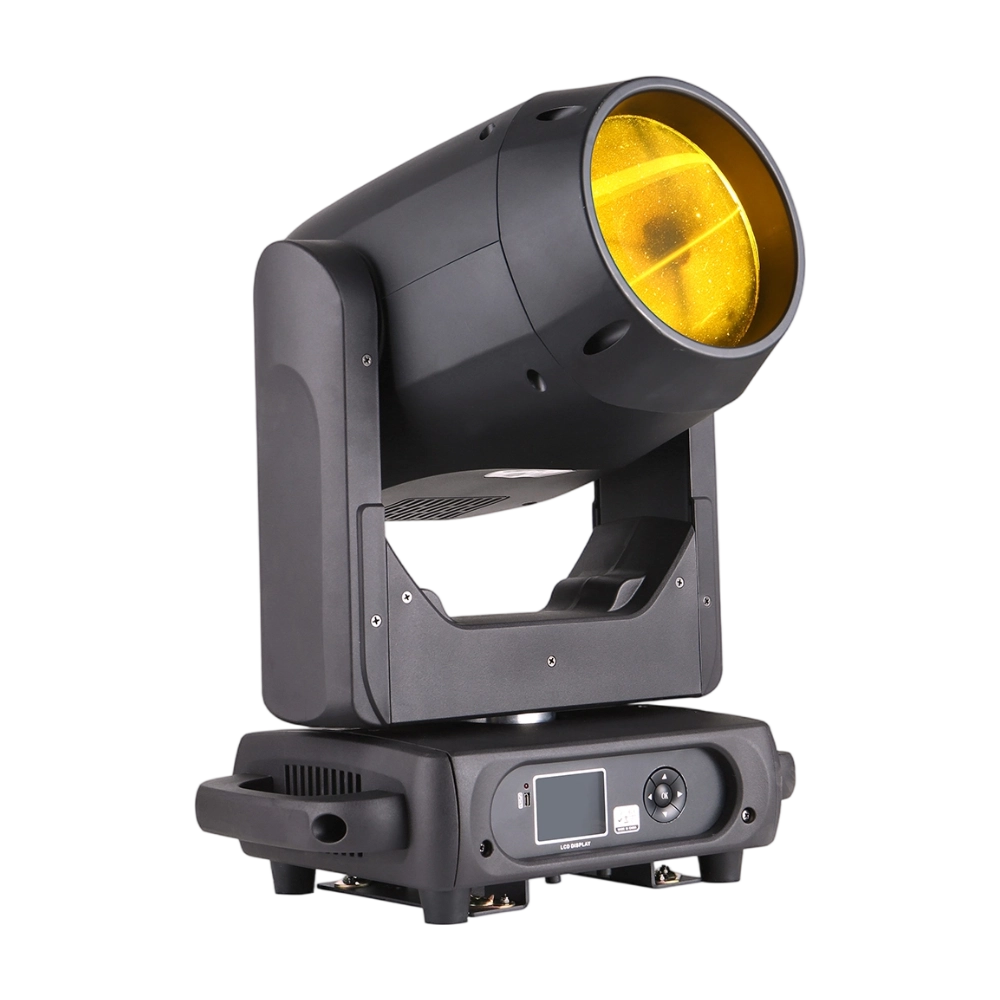
BEAM360 is a 400W high-power moving head beam equipped with an OSRAM SIRIUS 311W discharge lamp, delivering a sharp 1.8° beam with super brightness. It features 14 colors + open, 12 fixed metal gobos + open, and dual prisms (8-facet circular + 8+16 multi-facet combination) for dynamic aerial effects. With 540° pan / 270° tilt, 16-bit movement, and linear frost and focus, BEAM360 ensures precision and versatility. Compact yet powerful, it rivals traditional 575W moving heads, making it ideal for concerts, clubs, and large-scale stage productions.
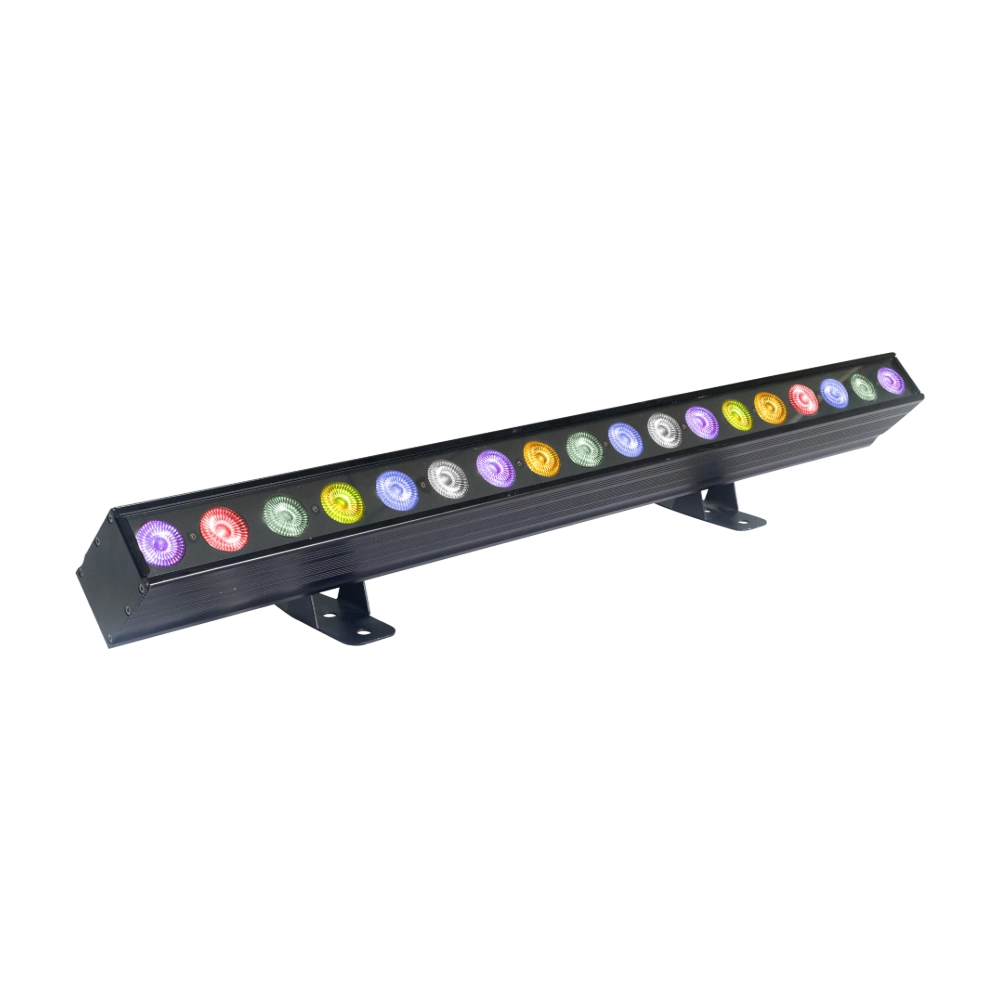
The LED SlimBar 1841 Pixel is a sleek 300W pixel LED bar with 15 × 15W RGBW LEDs + 120 × 0.5W RGBW SMD LEDs, arranged for powerful washes and pixel effects. Offering multiple lens options (6°/15°/25°/45°), 21–180 DMX channels, and individual LED control, it provides endless creative possibilities. Lightweight yet powerful, it’s perfect for stage backdrops, visual effects, and architectural lighting.
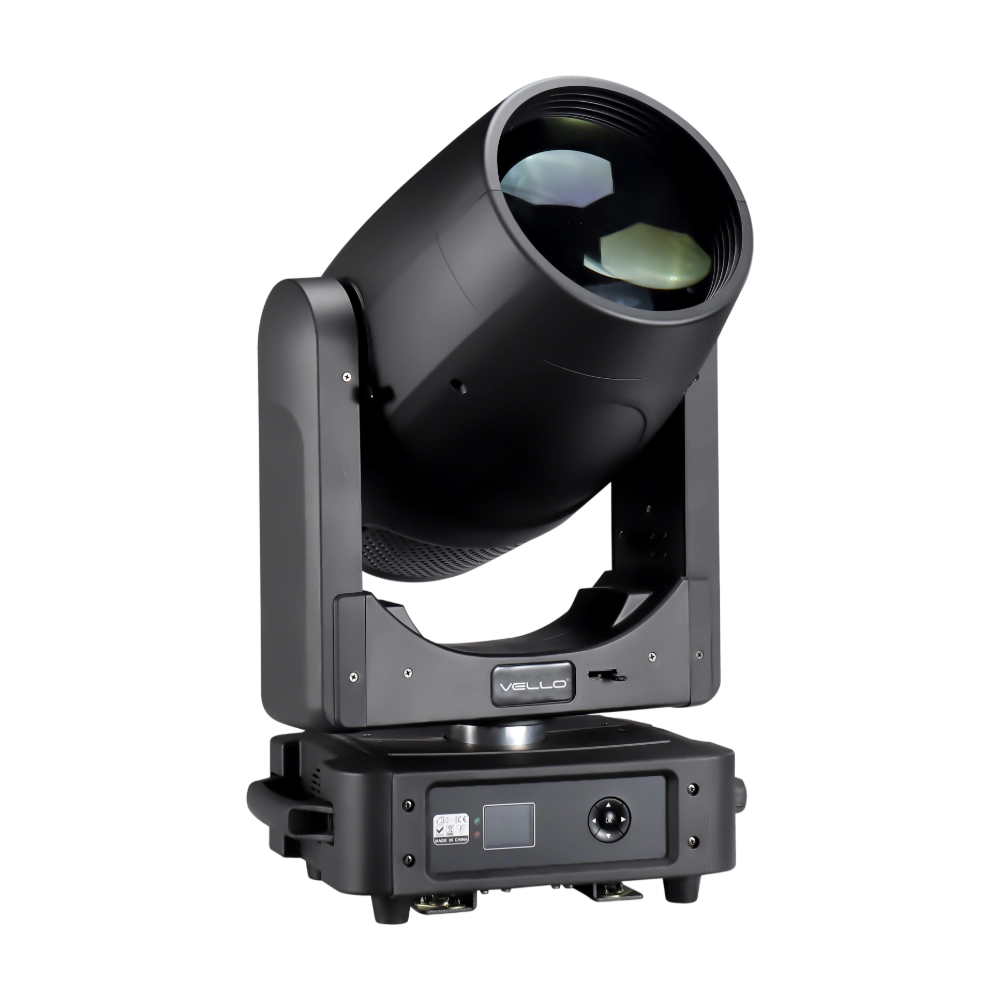
The BSW450 is a high-performance moving head fixture equipped with an original Osram 420W bulb, delivering exceptional brightness, precision, and versatility. Designed for professional stage applications, it seamlessly combines beam, spot, and wash functions in one compact unit, making it a powerful all-in-one lighting solution.
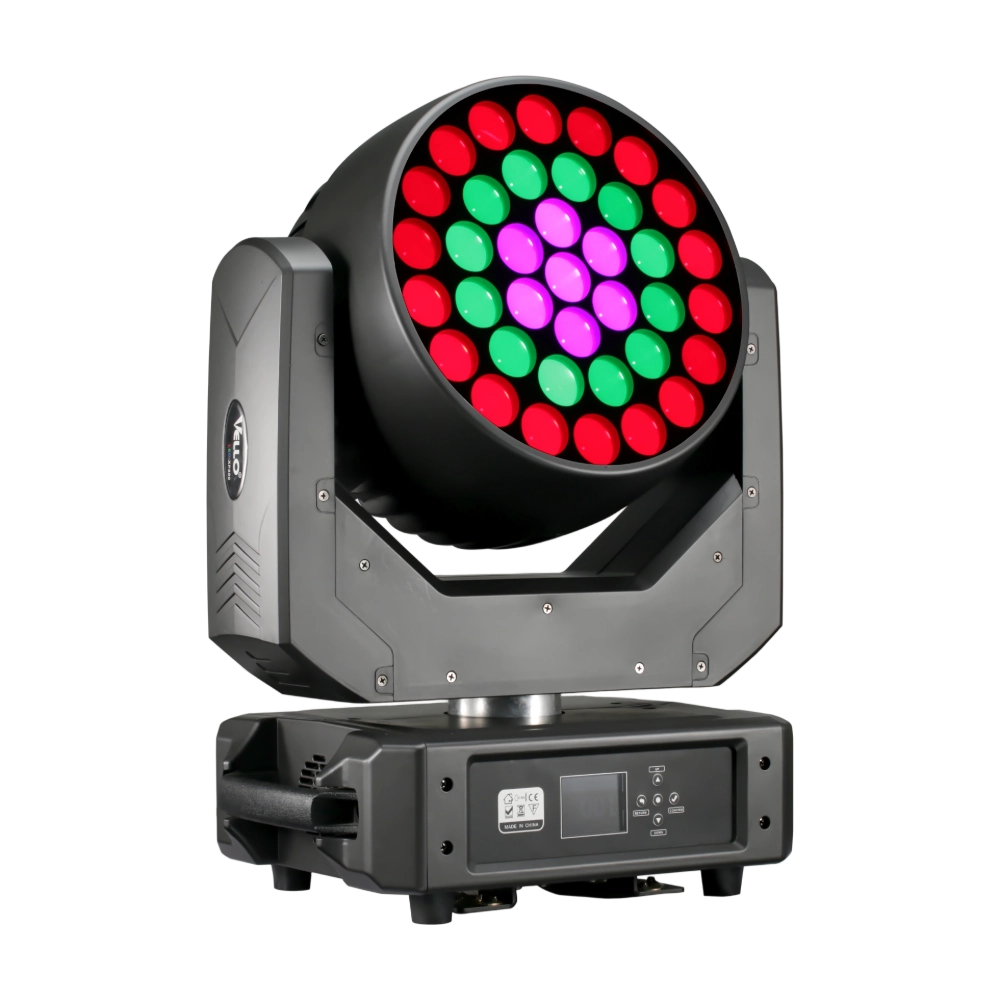
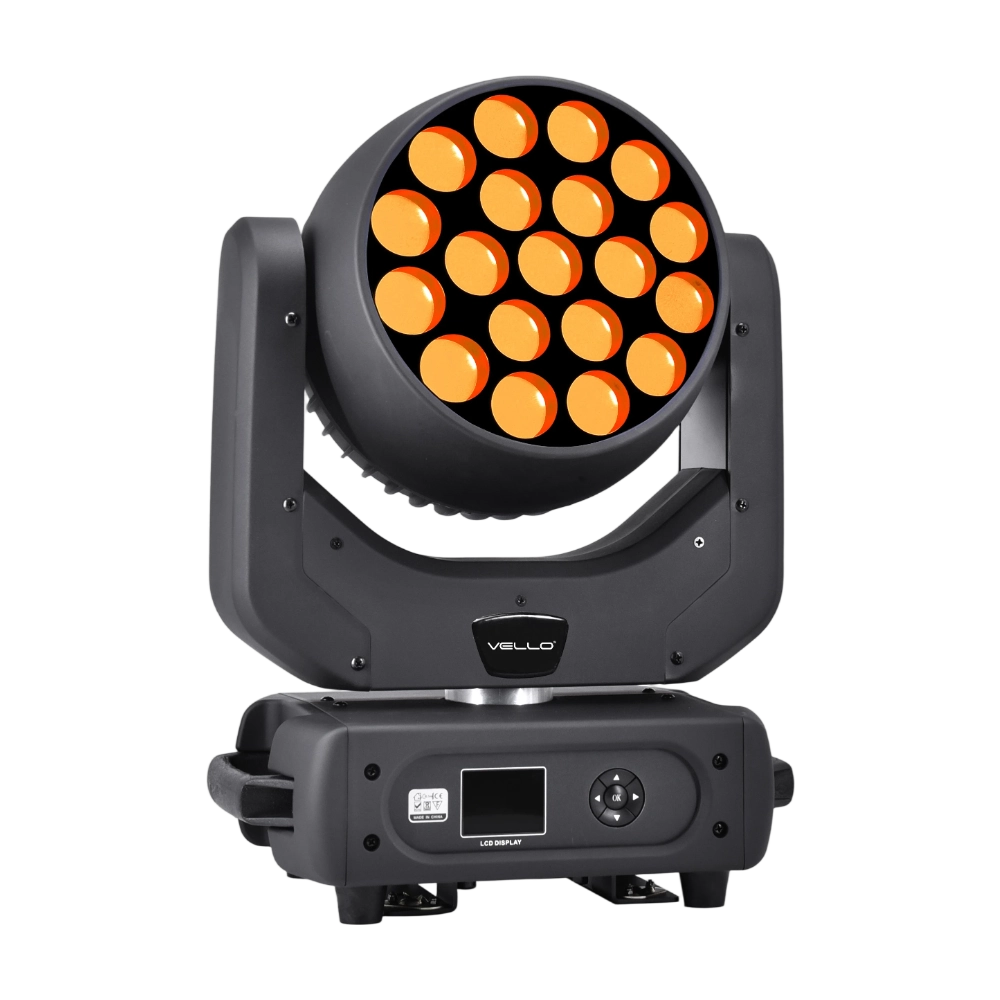
The LED XP800 is a 600W moving head wash fixture, equipped with 37 × 20W Osram RGBW LEDs for brilliant color mixing and high output. With a wide 6°–50° electronic zoom, it easily transitions from sharp beams to smooth washes. The fixture supports 3-ring pixel control and an adjustable CTO range (2800K–8500K) for versatile applications. Featuring 540° pan / 310° tilt, high-speed 3-phase motors, and multiple DMX modes (16/28 channels), XP800 delivers powerful, precise, and dynamic performance. Compact and durable, it is an excellent choice for stages, theaters, and large-scale events requiring high brightness and flexibility.
◌ Let Us Support Your Project
Request a Custom Quote and Technical Support
Fill out the form below, and our sales team will contact you shortly with product details, pricing, and customer service options.
Rest assured that your privacy is important to us, and all information provided will be handled with the utmost confidentiality.
By clicking "Send your message," I agree to your processing my personal data.
To see how to withdraw your consent, how to control your personal data, and how we process it, please see our Privacy Policy and Terms of Use.
Over 20 Years of Innovation in Stage & Studio Lighting
© 2026 VELLO. All Rights Reserved. 粤ICP备20023734号
Join our socials
VELLO
Whatsapp: +8613902276704
Vello Lighting
VelloLights