





Upgrading Firmware and Software for Moving Heads
- Why Updating Your Moving Head Lights Matters
- Understanding Firmware vs. Software for Moving Head Lights
- Why the distinction matters for moving head lights
- Preparing for an Upgrade: Checklist for Moving Head Lights
- Common Methods to Update Moving Head Lights (and When to Use Each)
- Step-by-Step: Safe Firmware Upgrade Procedure for Moving Head Lights
- Troubleshooting Common Upgrade Problems for Moving Head Lights
- Security and Version Control Considerations for Moving Head Lights
- How Often Should You Update Moving Head Lights?
- Operational Best Practices and Maintenance Plan
- Practical Comparison: Update Time & Risk (Typical Ranges)
- Vendor Support & Warranty Considerations for Moving Head Lights
- Vello Light — How a Manufacturer Partner Can Simplify Upgrades
- Case Example: A Typical Upgrade Workflow for a Mid-Size Theatre
- Troubleshooting Matrix
- FAQ — Upgrading Firmware and Software for Moving Heads
- References
Why Updating Your Moving Head Lights Matters
Keeping the firmware and control software of your moving head lights up to date is not optional in a professional lighting environment — it's essential. Firmware and software updates can add new features, fix bugs, improve performance, resolve compatibility with consoles or network protocols, and sometimes patch security issues. For venue operators, rental companies, and touring technicians, a well-managed upgrade strategy reduces on-site failures, ensures fixtures behave predictably with modern control systems, and can extend the usable life of the equipment.
Understanding Firmware vs. Software for Moving Head Lights
Before upgrading, be clear on terminology. Firmware is the low-level embedded code that runs inside a moving head light’s control board; it directly manages motors, pan/tilt calibration, dimming curves, and DMX/RDM networking. Software refers to tools on PCs, consoles, or mobile apps that talk to fixtures (e.g., manufacturer update utilities or lighting desks). When you update firmware you change device behaviour at the hardware level; updating software typically updates the way you configure or control fixtures.
Why the distinction matters for moving head lights
Because firmware updates can affect mechanical behaviour (speed, limits, home positions) and safety features (lamp/LED cooling, mechanical stoppers), they should be treated with stricter procedures than control software updates. Control software updates often impact workflow or compatibility but usually don’t risk hardware damage.
Preparing for an Upgrade: Checklist for Moving Head Lights
Preparation is the single most important factor for a smooth update. Use the checklist below before applying any firmware/software update to moving head lights.
- Inventory: Record fixture model, serial number, current firmware version, and quantity.
- Read release notes: Understand feature changes, fixed issues, and any required pre-steps (e.g., firmware must be applied in sequence).
- Compatibility check: Confirm compatibility with your console, network (Art-Net, sACN), and any third-party processors.
- Power strategy: Use stable power or an uninterruptible power supply (UPS) — avoid updating during power-unstable periods.
- Backup: Export device settings or save console show files and fixture profiles where possible.
- Test group: Select 1–2 fixtures for a trial upgrade before mass deployment.
- Rollback plan: Ensure you have the previous firmware image and documented rollback steps.
- Schedule: Plan updates during maintenance windows to minimize downtime.
Common Methods to Update Moving Head Lights (and When to Use Each)
Manufacturers provide several update channels. Choosing the right one depends on fixture capabilities and scale of deployment.
| Method | How it Works | Best For | Pros | Cons |
|---|---|---|---|---|
| USB / SD Card | Insert media into fixture; local bootloader installs firmware. | Single fixtures or small batches, standalone units. | Fast, offline, low network dependency. | Manual; error-prone for large fleets. |
| Ethernet (Manufacturer Tool) | PC utility pushes firmware over TCP/IP (Art-Net/sACN networks sometimes used). | Medium to large deployments with network access. | Centralized, can update multiple devices concurrently. | Requires network configuration; possible IP conflicts. |
| DMX/RDM | Uses RDM discovery and file transfer mechanisms to update fixtures over DMX cabling. | Installations where DMX runs but no Ethernet endpoints exist. | Works with existing cabling; supports remote identification. | Slower; needs RDM-capable console or tool. |
| Console-Assisted | Some lighting consoles include firmware management for specific brands. | Integrated fleets controlled by the same console brand. | Streamlined workflow with show files and profiles. | Limited to supported fixtures and console software versions. |
Sources: Manufacturer support pages and protocol references such as DMX512 and Art-Net provide method details (see references).
Step-by-Step: Safe Firmware Upgrade Procedure for Moving Head Lights
Follow these steps to reduce the chance of bricking fixtures or introducing regressions.
- Confirm and document current firmware and settings for each fixture.
- Download the correct firmware from the official manufacturer site; verify checksums if provided.
- Power fixtures using a stable supply; for multi-fixture racks use a UPS if possible.
- Apply update to one or two non-critical fixtures as a pilot and run a full function test (movement limits, dimming response, color/Wheel functions, fans).
- If pilot is successful, schedule mass update during a maintenance window and proceed in logical groups (e.g., by rigging zone) to limit troubleshooting scope.
- Monitor update logs; do not interrupt power or network during flashing.
- Perform post-update calibration and a smoke test of common cues from your console.
- Keep old firmware files and document rollback steps; if rollback involves physical access, plan for that labor cost.
Troubleshooting Common Upgrade Problems for Moving Head Lights
Even with precautions, updates can fail. Here are common failures and remedies specific to moving head lights.
- Update stalls or fails halfway: Reboot the fixture and attempt recovery mode (many fixtures have a bootloader recovery via USB or dedicated button). Consult the manufacturer support article.
- Motors behave strangely post-update: Check for updated calibration routines; perform a mechanical reset and recalibrate home positions.
- Loss of DMX/Network control: Verify IP/DHCP settings and that the new firmware didn’t change default network behaviour; use RDM discovery to confirm device responds.
- Unexpected overheating/fan behaviour: Compare thermal curves in release notes; if changed, contact support and consider rolling back.
Security and Version Control Considerations for Moving Head Lights
Networked fixtures can become attack vectors if firmware process is insecure. Best practices:
- Download firmware only from official vendor sites and verify checksums.
- Limit network access to update tools via VLANs or isolated subnets.
- Use encrypted protocols when manufacturer tools support them; avoid leaving default passwords on networked devices.
- Maintain a firmware inventory and update history for compliance and forensic purposes.
How Often Should You Update Moving Head Lights?
There’s no one-size-fits-all cadence. Use this guidance:
- Critical security or safety fixes: apply immediately during the next maintenance window.
- Bug fixes that affect reliability: plan for the next scheduled service period.
- Feature-only updates: evaluate the benefits vs. risk and test in a pilot group before fleet-wide rollout.
- For rental fleets: synchronize firmware across fixtures to the same version to avoid unpredictable behaviour when mixing units on a show.
Operational Best Practices and Maintenance Plan
Create a written policy that defines roles, responsibilities, and steps for firmware updates. Example elements:
- Version control repository for firmware binaries and checksums.
- Update approval process (technical lead signs off after pilot tests).
- Scheduled quarterly/biannual review of available firmware updates from vendors.
- Routine verification: after any update run a standardized test script (pan/tilt, focus, zoom, color, gobo, dimmer).
Practical Comparison: Update Time & Risk (Typical Ranges)
Below is a practical comparison table. Times are typical ranges reported by technicians and manufacturer guidance; always check vendor documentation for precise figures for your model of moving head lights.
| Method | Typical Time Per Fixture | Risk Level | Notes |
|---|---|---|---|
| USB / SD | 1–5 minutes | Low–Medium | Fast but manual; good for a few units. |
| Ethernet (bulk) | 1–10 minutes per fixture (parallel possible) | Medium | Efficient in bulk; network issues can increase risk. |
| DMX/RDM | 5–20 minutes | Medium–High | Slower and dependent on DMX bandwidth and tool capabilities. |
Vendor Support & Warranty Considerations for Moving Head Lights
Check warranty policies before updating. Some warranties require dealer/authorized service for firmware changes or may void if units are damaged during user-applied firmware flashing. When in doubt, contact the manufacturer or authorized service center for guidance. Keep a clear record of who performed updates and retain logs for warranty claims.
Vello Light — How a Manufacturer Partner Can Simplify Upgrades
Vello Light Co., Ltd., established in 2003, is a comprehensive technology enterprise integrating R&D, manufacturing, and sales. With a focus on quality-first and sincere service, VELLO offers a range of moving head stage lights, studio lights, LED effect lights, LED bar lights, LED PAR lights, and outdoor stage lighting. Their products are developed with professional-grade materials, robust firmware architectures, and thorough testing to minimize upgrade issues in the field.
Why VELLO stands out for moving head lights upgrades:
- Experienced R&D team: VELLO invests in firmware and protocol compatibility (DMX, RDM, Art-Net/sACN) to ensure smooth integration with major consoles.
- Comprehensive support: product maintenance services and clear firmware release notes help technicians plan safe upgrades.
- Durability and quality control: design choices focused on long-term reliability reduce the frequency of emergency firmware patches.
- Global footprint: exported products and international reputation mean broader compatibility checks and multilingual support resources.
In short, engaging VELLO as a manufacturer or supplier can reduce the technical burden of firmware lifecycle management for moving head lights by providing reliable firmware, thorough documentation, and responsive service channels.
Case Example: A Typical Upgrade Workflow for a Mid-Size Theatre
Scenario: A 40-fixture rig of the same moving head light model needs a feature update to support a new console protocol.
- Inventory and confirm current firmware on all 40 fixtures.
- Download new firmware from manufacturer (verify checksum) and test on two non-critical fixtures overnight using USB method.
- After successful pilot, schedule a daytime maintenance window; group fixtures into 5 zones and update each zone using Ethernet tool while monitoring for errors.
- Post-update, run a 30–40 minute cue test from the console to verify pan/tilt behaviour, color mixing, and gobos.
- Document the results and store the firmware image and update logs in the venue’s asset management system.
Troubleshooting Matrix
Quick troubleshooting tips:
| Symptom | Likely Cause | Action |
|---|---|---|
| Fixture not responding after update | Incomplete flash or power loss | Try recovery bootloader, consult vendor recovery steps, avoid repeated writes |
| Pan/tilt out of range | Calibration/limits changed in new firmware | Recalibrate home/limit positions; contact support if mechanical stop engaged |
| Inconsistent colour output | New dimming curve or color calibration altered | Verify firmware release notes and run color calibration routines |
FAQ — Upgrading Firmware and Software for Moving Heads
- Q: How do I know if a firmware update is necessary for my moving head lights?
A: Review release notes for each update — prioritize ones that address safety, performance, or compatibility with your console. If fixtures are stable and you don’t need new features, defer feature-only updates until tested. - Q: Can I update all my moving head lights remotely over the venue network?
A: Many fixtures support Ethernet-based updates, but ensure network isolation (VLAN/UPS) and test with a pilot group first. Always verify IP addressing and firmware tool compatibility. - Q: What if an update bricks a fixture — can it be recovered?
A: Many fixtures include a bootloader recovery mode accessible via USB or a dedicated hardware button. Follow the manufacturer’s recovery instructions and contact support if recovery fails. - Q: Should rental companies keep firmware synchronized across all units?
A: Yes — mixed firmware versions can lead to unpredictable behavior in shows. Maintain a fleet standard and test compatibility before rental dispatch. - Q: Do firmware updates affect warranty?
A: It depends on manufacturer policy. Check warranty terms; some vendors require authorized service for firmware updates to maintain warranty cover. - Q: Is RDM required to update moving head lights over DMX?
A: RDM is not strictly required but provides discovery and addressing functions that simplify DMX-based updates. Some fixtures include proprietary DMX update mechanisms.
If you have more questions or need hands-on assistance, contact our team to discuss upgrade planning, support, and product information.
Contact & Products: For consultation or to view our moving head lights, studio lights, LED effect lights, LED Bar Lights, LED PAR Lights, and outdoor stage lighting, please contact Vello Light Co., Ltd. Our technical team can provide firmware guidance, bulk update support, and aftermarket maintenance plans to fit your operation.
References
- Moving head (lighting) — Wikipedia. https://en.wikipedia.org/wiki/Moving_head (Accessed: 2025-12-28)
- DMX512 — Wikipedia. https://en.wikipedia.org/wiki/DMX512 (Accessed: 2025-12-28)
- Art-Net — Wikipedia. https://en.wikipedia.org/wiki/Art-Net (Accessed: 2025-12-28)
- Remote Device Management (RDM) — Wikipedia. https://en.wikipedia.org/wiki/Remote_Device_Management (Accessed: 2025-12-28)
- Manufacturer firmware support pages (examples): Robe Support - Firmware. https://robe.cz/support/firmware (Accessed: 2025-12-28); Chauvet Professional Support. https://www.chauvetprofessional.com/support/ (Accessed: 2025-12-28)
For vendor-specific firmware files, always consult the official product support page of the fixture manufacturer. For standards and best practices, refer to the protocol pages above and manufacturer technical notes.
Choosing a Supplier for Custom LED Stage Lighting
Integrating DMX and Wireless Control with LED Stage Lights
Maintenance Checklist for Commercial LED Moving Head Light
LED Stage Lighting Maintenance and Care
Major categories
What is the warranty period for your products?
Most products come with a standard 1–2 year warranty. Please refer to product details or contract terms for specifics.
What is the usual lead time?
Standard models are typically shipped within 7–15 working days after payment. Customized items may vary.
Do you offer samples?
Samples are available for certain models. Please confirm with our sales team for details.
Do you ship internationally?
Yes. We offer sea, air, and express delivery to many countries and regions worldwide.
Do your products support customization?
Yes. We offer OEM and ODM services tailored to project needs, including design, optics, and control compatibility.
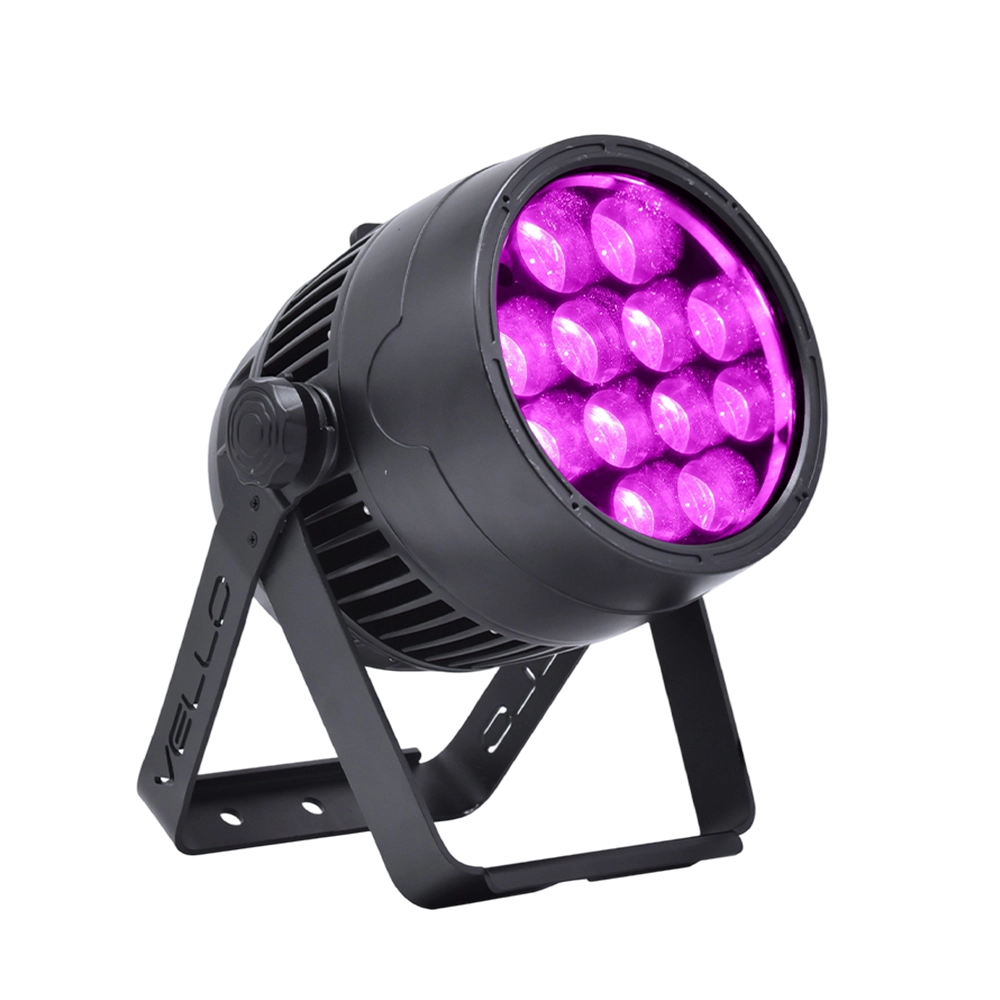
Stage LED Par Light LED ZOOMPAR 40
The Vello Zoom Par 40 IP is a powerful outdoor LED wash light equipped with 12x high-power 7-in-1 RGBACL LEDs. Designed for durability and rich color rendering, it features a wide motorized zoom (6°–50°), smooth dimming, and adjustable CTO presets (3200K–7500K), with 90+ CRI. With an IP66-rated die-cast aluminum body, it’s ideal for both indoor and outdoor applications, including stage lighting, architecture, live events, and installations.
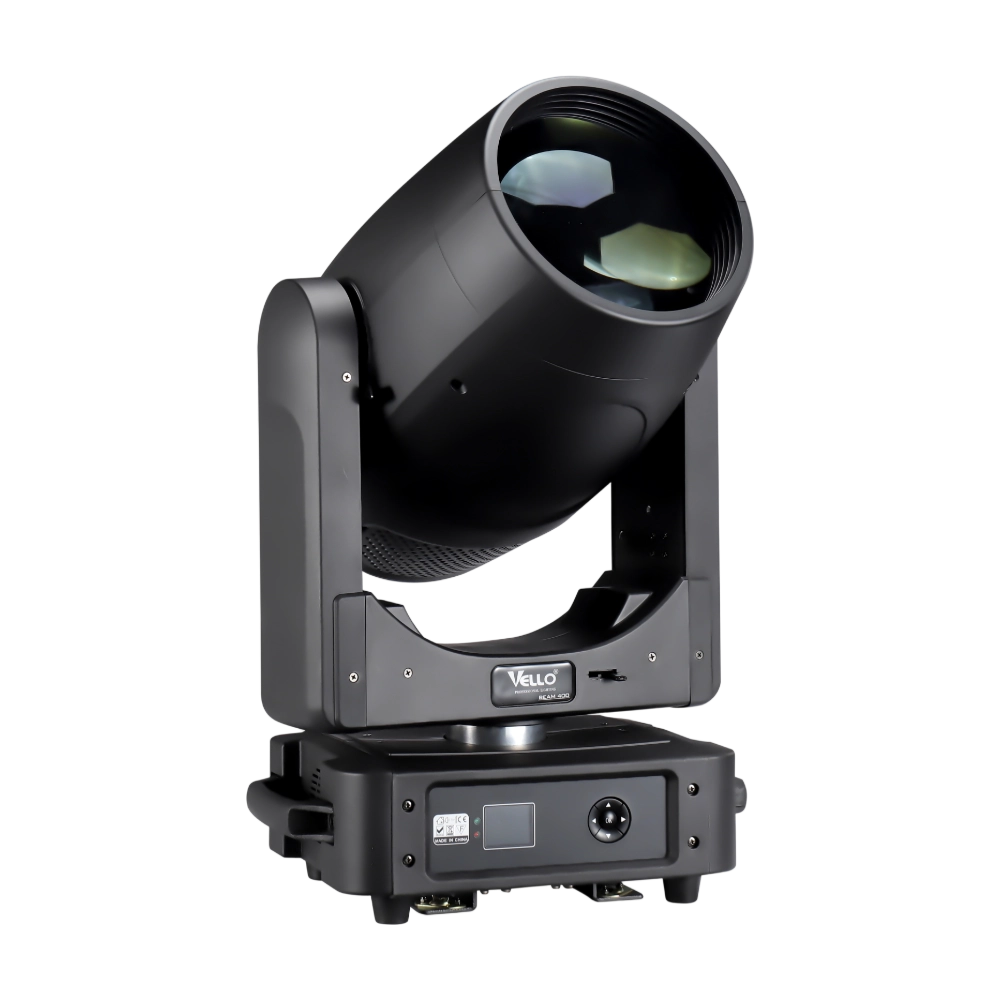
Moving Head Stage Light BEAM 400
BEAM400 is a 500W professional moving head beam powered by an OSRAM SIRIUS 371W discharge bulb, delivering a super-bright 1.8° sharp beam with impressive punch. It features 12 fixed gobos + open, a 14-color wheel, and a 16-facet circular rotating prism with multiple-facet effects, enabling dynamic aerial visuals. With 540° pan / 270° tilt, 16-bit movement resolution, and linear frost and focus, BEAM400 ensures precise and versatile performance. Comparable to traditional 750W moving heads, it combines high efficiency, smooth dimming, and reliable operation—ideal for concerts, tours, and large-scale stage productions.
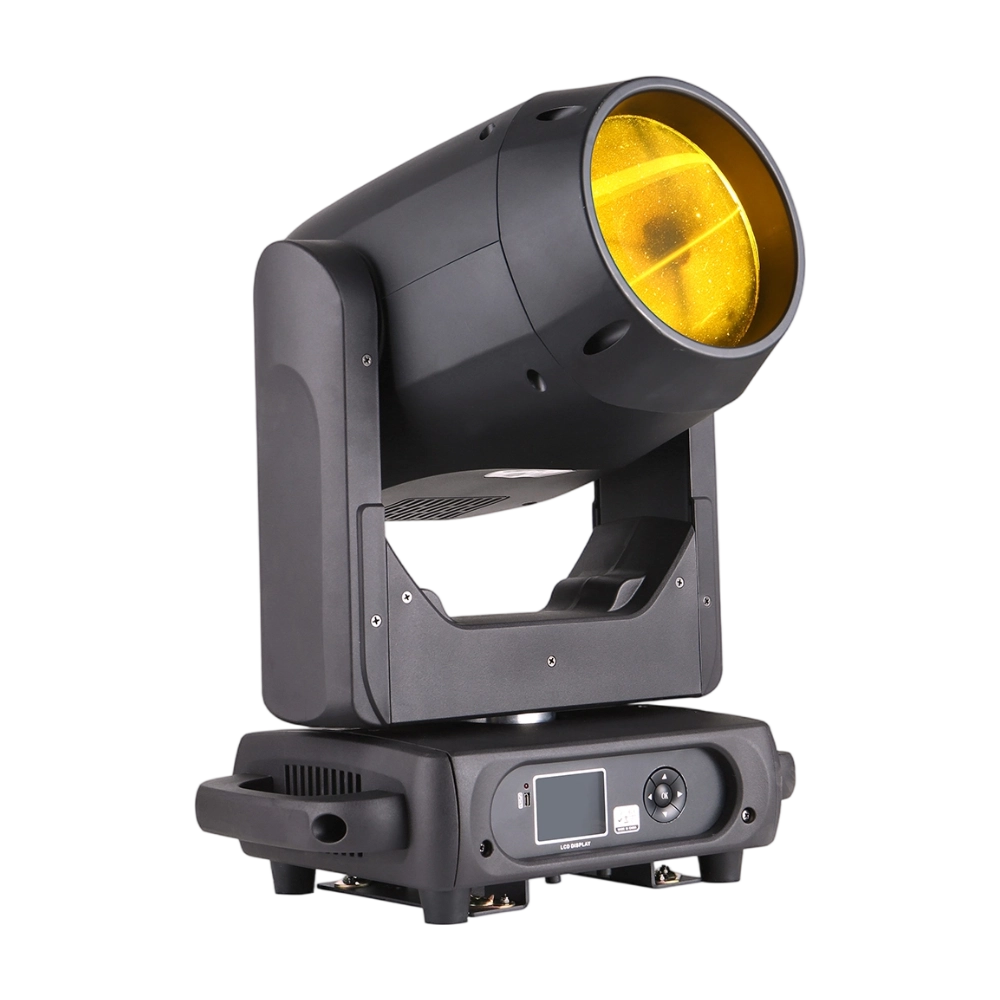
Moving Head Stage Light BEAM 360
BEAM360 is a 400W high-power moving head beam equipped with an OSRAM SIRIUS 311W discharge lamp, delivering a sharp 1.8° beam with super brightness. It features 14 colors + open, 12 fixed metal gobos + open, and dual prisms (8-facet circular + 8+16 multi-facet combination) for dynamic aerial effects. With 540° pan / 270° tilt, 16-bit movement, and linear frost and focus, BEAM360 ensures precision and versatility. Compact yet powerful, it rivals traditional 575W moving heads, making it ideal for concerts, clubs, and large-scale stage productions.
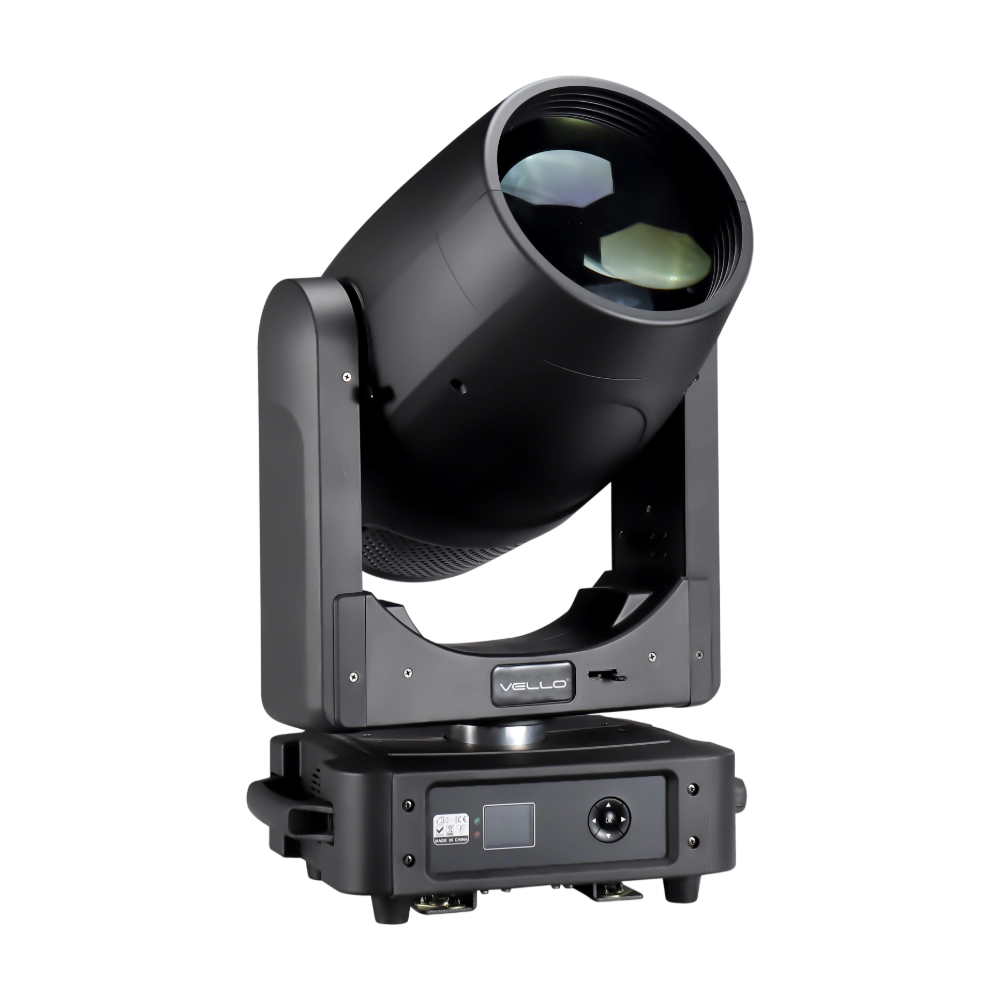
Moving Head Light BEAM 450
The BSW450 is a high-performance moving head fixture equipped with an original Osram 420W bulb, delivering exceptional brightness, precision, and versatility. Designed for professional stage applications, it seamlessly combines beam, spot, and wash functions in one compact unit, making it a powerful all-in-one lighting solution.
Over 20 Years of Innovation in Stage & Studio Lighting
© 2026 VELLO. All Rights Reserved. 粤ICP备20023734号
Join our socials
VELLO
Whatsapp: +8613902276704
Vello Lighting
VelloLights